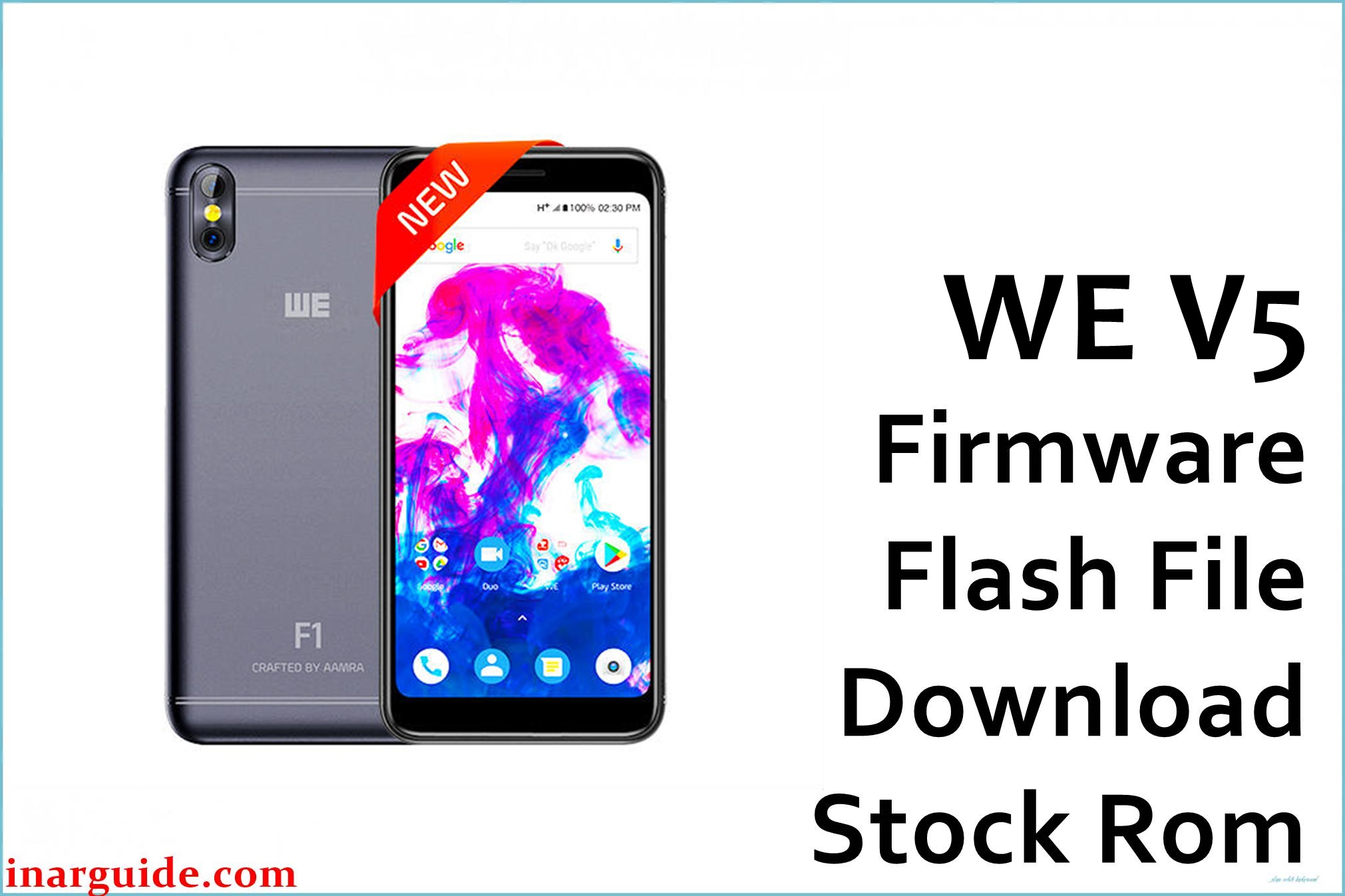
Are you struggling with a bricked WE V5, random bootloops, “red state” errors, DM-Verity corruption, or constant freezing and battery issues? The WE V5 (MT6739) is popular for its budget value but known to suffer from system instability, slowdowns, random reboots, dead-boot syndrome, and app crashes due to failed updates or corrupted files.
This official firmware is designed to completely restore the phone, unbrick devices, fix common MediaTek-related boot failures, and resolve other bugs that frustrate WE V5 users. Flashing the correct factory firmware is the only sure way to bring dead or stuck WE V5 units back to life, and fix hidden software bugs or virus infections.
WE V5 MT6739 Firmware Details
| Device Name | WE V5 |
|---|---|
| Model | V5 |
| Chipset | MediaTek MT6739 |
| Android Version | 8.1 Oreo |
| Firmware Version | HW1_SW7_190302 |
| Build Date | 2019-03-02 |
| File Size | 1.14GB |
| File Type | ZIP (includes scatter file) |
| Flashing Tool | SP Flash Tool (MediaTek) |
| Other Info | Unbricks phones, fixes boot, IMEI & OTA update issues. |
Download Official Firmware for WE V5 (MT6739, HW1)
This is the official firmware for the WE V5 (MT6739, HW1). Use it to recover from boot errors, fix device which won’t turn on, solve persistent system bugs, or restore after virus infection.
- 📄 Filename: WE_V5_MT6739_HW1_SW7_190302.zip
- 📦 Size: 1.14GB
- 🗓️ Build Date: 2019-03-02
- 🔢 Build Version: HW1_SW7_190302
- 🤖 Android Version: 8.1 Oreo
- ⬇️ Download Link: MediaFire
Flashing Requirements
- WE V5 (MT6739, HW1 hardware version)
- PC with Windows OS
- USB cable
- SP Flash Tool (MediaTek)
- MediaTek USB VCOM Drivers
- Extracted official firmware
- Backup of personal data (full wipe is required)
How to Flash the Firmware
- Extract the official firmware zip and SP Flash Tool on your PC.
- Install MediaTek USB drivers if not done already.
- Open SP Flash Tool and load the scatter file from the firmware directory.
- Power off your phone and connect via USB while holding the proper button if required.
- Click “Download” and wait for complete flashing. Do not disconnect the phone during the process.
For the complete step-by-step tutorial with pictures and detailed video, use our SP Flash Tool flashing guide.





