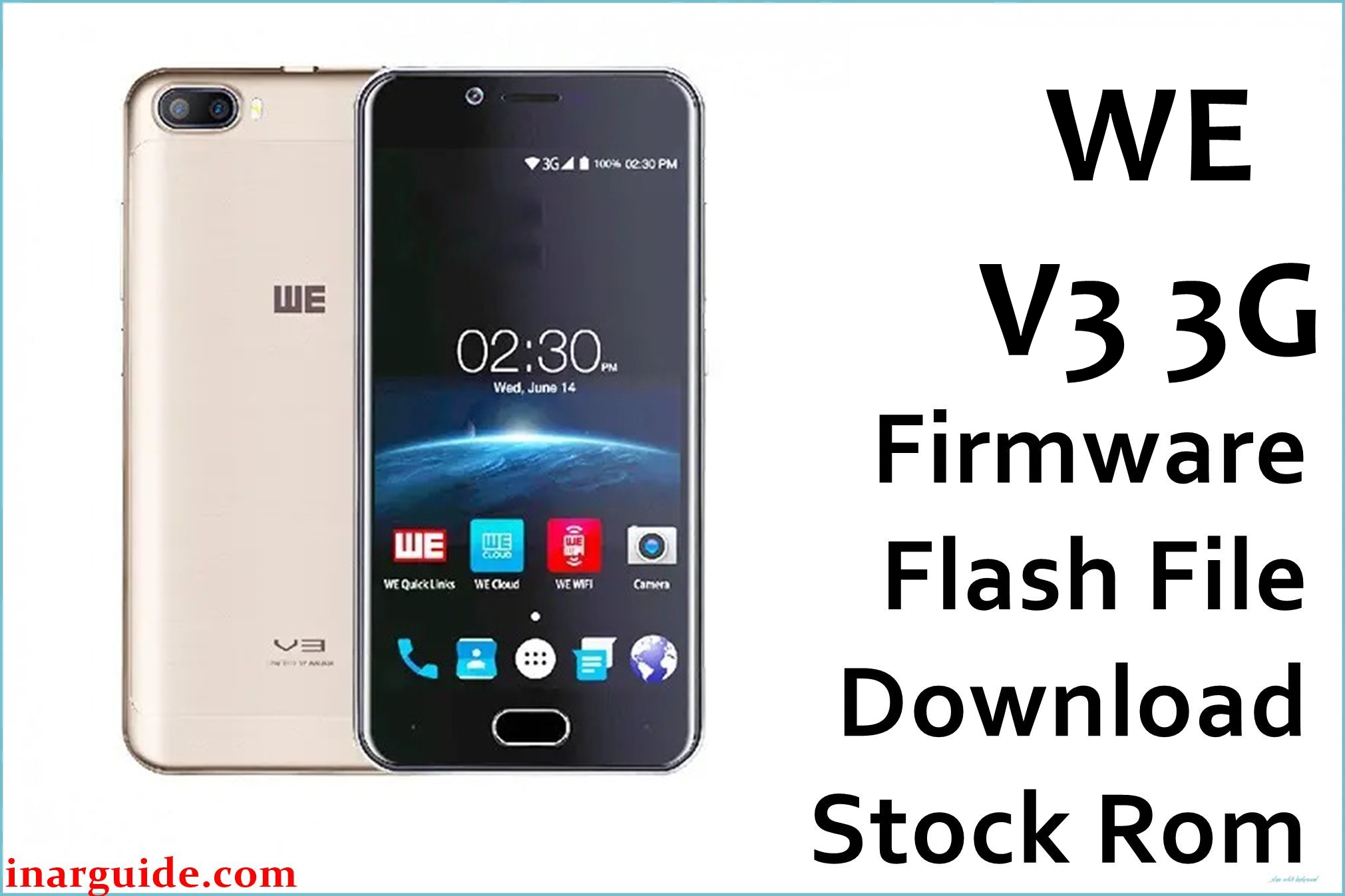
The WE V3 3G is a budget smartphone with a 5-inch IPS display, dual SIM support, and MediaTek MT6580 processor. Users commonly report sluggish system performance, slow app launches and responses, frequent lag with multiple apps, bootloop or device stuck at logo after updates or failed root attempts, forgotten password lock, SIM/network connectivity problems, and battery management issues.
The limited 2GB RAM combined with Android 7.0 leads to constant stuttering and occasional app crashes. Many also face failed firmware updates, dead phone syndrome, and complete inability to boot.
Flashing the official 170925 firmware completely restores your WE V3 3G, removes all access locks, fixes system corruption, and returns it to factory performance.
WE V3 3G Firmware Details
| Device Name: | WE V3 3G |
| Model: | V3 (3G variant) |
| Chipset: | MediaTek MT6580A (Quad-core 1.3GHz ARM Cortex-A7) |
| GPU: | Mali-400 MP2 |
| Android Version: | Android 7.0 Nougat |
| Firmware Version: | 170925 (7.0) |
| Build Date: | September 25, 2017 |
| File Size: | 1.32GB |
| File Type: | Scatter Firmware (SP Flash Tool) |
| Flashing Tool: | SP Flash Tool (for MTK) |
| Display: | 5.0-inch IPS LCD, 720×1280 pixels (~282 ppi) |
| RAM / Storage: | 2GB RAM / 16GB ROM (microSD up to 32GB) |
| Rear Camera: | Dual 5MP + 5MP (depth sensor), LED flash |
| Front Camera: | 5MP |
| Battery: | 3100mAh Li-Ion (removable) |
| SIM: | Dual Micro-SIM (dual stand-by, GSM+GSM) |
| Network: | 3G (WCDMA 2100MHz), 2G (GSM 850/900/1800/1900MHz), GPRS, EDGE, HSPA |
| Other Features: | WiFi b/g/n, Bluetooth 4.0, A-GPS, FM radio, 3.5mm jack, USB OTG, Gorilla Glass 2.5, microSD slot, removable battery |
Download Official Firmware for WE V3 3G
This ROM recovers devices stuck at logo, fixes bootloop, removes FRP/password locks, resolves SIM connectivity issues, restores performance after failed updates or rooting, and improves system responsiveness. Recommended for all users experiencing lag, freezing, dead phone, or failed boot issues.
📄 Filename: WE_V3_3G_MT6580_170925_7.0.zip
📦 Size: 1.32GB
🗓️ Build Date: September 25, 2017
🔢 Build Version: 170925_7.0
🤖 Android Version: 7.0 Nougat
⬇️ Download Link: MediaFire
How to Flash the Firmware
Follow these 5 quick steps to safely flash WE_V3_3G_MT6580_170925_7.0.zip to your phone:
- Download and extract the firmware ZIP and SP Flash Tool on your PC.
- Install MediaTek USB drivers and launch SP Flash Tool.
- Load the scatter file from the extracted firmware folder into SP Flash Tool.
- Power off your WE V3 3G, connect via USB (press volume buttons if needed for detection).
- Click “Download” in SP Flash Tool and wait for completion. Reboot the device once done.
For complete step-by-step instructions with screenshots and video, see: MTK Flashing Tutorial.





