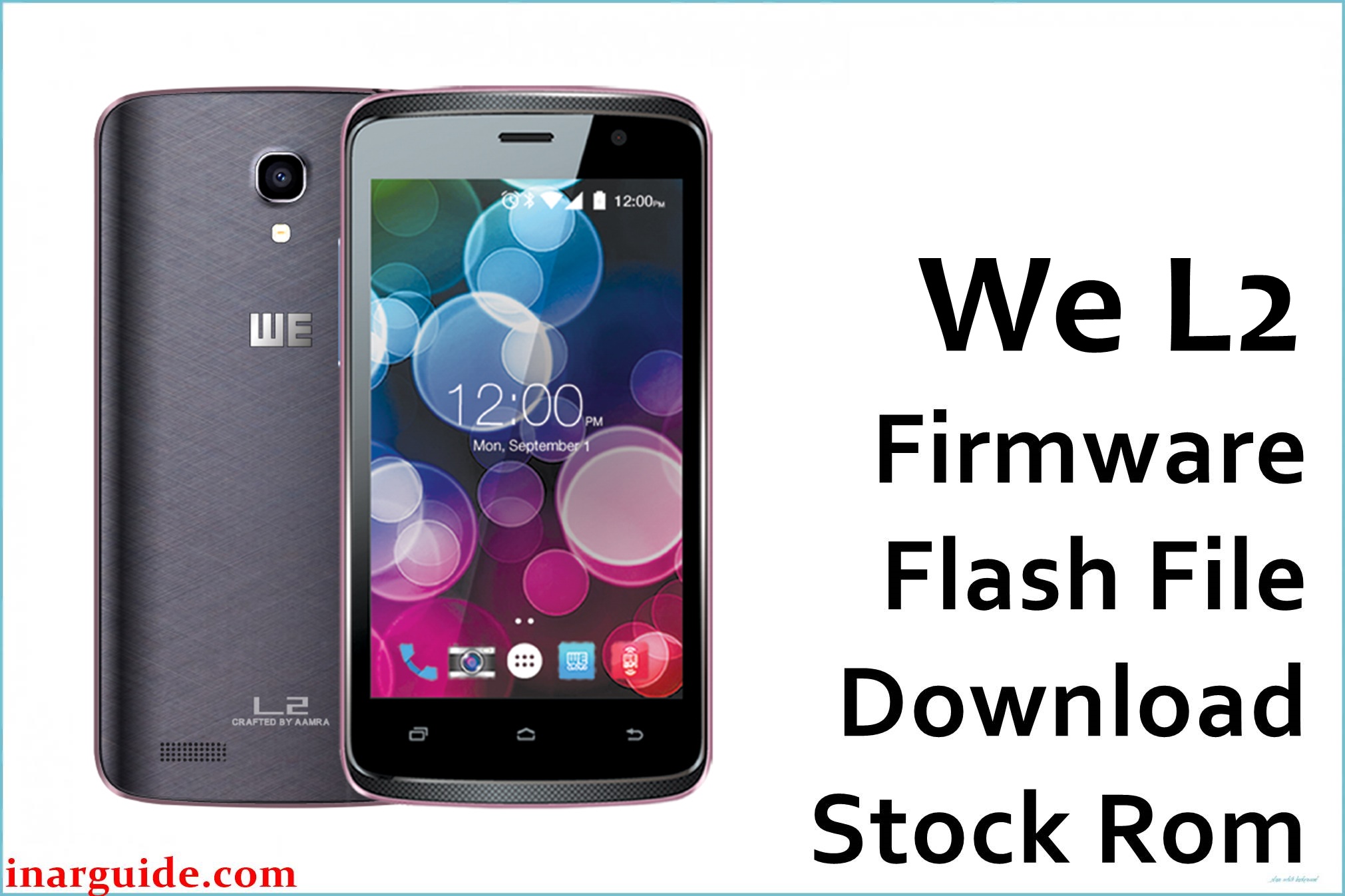
The WE L2 is an entry-level Android Marshmallow smartphone built on MediaTek’s MT6580 platform, aimed at basic calling, social apps, and light browsing, but users commonly face slow performance, app freezes, bootloops after updates, and devices stuck on the boot logo when storage fills up or after failed resets or rooting attempts. Limited RAM and older storage also lead to frequent stutter, network glitches, and occasional Wi‑Fi drops, while forgotten password or FRP locks can prevent access entirely.
Flashing the official stock firmware below restores a clean system, unbricks soft‑bricked phones, and resolves most software faults on the WE L2.
WE L2 Firmware Details
| Device Name: | WE L2 |
| Chipset: | MediaTek MT6580, quad‑core 1.3GHz Cortex‑A7 |
| GPU: | Mali‑400 MP2 |
| Android Version: | Android 6.0 Marshmallow |
| Firmware Version: | MT6580_08042016_6.0 |
| Build Date: | April 08, 2016 |
| File Size: | 519MB (compressed) |
| File Type: | Scatter package (.zip) for SP Flash Tool |
| Flashing Tool: | SP Flash Tool (Windows/Linux) |
| Display: | 4.0-inch IPS LCD, 480×800 px (typical for this class) |
| RAM / Storage: | 1GB RAM / 8GB ROM, microSD support |
| Cameras: | 2–5MP rear, VGA–2MP front (varies by batch) |
| Battery: | ≈1400mAh removable |
Core platform specs (MT6580 quad‑core 1.3GHz with Mali‑400 MP2 and Android 6.0) are consistent with WE L2 listings and MT6580 reference profiles.
Download Official Firmware for WE L2
This package is suitable for fixing bootloops, logo hang, system crashes, FRP/password lock, IMEI/software faults, and for returning the phone to factory state after failed updates or modifications.
📄 Filename: We_L2_MT6580_08042016_6.0.zip
📦 Size: 519MB
🗓️ Build Date: April 08, 2016
🔢 Build Version: MT6580_08042016_6.0
🤖 Android Version: 6.0 Marshmallow
⬇️ Download Link: MediaFire
How to Flash the Firmware
Follow these 5 quick steps to safely flash We_L2_MT6580_08042016_6.0.zip to your phone using SP Flash Tool.
- Download and extract
We_L2_MT6580_08042016_6.0.zipand SP Flash Tool on your PC. - Install MediaTek USB VCOM drivers, then open SP Flash Tool (Windows/Linux).
- Click “Scatter-loading” and select the MT6580 scatter file from the extracted firmware folder.
- Power off the WE L2, connect it via USB (hold a volume key if needed for detection), and choose “Download”.
- Wait for the green success mark, disconnect, and reboot; the first boot can take several minutes.
Full, illustrated MTK flashing tutorial: step‑by‑step guide (use this as your official reference unless you provide a device‑specific guide to include).





