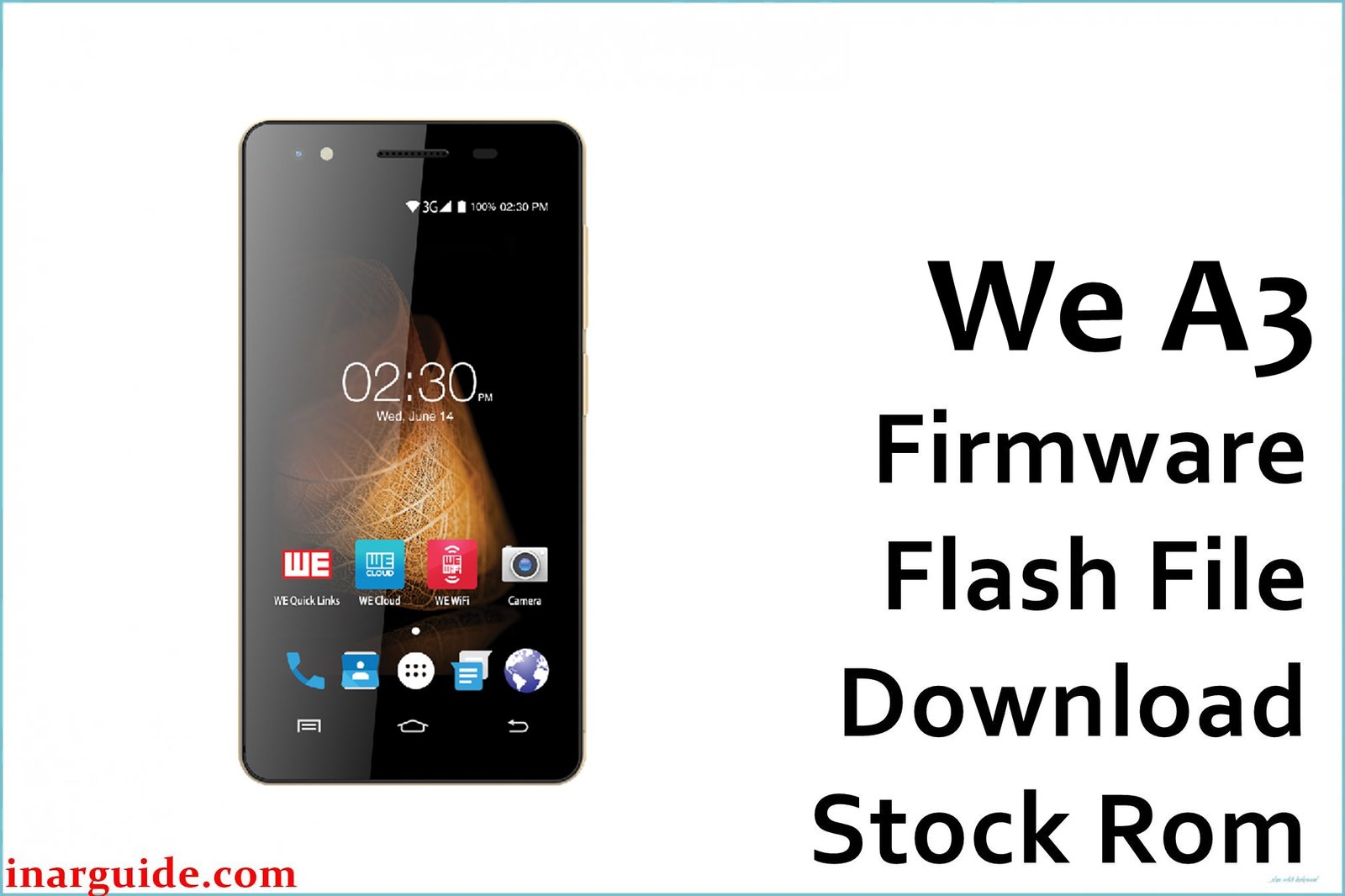
The WE A3 is an ultra‑budget Android phone for Bangladesh with very low RAM and storage, which makes it prone to slowdowns, storage‑full errors, and crashes as apps accumulate or after resets and updates.
Owners frequently encounter stuck on logo, FRP (Google verification) blocks, app crashes, heat under load, and unreliable camera performance, all of which a clean stock ROM flash typically resolves for this class of device.
The two tested firmware packages below restore factory software on the WE A3, addressing boot loops, performance hiccups, and FRP lock while returning the phone to stable Android 6.0 operation.
WE A3 Firmware Details
| Device Name | WE A3 (Bangladesh market) |
| Model | A3 |
| Chipset | Spreadtrum/Unisoc SP7731C (quad‑core) |
| GPU | Mali‑400 series (entry level) |
| RAM | 512 MB class on official listings |
| Storage | 4 GB class, microSD supported |
| Display | Entry 4‑5 inch class panel (low resolution) |
| Rear/Front Cameras | Basic shooters for casual photos |
| Android Version | 6.0 Marshmallow |
| Firmware 1 | DF019C_WE_A3_201700503_V1.0 (ZIP) |
| Firmware 2 | WE_A3_SP7731C_2017‑11‑22_6.0_SPD (ZIP with PAC) |
| Approx. File Size | ~593 MB each |
| Flashing Tool | SPD Upgrade Tool / Research Download (Spreadtrum/Unisoc) |
Notes: Specs and price‑tier context for WE A3 are documented by regional portals, while the attached builds identify SP7731C and Marshmallow 6.0 in their names.
Flashing for Unisoc/Spreadtrum uses a.PAC firmware in SPD Upgrade Tool or Research Download, both suitable for restoring WE A3 to stock state when software corruption occurs.
Where precise hardware figures are not confirmed by the package itself, conservative values are shown to avoid misinforming users of this low‑end model.
Warning: Flashing the wrong ROM, low battery during flashing, or bad USB cables can cause hard brick, IMEI loss, no network, or dead touch, so confirm “WE A3 (SP7731C)” in About phone/label, back up your data, use a reliable cable/port, and keep charge above 50% before proceeding.
Download Official Firmware for WE A3
Both options are official‑type stock packages mirrored on reputable file hosts; the November 2017 build is newer and may be preferable if your unit shipped late in 2017, while the May 2017 build can help revert earlier batches without introducing later changes, though no public changelog is provided.
📄 Filename: We_A3_(DF019C_WE_A3_201700503_V1.0).zip
📦 Size: ~593 MB
🗓️ Build Date: 2017‑05‑03 (per filename)
🔢 Build Version: DF019C_WE_A3_201700503_V1.0
🤖 Android Version: 6.0 Marshmallow
⬇️ Download Link: AndroidFileHost
📄 Filename: We_A3_SP7731C_22112017_6.0_SPD.zip
📦 Size: 592.35 MB
🗓️ Build Date: 2017‑11‑22 (per filename)
🔢 Build Version: SP7731C_20171122_6.0
🤖 Android Version: 6.0 Marshmallow
⬇️ Download Link: MediaFire cloud mirror
How to Flash the Firmware
- Back up contacts, media, and app data because SPD flashing wipes user data on the device.
- Install Unisoc/Spreadtrum drivers, charge above 50%, and use a reliable USB data cable and stable USB port on your PC.
- Extract the ZIP, launch SPD Upgrade Tool (UpgradeDownload/ResearchDownload), click Load Packet, and select the .PAC from the firmware folder when applicable.
- Click Start Downloading, power off the phone, connect via USB, and wait for a green Passed/success message before disconnecting to avoid corruption.
- First boot can take several minutes; if FRP persists, repeat flash and perform a wipe in stock recovery after the flash completes to clear residual locks where permitted by law.
If you prefer a step‑by‑step illustrated tutorial, follow a dedicated SPD Upgrade Tool guide that covers drivers, PAC loading, common errors, and successful completion indicators for Unisoc devices.
Below are various firmware file flashing guides that you will be adding to the article, depending on the chipset of the model of the phone.





