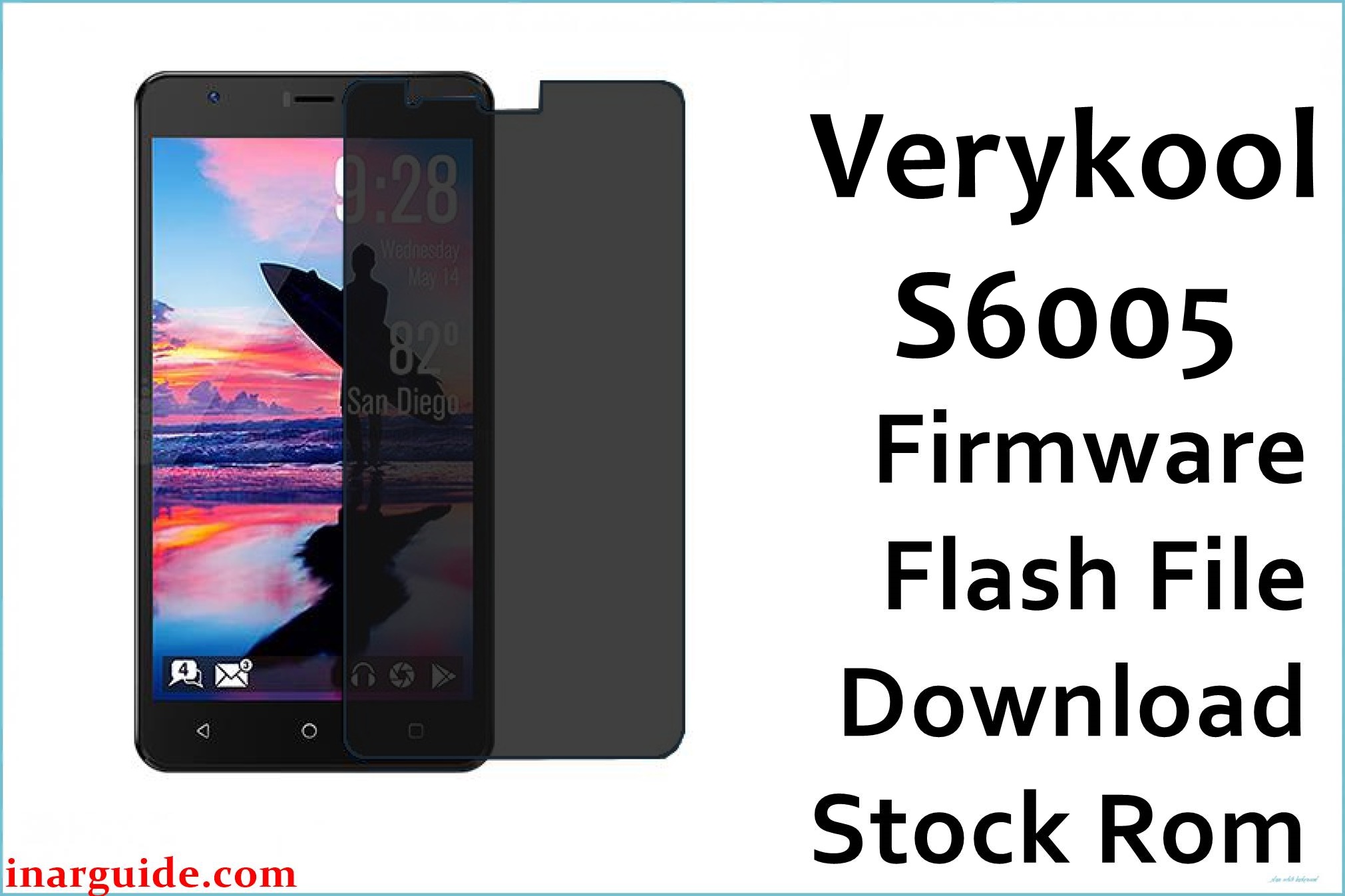
The Verykool S6005 Cyprus II is a budget 6-inch dual-SIM phone often criticized for poor build quality, hardware failures, and software instability. The most common hardware issue reported is power button failure, sometimes occurring within weeks of purchase. On the software side, users frequently encounter bootloop, device stuck at logo, severe system lag, app freezing, forgotten password lock, no SIM service, Wi-Fi disconnection, poor battery optimization (3000mAh offers only ~8 hours talk time), and random reboots. Many users also complain of flashing issues and bricked devices after root or failed updates. The official 20161121 firmware below completely restores your S6005, removes access locks, fixes all system corruption, and returns it to stock condition.
Verykool S6005 Cyprus II Firmware Details
| Device Name: | Verykool S6005 Cyprus II |
| Model: | S6005 (Cyprus II) |
| Chipset: | MediaTek MT6580 (Quad-core 1.3GHz ARM Cortex-A7) |
| GPU: | Mali-400 MP2 |
| Android Version: | Android 6.0 Marshmallow |
| Firmware Version: | SW_V2.2_20161121 (6.0) |
| Build Date: | November 21, 2016 |
| File Size: | 1000MB |
| File Type: | Scatter Firmware (SP Flash Tool) |
| Flashing Tool: | SP Flash Tool (for MTK) |
| Display: | 6.0-inch IPS LCD, 720×1280 pixels (~245 ppi) |
| RAM / Storage: | 1GB RAM / 8GB ROM (microSD up to 64GB) |
| Rear Camera: | 13MP autofocus, LED flash, panorama |
| Front Camera: | 8MP |
| Battery: | 3000mAh Li-Ion (removable) |
| SIM: | Dual SIM (Nano/Micro, dual stand-by) |
| Other Features: | Asahi Dragontrail Glass, WiFi b/g/n, Bluetooth 4.0, FM, GPS, 3.5mm jack |
Download Official Firmware for Verykool S6005 Cyprus II
This ROM recovers dead or bricked phones, fixes bootloop and stuck logo, removes password locks, restores Wi-Fi and SIM connectivity, resolves app crashes, and improves power management. Recommended for users experiencing severe lag, constant freezing, or hard brick after root/update failure.
📄 Filename: Verykool_S6005_MT6580_SW_V2.2_20161121_6.0.zip
📦 Size: 1000MB
🗓️ Build Date: November 21, 2016
🔢 Build Version: SW_V2.2_20161121
🤖 Android Version: 6.0 Marshmallow
⬇️ Download Link: MediaFire
How to Flash the Firmware
Follow these 5 quick steps to safely flash Verykool_S6005_MT6580_SW_V2.2_20161121_6.0.zip to your phone:
- Download and extract the firmware ZIP and SP Flash Tool on your PC.
- Install MediaTek USB drivers and open SP Flash Tool.
- Load the scatter file from the extracted firmware folder into SP Flash Tool.
- Power off your S6005 Cyprus II, connect via USB (press volume buttons if needed for detection).
- Click “Download” in SP Flash Tool and wait for completion. Reboot the device once done.
For complete step-by-step instructions with screenshots, follow this MTK flashing guide: MTK Flashing Tutorial.





