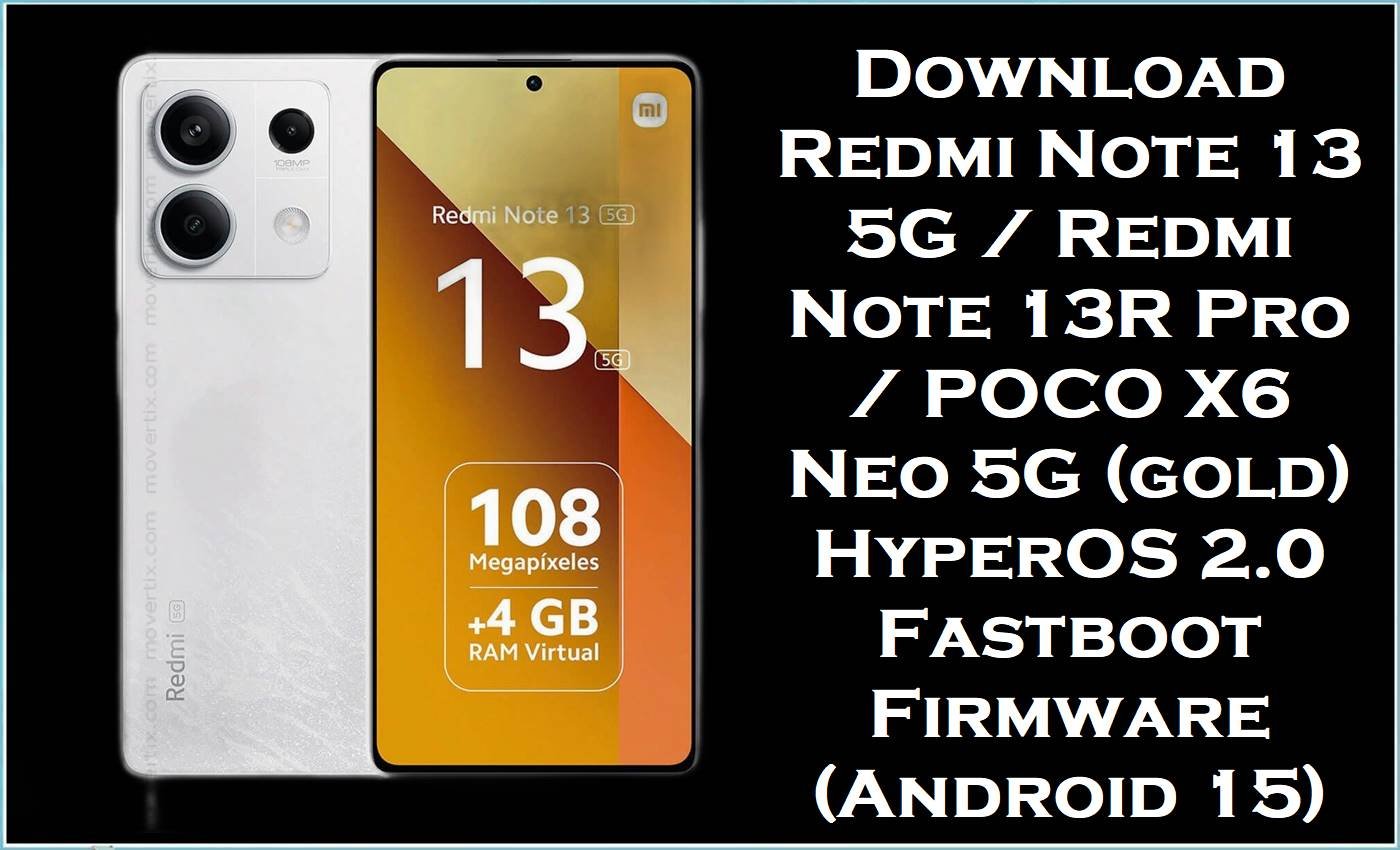
The Redmi Note 13 5G / Redmi Note 13R Pro / POCO X6 Neo 5G (codename gold) is sold in multiple regions, and each region uses a different official ROM branch (CNXM, MIXM, EUXM, INXM, IDXM, TWXM, TRXM, and some carrier editions). In the wider HyperOS community, users frequently report post-update issues such as overheating and fast battery drain, along with general system instability that can show up after an OTA update fails or installs improperly.
The official firmware files below are complete Fastboot packages that reinstall the full system (stock ROM / stock firmware / official firmware) to help fix boot problems, remove corrupted update remnants, and stabilize performance—as long as you flash the correct region build for your exact gold variant.
Redmi Note 13 5G (gold) Firmware Details
| Device Name | Redmi Note 13 5G / Redmi Note 13R Pro / POCO X6 Neo 5G |
|---|---|
| Codename | gold |
| Model Identifiers (common) | 2312DRAABC / 2312DRAABI / 2312DRAABG (varies by market) |
| Android Version | Android 15 (per filenames) |
| ROM / Firmware Branch | HyperOS 2.0 Stable (region-specific) |
| File Type | .tgz Fastboot package |
| Flashing Tool Required | Xiaomi Mi Flash Tool |
| Flashing Mode | Fastboot mode |
| Bootloader Status | Unlocked required for Fastboot flashing |
| Region Safety Note | Do not cross-flash out-of-region builds (CNXM ↔ MIXM ↔ EUXM ↔ INXM ↔ IDXM ↔ TWXM ↔ TRXM ↔ IDC). |
ROM listings for gold clearly warn that you must unlock the bootloader for Fastboot flashing, your data may be deleted depending on your chosen option, and flashing a ROM outside your region can cause flash errors, loss of vendor data, or even bricking.
Download Official Firmware for Redmi Note 13 5G (gold)
| Filename | File Size | Build Date | Build Version | Android Version | Flashing Type | Region / Variant | Download Link |
|---|---|---|---|---|---|---|---|
| gold_images_OS2.0.215.0.VNQCNXM_20251105.0000.00_15.0_cn_a54826f9fe.tgz | 7.20GB | 2025-11-05 | OS2.0.215.0.VNQCNXM | Android 15 | Fastboot (.tgz) | China (CNXM) | Download OS2.0.215.0.VNQCNXM (Xiaomi BigOTA) |
| gold_global_images_OS2.0.210.0.VNQMIXM_20251031.0000.00_15.0_global_145e3b2267.tgz | 7.53GB | 2025-10-31 | OS2.0.210.0.VNQMIXM | Android 15 | Fastboot (.tgz) | Global (MIXM) | Download OS2.0.210.0.VNQMIXM (Xiaomi BigOTA) |
| gold_id_global_images_OS2.0.207.0.VNQIDXM_20251106.0000.00_15.0_id_83f3c092be.tgz | 7.09GB | 2025-11-06 | OS2.0.207.0.VNQIDXM | Android 15 | Fastboot (.tgz) | Indonesia (IDXM) | Download OS2.0.207.0.VNQIDXM (Xiaomi BigOTA) |
| gold_in_global_images_OS2.0.209.0.VNQINXM_20251105.0000.00_15.0_in_a43b5534a4.tgz | 6.27GB | 2025-11-05 | OS2.0.209.0.VNQINXM | Android 15 | Fastboot (.tgz) | India (INXM) | Download OS2.0.209.0.VNQINXM (Xiaomi BigOTA) |
| gold_eea_global_images_OS2.0.206.0.VNQEUXM_20251105.0000.00_15.0_eea_6bea356baf.tgz | 6.09GB | 2025-11-05 | OS2.0.206.0.VNQEUXM | Android 15 | Fastboot (.tgz) | Europe EEA (EUXM) | Download OS2.0.206.0.VNQEUXM (Xiaomi BigOTA) |
| gold_tw_global_images_OS2.0.207.0.VNQTWXM_20251106.0000.00_15.0_tw_4050509c09.tgz | 6.06GB | 2025-11-06 | OS2.0.207.0.VNQTWXM | Android 15 | Fastboot (.tgz) | Taiwan (TWXM) | Download OS2.0.207.0.VNQTWXM (Xiaomi HugeOTA) |
| gold_tr_global_images_OS2.0.206.0.VNQTRXM_20251106.0000.00_15.0_tr_6b6b1f67bd.tgz | 6.90GB | 2025-11-06 | OS2.0.206.0.VNQTRXM | Android 15 | Fastboot (.tgz) | Turkey (TRXM) | Download OS2.0.206.0.VNQTRXM (Xiaomi HugeOTA) |
| gold_dc_global_images_OS2.0.1.0.VNQMIDC_20250223.0000.00_15.0_global_dc_d8046ff9cc.tgz | 5.33GB | 2025-02-23 | OS2.0.1.0.VNQMIDC | Android 15 | Fastboot (.tgz) | DC / Carrier Edition (IDC) | Download OS2.0.1.0.VNQMIDC (Xiaomi HugeOTA) |
Flashing Requirements
- Windows PC/laptop and a good USB cable (disconnects during flashing are dangerous).
- Xiaomi USB drivers + working Fastboot drivers installed.
- Xiaomi Mi Flash Tool for flashing the Fastboot ROM package.
- Unlocked bootloader for your gold device (bootloader unlock is required for Fastboot flashing).
- Full backup of personal data (data can be deleted depending on your flashing choice).
How to Flash the Firmware
- Check your exact device variant (gold) and confirm the correct region branch (CNXM/MIXM/EUXM/INXM/IDXM/TWXM/TRXM/IDC) before downloading.
- Back up everything important and extract the downloaded.tgz file on your PC.
- Boot the phone into Fastboot mode and connect it to the PC.
- Open Xiaomi Mi Flash Tool, load the extracted ROM folder, and select the appropriate flash option for your situation.
- Start flashing, wait for success, then allow extra time for the first boot after reinstalling the stock firmware.
For a full step-by-step walkthrough with pictures and video (recommended for beginners), use this detailed guide and follow it with the exact gold Fastboot ROM you downloaded above: Xiaomi Mi Flash Tool flashing guide.
Frequently Asked Questions (FAQs)
What is the Redmi Note 13 5G (gold) official firmware used for?
The gold official firmware is used to reinstall the complete operating system, which can fix bootloops, failed updates, malware-like app behavior, and persistent system bugs by returning the phone to a clean baseline.
Is this a stock ROM for Redmi Note 13 5G / POCO X6 Neo 5G (gold)?
Yes—these.tgz packages are the manufacturer’s stock ROM packages for the gold device family, intended for Fastboot flashing with Mi Flash Tool.
Can I flash VNQCNXM on a Global VNQMIXM Redmi Note 13 5G (gold)?
No—gold ROM guidance warns against flashing out-of-region ROMs because you may get flash errors, lose vendor data, or even brick the device.





