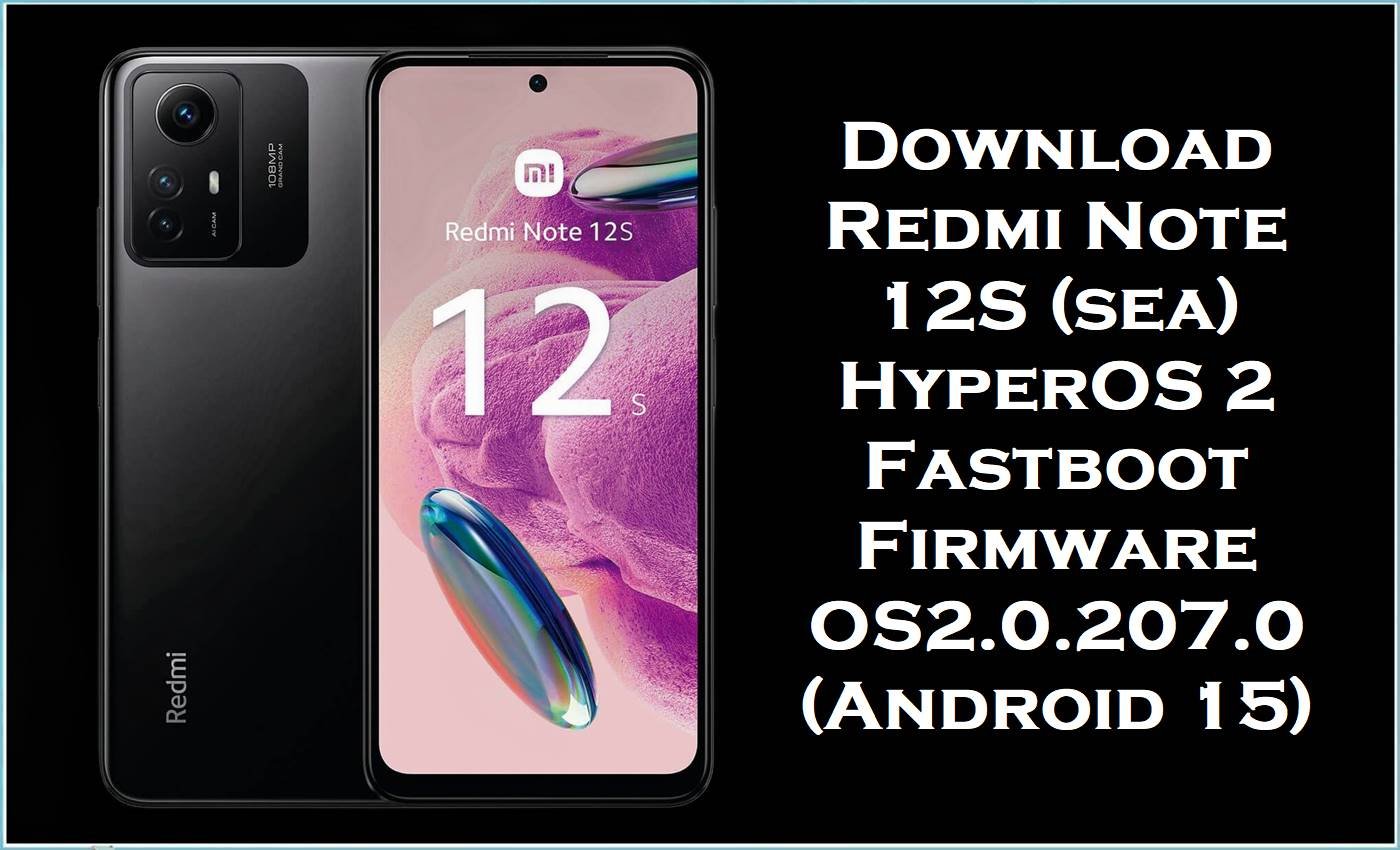
Redmi Note 12S (codename sea) is a popular budget-midrange Xiaomi phone featuring a 108MP main camera, 90Hz AMOLED display, and 33W fast charging, but many users still complain about overheating, battery drain, and lag after system updates. The HyperOS 2 Android 15 fastboot firmware builds below (OS2.0.206/207.x) are designed to reinstall core partitions and move your device to a newer stable release, which can help fix persistent software bugs, boot issues, and update-related instability when normal troubleshooting fails.
Redmi Note 12S Firmware Details
| Device Name | Xiaomi Redmi Note 12S |
|---|---|
| Codename | sea |
| Chipset | MediaTek Helio G96 (MT6781) |
| Key Features | 108MP camera, 90Hz FHD+ AMOLED display, 33W charging |
| Android Version | Android 15 (HyperOS 2 builds listed in this post) |
| Firmware Type | Fastboot ROM / images package (.tgz) |
| Flashing Tool Required | Xiaomi Mi Flash Tool (Windows) |
| Build Branch/Region Codes | MIXM=Global, EUXM=EEA/Europe, RUXM=Russia, TWXM=Taiwan, TRXM=Turkey |
| Bootloader Status | Fastboot flashing commonly requires an unlocked bootloader (verify before flashing). |
| Related Add-on | TWRP 3.7 for sea (third‑party custom recovery, not official Xiaomi firmware) |
Warning: Flashing Redmi Note 12S (sea) firmware is advanced and risky. Wrong regional builds, incompatible files, or improper flashing can brick the phone, erase data, cause boot failure/instability, create security issues, and void warranty. Everything is provided “as is” with no warranties; authors/providers accept no liability. Verify model/region, back up data, and proceed at your own risk.
Why Updating/Flashing Helps
Some Redmi Note 12S owners report serious overheating and battery drain (even when the phone is idle), which is a common sign of background system issues, faulty update leftovers, or battery/firmware misbehavior. Xiaomi’s own support guidance for the Redmi Note 12S also acknowledges that lag/freezing can happen after system updates and recommends checking overheating, since performance can deteriorate when the device gets hot.
- Stability reset: Installing the correct official firmware fastboot ROM can replace corrupted system partitions and resolve bootloops or persistent crashes.
- Performance cleanup: A clean flash often helps when the UI lags, apps stutter, or the camera feels delayed after updates, because the base system gets reinstalled instead of patched.
- Better compatibility: Picking the correct region build (Global/EEA/RU/TW/TR) helps avoid network/app issues caused by cross‑flashing the wrong branch.
Download Official Firmware for Redmi Note 12S
| Filename | File Size | Build Date | Build Version | Android Version | Flashing Type | Download Link |
|---|---|---|---|---|---|---|
| sea_global_images_OS2.0.207.0.VHZMIXM_20251031.0000.00_15.0_global_c73b48b0b4.tgz | 6.45GB | 2025-10-31 | OS2.0.207.0.VHZMIXM (Global) | Android 15 | Fastboot ROM (.tgz) | Download OS2.0.207.0 Global (Xiaomi BigOTA) |
| sea_ru_global_images_OS2.0.207.0.VHZRUXM_20251107.0000.00_15.0_ru_173c8d2eb8.tgz | 6.63GB | 2025-11-07 | OS2.0.207.0.VHZRUXM (Russia) | Android 15 | Fastboot ROM (.tgz) | Download OS2.0.207.0 RU (Xiaomi BigOTA) |
| sea_eea_global_images_OS2.0.206.0.VHZEUXM_20251107.0000.00_15.0_eea_297c08fa54.tgz | 6.14GB | 2025-11-07 | OS2.0.206.0.VHZEUXM (EEA/Europe) | Android 15 | Fastboot ROM (.tgz) | Download OS2.0.206.0 EEA (Xiaomi BigOTA) |
| sea_tw_global_images_OS2.0.207.0.VHZTWXM_20251107.0000.00_15.0_tw_468c4be6a1.tgz | 5.63GB | 2025-11-07 | OS2.0.207.0.VHZTWXM (Taiwan) | Android 15 | Fastboot ROM (.tgz) | Download OS2.0.207.0 TW (Xiaomi BigOTA) |
| sea_tr_global_images_OS2.0.206.0.VHZTRXM_20251107.0000.00_15.0_tr_6e24c0d673.tgz | 5.95GB | 2025-11-07 | OS2.0.206.0.VHZTRXM (Turkey) | Android 15 | Fastboot ROM (.tgz) | Download OS2.0.206.0 TR (Xiaomi BigOTA) |
| twrp3.7_sea.zip | 47MB | — | TWRP 3.7 (Custom Recovery for sea; not official) | — | Recovery add-on (ZIP) | Download TWRP 3.7 (Google Drive) |
Flashing Requirements
- Windows PC, reliable USB cable, and enough free space to extract a 6GB+ stock ROM package.
- Xiaomi Mi Flash Tool + Xiaomi USB drivers installed.
- Unlocked bootloader (commonly required for Xiaomi fastboot flashing—confirm for Redmi Note 12S).
- Correct regional build selection (Global/EEA/RU/TW/TR) before flashing.
- Full backup (photos, chats, files), because flashing can wipe data depending on the flash option and device state.
How to Flash the Firmware
Method A: Fastboot ROM (.tgz) via Xiaomi Mi Flash Tool
- Download the correct HyperOS fastboot package for your region and extract the.tgz until you see the ROM folder.
- Install Xiaomi drivers, open Mi Flash Tool, and boot the phone into Fastboot mode.
- Connect the phone to the PC and refresh device detection in Mi Flash.
- Select the extracted ROM folder (not the archive) and start flashing; don’t disconnect during the process.
- Reboot and allow extra time for first boot; then re-check heat, battery drain, and lag after a few hours of normal use.
Method B (Optional): Install TWRP 3.7 for sea (Advanced)
- Confirm you downloaded a TWRP build made for Redmi Note 12S (sea).
- Boot the phone to fastboot and install/boot the recovery using fastboot (exact commands vary by device/maintainer guidance).
- Immediately boot into recovery after flashing to prevent the system from restoring stock recovery on first boot (common behavior on some devices).
- Use TWRP mainly for advanced tasks (Nandroid backup, ZIP installs, troubleshooting), and keep an official firmware fastboot ROM ready for rollback.
- If you face recovery limitations (for example, some TWRP builds may have known issues), switch back to official firmware for maximum stability.
For a complete step-by-step flashing tutorial (with pictures/videos) for the official fastboot ROMs above, use: How to Flash Android Smartphones with Xiaomi MI Flash Tool. Choose your exact build (e.g., OS2.0.207.0.VHZMIXM) and follow the MiFlash fastboot method in that guide.
Frequently Asked Questions (FAQs)
Is OS2.0.207.0.VHZMIXM only for Redmi Note 12S (sea)?
Yes—OS2.0.207.0.VHZMIXM is listed specifically for Redmi Note 12S with codename sea, so it should not be flashed on other models.
What does “Global/EEA/RU/TW/TR” mean in these stock firmware files?
They are regional branches (for example, MIXM=Global and EUXM=EEA), and choosing the wrong region can cause compatibility issues or update problems.
Will flashing the stock ROM fix Redmi Note 12S overheating and battery drain?
It can help when overheating and drain are caused by buggy updates, corrupted system files, or broken background services, which some users report experiencing on this model.
Does installing this official firmware wipe data?
Data loss is possible (and common) in fastboot flashing workflows depending on the selected flash option, so a full backup is strongly recommended.
Is the TWRP file an official firmware?
No—TWRP is a third-party custom recovery, so it’s optional and should be used only by advanced users who understand bootloader/recovery risks.





