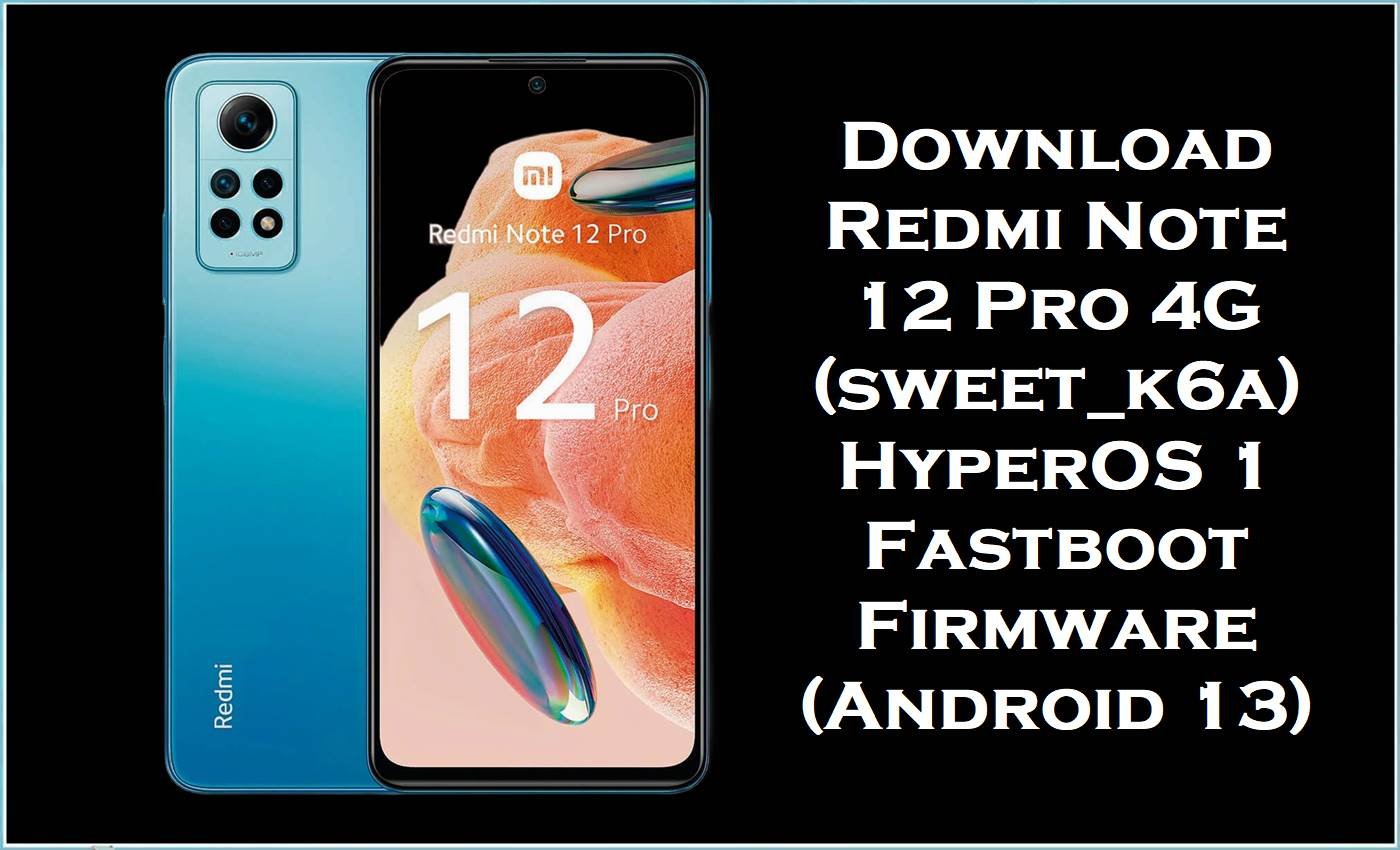
Redmi Note 12 Pro 4G (codename sweet_k6a) is a Snapdragon 732G phone with a 6.67-inch AMOLED display, 108MP main camera, and 67W charging. Users commonly report overheating, battery drain, and lag/freezing after updates, and Xiaomi’s own support guidance notes that overheating can cause slow response and freezes.
Flashing the correct HyperOS 1 fastboot package (OS1.0.23–OS1.0.28) reinstalls core system partitions and can fix stubborn software corruption, boot issues, and post-update instability—especially when you also match the correct regional build (Global/EEA/RU/TR/ID).
Redmi Note 12 Pro 4G Firmware Details
| Device Name | Xiaomi Redmi Note 12 Pro 4G |
|---|---|
| Codename | sweet_k6a |
| Important Note | sweet_k6a is different from “sweet” (do not mix ROMs, or you may brick your phone). |
| Chipset | Qualcomm Snapdragon 732G |
| Android Version | Android 13 (shown in filenames as “13.0”) |
| OS / Firmware Series | Xiaomi HyperOS 1 (Stable) |
| Firmware Type | Fastboot ROM / “global_images” (.tgz) |
| Flashing Tool Required | Xiaomi Mi Flash Tool (Windows) |
| Bootloader Status | Fastboot flashing usually requires an unlocked bootloader on Xiaomi devices (verify before flashing). |
| Region Codes in This Post | MIXM=Global, EUXM=EEA/Europe, RUXM=Russia, TRXM=Turkey, IDXM=Indonesia |
| Device Highlights | AMOLED 120Hz, 108MP camera, 67W charging, 5000mAh battery (market-dependent). |
Warning (sweet_k6a): Flashing firmware is an advanced, risky procedure. Using the wrong ROM, incompatible region builds, or improper flashing can permanently damage the device (brick), erase all data, cause boot failure/instability, create security issues, and void warranty. All files/guides/tools are “as is” with no warranties; authors/providers accept no liability. Verify exact model/region, back up data, and proceed only at your own risk.
Issues Users Report (and Why Flashing Works)
- Overheating that triggers feature limits: Some Redmi Note 12 Pro 4G users report overheating severe enough to disable the torch/flashlight temporarily.
- Lag/freezing after updates: Xiaomi support notes that when the phone overheats, performance can deteriorate and the device can respond slowly or freeze.
- Battery drain + instability after system changes: When the system gets corrupted after an update, a full fastboot flash can restore a clean baseline by reinstalling core partitions (more complete than an OTA patch).
These packages are the official firmware builds (Xiaomi OTA servers) meant for sweet_k6a, and they’re typically used to restore factory software and stability.
Download Official Firmware for Redmi Note 12 Pro 4G (sweet_k6a)
| Filename | File Size | Build Date | Build Version | Android Version | Flashing Type | Download Link |
|---|---|---|---|---|---|---|
| sweet_k6a_global_images_OS1.0.25.0.THGMIXM_20250930.0000.00_13.0_global_eafaa5db24.tgz | 6.00GB | 2025-09-30 | OS1.0.25.0.THGMIXM (Global) | Android 13 | Fastboot ROM (.tgz) | Download OS1.0.25.0.THGMIXM (Xiaomi BigOTA) |
| sweet_k6a_ru_global_images_OS1.0.25.0.THGRUXM_20251105.0000.00_13.0_ru_b80dac7b37.tgz | 5.96GB | 2025-11-05 | OS1.0.25.0.THGRUXM (Russia) | Android 13 | Fastboot ROM (.tgz) | Download OS1.0.25.0.THGRUXM (Xiaomi BigOTA) |
| sweet_k6a_eea_global_images_OS1.0.28.0.THGEUXM_20251031.0000.00_13.0_eea_0da95d226f.tgz | 5.63GB | 2025-10-31 | OS1.0.28.0.THGEUXM (EEA/Europe) | Android 13 | Fastboot ROM (.tgz) | Download OS1.0.28.0.THGEUXM (Xiaomi BigOTA) |
| sweet_k6a_tr_global_images_OS1.0.23.0.THGTRXM_20251105.0000.00_13.0_tr_cf2c332f17.tgz | 5.37GB | 2025-11-05 | OS1.0.23.0.THGTRXM (Turkey) | Android 13 | Fastboot ROM (.tgz) | Download OS1.0.23.0.THGTRXM (Xiaomi BigOTA) |
| sweet_k6a_id_global_images_OS1.0.23.0.THGIDXM_20251105.0000.00_13.0_id_e8342aefb6.tgz | 5.49GB | 2025-11-05 | OS1.0.23.0.THGIDXM (Indonesia) | Android 13 | Fastboot ROM (.tgz) | Download OS1.0.23.0.THGIDXM (Xiaomi BigOTA) |
| xiaomi.eu_SWEETK6A_OS1.0.25.0.THGMIXM_13.zip | 3.89GB | — | Xiaomi.eu build (not official Xiaomi firmware) | Android 13 (base) | Custom ROM ZIP (advanced) | Download Xiaomi.eu SWEETK6A (SourceForge) |
Flashing Requirements
- Windows PC + reliable USB cable.
- Xiaomi USB drivers and Xiaomi Mi Flash Tool installed.
- Correct region match (MIXM/EUXM/RUXM/TRXM/IDXM) to avoid boot/network/update issues.
- Full backup of all data (photos, files, chats), because flashing can wipe data depending on the selected option.
- Ability to enter Fastboot mode (commonly Power + Volume Down) to connect the device for flashing.
How to Flash the Firmware
Method A: Fastboot ROM (.tgz) via Xiaomi Mi Flash Tool (Recommended)
- Download the correct fastboot ROM for your region and fully extract the.tgz to a firmware folder.
- Install Xiaomi USB drivers and open Xiaomi Mi Flash Tool on Windows.
- Boot the Redmi Note 12 Pro 4G (sweet_k6a) into Fastboot mode and connect it to the PC.
- In Mi Flash, click Select to locate the extracted firmware folder, then click Flash to start.
- Reboot after completion, then allow extra time for first boot and system optimization.
Method B: Xiaomi.eu ZIP (Advanced / Not Official)
- Confirm your device is sweet_k6a (not “sweet”) before flashing any custom ROM ZIP.
- Unlock bootloader and install a compatible custom recovery (such as TWRP) using fastboot-based steps recommended for your device/community.
- Make a full backup, then wipe the required partitions (varies by ROM instructions).
- Install the Xiaomi.eu ZIP and reboot; first boot can take longer than normal.
- If you hit issues, return to a matching official fastboot ROM from the table above.
For a full step-by-step guide with pictures and videos for the fastboot method, follow this Mi Flash tutorial. For the script method, also use your site’s Flash.bat guide, and choose the instructions that match the firmware file you downloaded.
Frequently Asked Questions (FAQs)
Is sweet_k6a_global_images_OS1.0.25.0.THGMIXM compatible with Redmi Note 10 Pro (sweet)?
No—sweet_k6a is a different codename, and mixing “sweet” and “sweet_k6a” ROMs can cause serious problems, including bricking.
Will flashing HyperOS OS1.0.25.0.THGMIXM fix overheating and lag on Redmi Note 12 Pro 4G?
It can help when overheating/lag is caused by buggy updates or corrupted system components, and Xiaomi notes overheating can lead to slow response and freezing.
What tool is required to flash sweet_k6a “global_images”.tgz files?
These are Xiaomi fastboot packages typically installed on Windows using Xiaomi Mi Flash Tool after extracting the.tgz.
Is xiaomi.eu_SWEETK6A_OS1.0.25.0.THGMIXM_13.zip an official firmware?
No—Xiaomi.eu is a community/custom ROM project, so it should be treated as advanced and not equivalent to official Xiaomi firmware releases.





