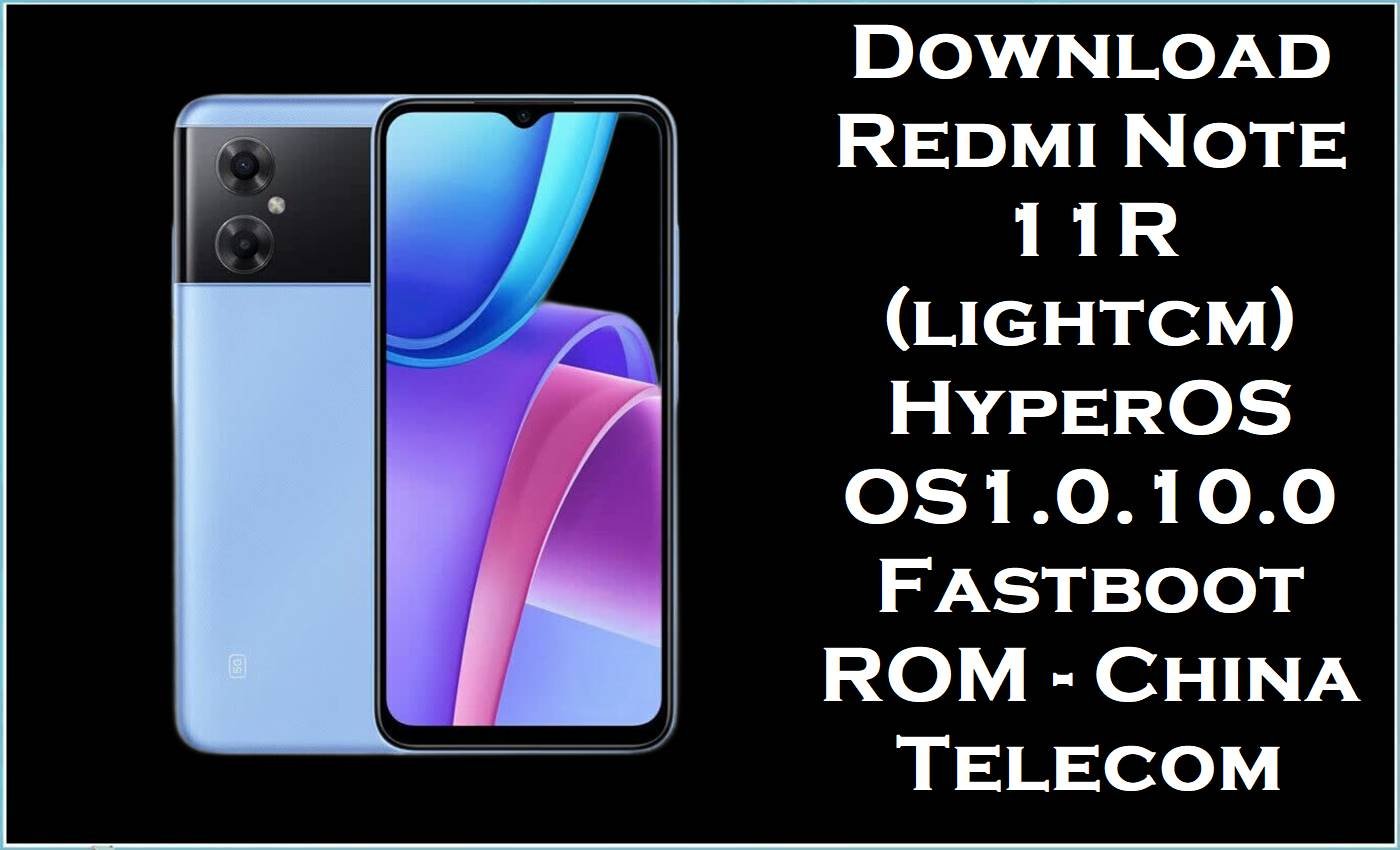
The Redmi Note 11R (codename lightcm) is a budget 5G smartphone for the Chinese market, featuring a Dimensity 700 series 5G chipset, large battery, and 90 Hz display tailored to everyday gaming and social use. Users of the Redmi Note 11R China Telecom edition frequently report issues such as minor UI lag, app freezes, notification delays, and occasional network or SIM registration glitches after major MIUI and HyperOS transitions.
The official HyperOS stock firmware fastboot package lightcm_images_OS1.0.10.0.ULSCNXM_20240904.0000.00_14.0_cn_chinatelecom_c536bc1bb1.tgz helps restore a clean system, fix bootloops or soft‑bricks, and apply all OS1.0.10.0.ULSCNXM stability and security improvements for the Redmi Note 11R China Telecom variant.
Redmi Note 11R (lightcm) Firmware Details
| Field | Details |
|---|---|
| Device Name | Redmi Note 11R (China) |
| Codename / Model | lightcm – Redmi Note 11R China‑only variant; closely related to “light” family (Redmi Note 11E / POCO M4 5G / 11 Prime 5G) but with distinct firmware. |
| Chipset | MediaTek Dimensity 700/810‑class 5G SoC (octa‑core), with integrated 5G modem. |
| Display | LCD panel with up to 90 Hz refresh rate, targeting smooth scrolling and casual gaming. |
| Battery | Large capacity battery (around 5000 mAh) optimized for full‑day 5G use. |
| Region / Carrier | China – China Telecom specific HyperOS build (ULSCNXM suffix). |
| Firmware Type | Official HyperOS stock firmware / stock ROM fastboot images (.tgz) for Redmi Note 11R lightcm. |
| Firmware Version | OS1.0.10.0.ULSCNXM – Stable HyperOS branch. |
| Android Version | Android 14.0 with HyperOS OS1.0 for Redmi Note 11R. |
| File Name (Fastboot) | lightcm_images_OS1.0.10.0.ULSCNXM_20240904.0000.00_14.0_cn_chinatelecom_c536bc1bb1.tgz |
| Build Date | 2024‑09‑04 |
| File Size | Approximately 5.28 GB (fastboot ROM archive) |
| Flashing Tool Required | Mi Flash Tool / Xiaomi Mi Flash (fastboot ROM flashing on Qualcomm/MediaTek devices via fastboot mode). |
| Bootloader Status | Unlocked bootloader required for full clean fastboot flash; locked bootloader used for OTA/recovery updates only. |
| Typical Use Cases | Fix bootloop or soft‑brick, revert from custom ROM, repair system corruption, resolve performance bugs, or perform a clean install of HyperOS OS1.0.10.0 on Redmi Note 11R China Telecom. |
Download Official Firmware for Redmi Note 11R (lightcm)
The following HyperOS fastboot ROM is the official stock firmware package for Redmi Note 11R (lightcm) China Telecom. This stock ROM is recommended when recovering from serious software issues, removing modifications, or applying a clean HyperOS Android 14 installation.
| Filename | Region / Variant | Build Version | Android / OS | Build Date | File Size | Flashing Type | Download Link |
|---|---|---|---|---|---|---|---|
| lightcm_images_OS1.0.10.0.ULSCNXM_20240904.0000.00_14.0_cn_chinatelecom_c536bc1bb1.tgz | Redmi Note 11R (lightcm) – China Telecom HyperOS build. | OS1.0.10.0.ULSCNXM (Stable HyperOS) | Android 14.0 / HyperOS OS1.0. | 2024‑09‑04 (pack date; rollout around late Sept 2024). | 5.28 GB | Fastboot ROM stock firmware – flash via Mi Flash Tool. | Download OS1.0.10.0.ULSCNXM (Mi Cloud) |
This official firmware aims to improve general stability, refine 5G and dual‑SIM performance, and address minor UI, notification, and connectivity bugs documented across Redmi Note 11R and related “light” family devices after early HyperOS releases. A full clean flash of the stock firmware can also repair damaged system partitions caused by failed rooting attempts, incompatible custom ROMs, or interrupted OTA updates, effectively returning the Redmi Note 11R to a factory‑fresh software state.
Flashing Requirements
- Correct device: Redmi Note 11R only, with codename lightcm, not “light” or any global sibling; confirm in About phone or via fastboot commands before flashing.
- Windows PC with stable USB ports, installed Xiaomi/MediaTek USB drivers, and the latest version of Xiaomi Mi Flash Tool that supports HyperOS fastboot ROMs.
- Original or high‑quality USB‑C cable to connect the Redmi Note 11R in fastboot mode during the stock firmware flashing process.
- Unlocked bootloader if performing a clean fastboot flash; locked bootloader should generally be used only for official OTA or recovery ROM updates.
- Battery charged to at least 60% and a complete backup of photos, documents, and other personal data, as flashing a stock ROM or flash file may wipe internal storage.
How to Flash the Firmware
The Redmi Note 11R (lightcm) HyperOS fastboot stock ROM is designed for use with Mi Flash Tool. The brief steps below outline how to flash the official firmware without overwhelming technical detail.
Quick Steps – HyperOS Fastboot ROM via Mi Flash Tool
- Download the lightcm_images_OS1.0.10.0.ULSCNXM_20240904.0000.00_14.0_cn_chinatelecom_c536bc1bb1.tgz file and extract the archive on the PC to a short path (for example, C:\ROM\lightcm).
- Install Xiaomi/MediaTek USB drivers and Mi Flash Tool, then power off the Redmi Note 11R and boot it into fastboot mode by holding Volume Down + Power.
- Connect the phone to the PC via USB‑C, open Mi Flash Tool, click “select,” and choose the extracted HyperOS fastboot ROM folder containing the stock firmware images.
- Select the preferred option (typically “clean all” for a fresh installation), then click “flash” and wait for Mi Flash Tool to complete the process without disconnecting the device.
- When Mi Flash reports success, reboot the Redmi Note 11R and allow several minutes for HyperOS to optimize apps and complete the first boot on the new stock firmware.
For a fully illustrated stock ROM flashing tutorial—including screenshots, driver troubleshooting, and extra safety notes—users can follow this in‑depth Xiaomi Mi Flash Tool guide: step‑by‑step Mi Flash stock firmware guide, which applies broadly to HyperOS fastboot ROMs on supported Xiaomi and Redmi devices.
Frequently Asked Questions (FAQs)
What is the lightcm_images_OS1.0.10.0.ULSCNXM firmware used for on Redmi Note 11R?
The lightcm_images_OS1.0.10.0.ULSCNXM package is the official HyperOS OS1.0 Android 14 fastboot stock ROM for the Redmi Note 11R China Telecom variant. It is mainly used to fix bootloops, revert to clean stock firmware, remove root or custom ROMs, and repair system problems on the Redmi Note 11R (lightcm).
How can users confirm that this HyperOS stock firmware matches the Redmi Note 11R device?
The filename includes the codename lightcm and version OS1.0.10.0.ULSCNXM, while About phone and fastboot output should also indicate Redmi Note 11R with the same codename and China region suffix CNXM. Flashing firmware meant for “light” or non‑China variants on a Redmi Note 11R (lightcm) is unsafe and may result in flashing errors or a bricked phone.
Does flashing OS1.0.10.0.ULSCNXM on Redmi Note 11R erase all data?
Using Mi Flash Tool in clean‑all mode with the lightcm HyperOS fastboot ROM typically wipes user apps, settings, and internal storage on the Redmi Note 11R. Creating a full backup to external storage or cloud services before flashing any stock ROM or flash file is strongly recommended.
Can OS1.0.10.0.ULSCNXM fix lag or network issues seen after earlier HyperOS builds?
HyperOS OS1.0.10.0.ULSCNXM for Redmi Note 11R includes stability improvements, security patches, and bug fixes that help reduce UI lag, refine 5G connectivity, and address minor software glitches reported on prior versions. A clean install of this stock firmware often performs better than incremental OTA updates on a heavily modified system.
Is OS1.0.10.0.ULSCNXM compatible with global Redmi Note 11R / Redmi Note 11E / POCO M4 5G models?
No, this particular HyperOS stock ROM is explicitly built for the China‑market Redmi Note 11R with codename lightcm and China Telecom region; global devices with codename light or different branding use separate official firmware. Using the lightcm stock firmware on non‑China or non‑Redmi Note 11R models can cause serious compatibility issues or permanent device brick.





