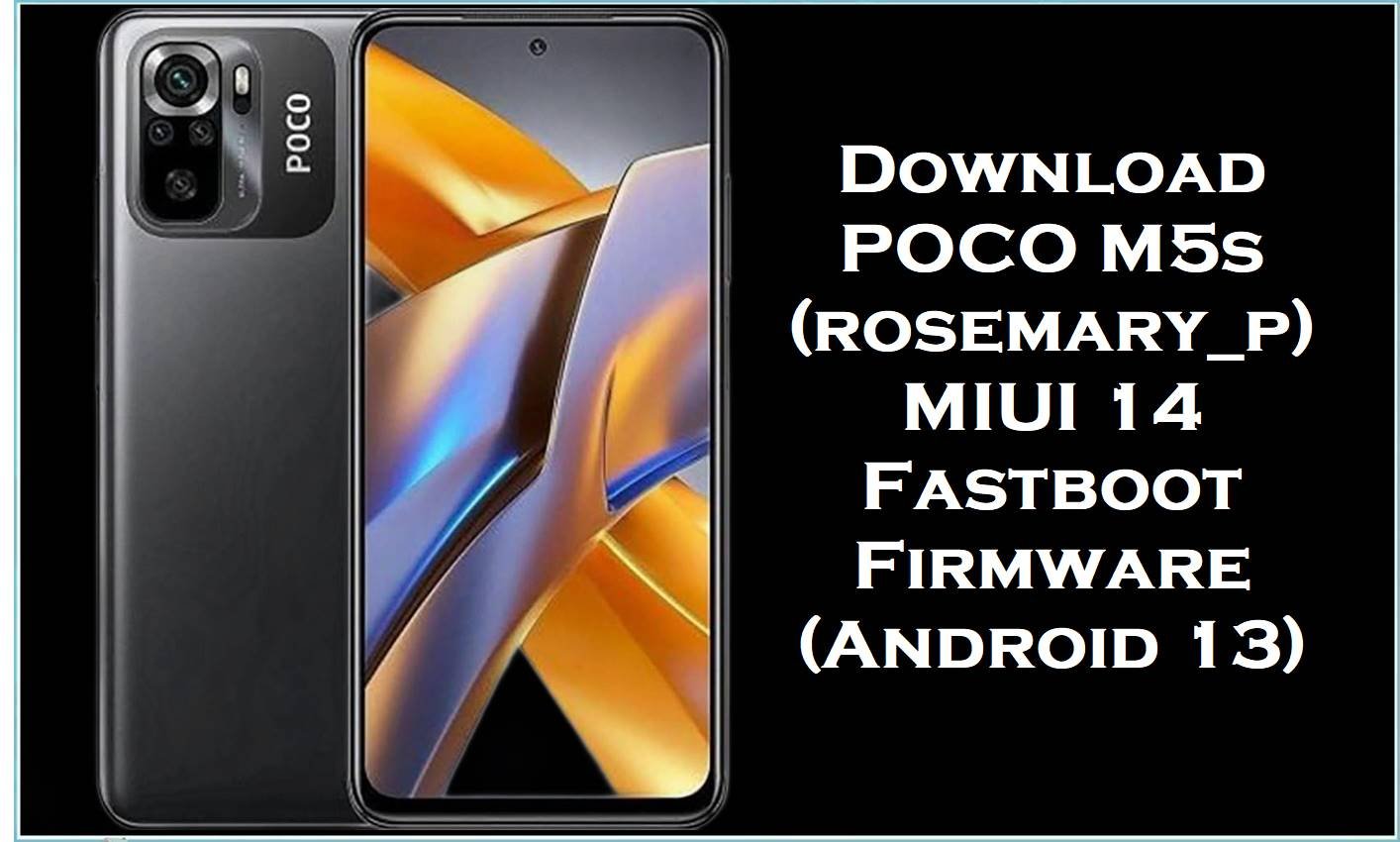
POCO M5s (codename rosemary_p) is a value-focused Xiaomi/POCO phone best known for its AMOLED display, 64MP camera setup, and big 5000mAh battery, but many users still complain about overheating, fast battery drain, lag, and random MIUI bugs after updates.
The MIUI 14 fastboot firmware files below (Android 13) are designed to reinstall the full system and help restore stability when your phone is stuck, glitchy, or slow—even after resets.
POCO M5s Firmware Details
| Device Name | POCO M5s |
|---|---|
| Codename | rosemary_p |
| Model Identifier (example) | 2207117BPG (varies by market/region) |
| Chipset | MediaTek Helio G95 (MT6785V) |
| Android Version | Android 13 (shown in build labels “13.0”) |
| MIUI Version Series | MIUI 14 Stable (regional branches listed below) |
| File Type | .tgz Fastboot ROM (“_global_images_”) |
| Flashing Tool Required | Xiaomi Mi Flash Tool (Windows) for fastboot flashing |
| Bootloader Status | Fastboot flashing commonly requires an unlocked bootloader (confirm before proceeding). |
| Region Notes | MIXM=Global, EUXM=EEA/Europe, RUXM=Russia, IDXM=Indonesia, TWXM=Taiwan, TRXM=Turkey. |
Warning: Flashing POCO M5s (rosemary_p) firmware is risky and advanced. Wrong model/region ROM or bad flashing can brick the phone, wipe data, cause boot failure/instability, security issues, and void warranty. Files/tools are provided “as is” with no warranties; no liability is accepted for damage or loss. Verify variant/region, back up everything, and proceed only at your own risk.
Problems Users Report (and Why Flashing Helps)
- Overheating & throttling: When the system is corrupted or misbehaving after an update, a clean fastboot install can remove broken system components that keep the CPU running hot.
- Battery drain: MIUI/HyperOS-style background activity and update bugs can cause abnormal drain, and a clean re-flash is often used when settings tweaks don’t stick.
- Lag & random bugs: Some users report new bugs after installing official packages, and reflashing the right build/region helps return the system to a known-good baseline.
Download Official Firmware for POCO M5s (rosemary_p)
| Filename | File Size | Build Date | Build Version | Android Version | Flashing Type | Download Link |
|---|---|---|---|---|---|---|
| rosemary_p_global_images_V14.0.17.0.TFFMIXM_20241217.0000.00_13.0_global_e6f691d94a.tgz | 6.01GB | 2024-12-17 | V14.0.17.0.TFFMIXM (Global) | Android 13 | Fastboot ROM (.tgz) | Download V14.0.17.0.TFFMIXM (Xiaomi BigOTA) |
| rosemary_p_ru_global_images_V14.0.13.0.TFFRUXM_20241226.0000.00_13.0_ru_e271c1a286.tgz | 5.86GB | 2024-12-26 | V14.0.13.0.TFFRUXM (Russia) | Android 13 | Fastboot ROM (.tgz) | Download V14.0.13.0.TFFRUXM (Xiaomi BigOTA) |
| rosemary_p_id_global_images_V14.0.8.0.TFFIDXM_20241226.0000.00_13.0_id_c55a8c7832.tgz | 5.36GB | 2024-12-26 | V14.0.8.0.TFFIDXM (Indonesia) | Android 13 | Fastboot ROM (.tgz) | Download V14.0.8.0.TFFIDXM (Xiaomi HugeOTA) |
| rosemary_p_eea_global_images_V14.0.15.0.TFFEUXM_20241125.0000.00_13.0_eea_a0d60bee80.tgz | 6.00GB | 2024-11-25 | V14.0.15.0.TFFEUXM (EEA/Europe) | Android 13 | Fastboot ROM (.tgz) | Download V14.0.15.0.TFFEUXM (Xiaomi HugeOTA) |
| rosemary_p_tw_global_images_V14.0.9.0.TFFTWXM_20250114.0000.00_13.0_tw_f46be01aec.tgz | 5.21GB | 2025-01-14 | V14.0.9.0.TFFTWXM (Taiwan) | Android 13 | Fastboot ROM (.tgz) | Download V14.0.9.0.TFFTWXM (Xiaomi HugeOTA) |
| rosemary_p_tr_global_images_V14.0.5.0.TFFTRXM_20250114.0000.00_13.0_tr_0cf6686351.tgz | 5.44GB | 2025-01-14 | V14.0.5.0.TFFTRXM (Turkey) | Android 13 | Fastboot ROM (.tgz) | Download V14.0.5.0.TFFTRXM (Xiaomi HugeOTA) |
Flashing Requirements
- Windows PC, stable USB cable, and enough free disk space to extract a 5–6GB+ ROM.
- Xiaomi USB drivers + Xiaomi Mi Flash Tool installed.
- Correct region match (MIXM/EUXM/RUXM/IDXM/TWXM/TRXM) to avoid boot/network issues.
- Bootloader unlocked (commonly required for Xiaomi fastboot flashing).
- Complete backup because flashing can wipe data depending on options and device state.
How to Flash the Firmware
- Download the correct fastboot ROM for your region and extract the.tgz until you can see the ROM folder/files.
- Install Xiaomi drivers, then open Xiaomi Mi Flash Tool on Windows.
- Boot POCO M5s (rosemary_p) into Fastboot mode and connect it to the PC.
- Select the extracted ROM folder in Mi Flash Tool, refresh device detection, then start flashing without disconnecting the cable.
- Reboot, finish first boot setup, and monitor temperature, battery drain, and performance for a full day.
For a complete step-by-step guide with pictures/videos, follow: How to Flash Android Smartphones with Xiaomi MI Flash Tool, then use it with your selected ROM such as V14.0.17.0.TFFMIXM or V14.0.15.0.TFFEUXM.
Frequently Asked Questions (FAQs)
Is rosemary_p firmware for POCO M5s only?
Yes, rosemary_p is widely listed as the POCO M5s codename, so these builds should be used only for POCO M5s variants that match the region branch.
What does V14.0.17.0.TFFMIXM mean on POCO M5s?
It indicates a MIUI 14 Stable build for the Global branch (MIXM) and is packaged here as a fastboot ROM for deeper reinstall/repair than a normal OTA.
Will flashing rosemary_p_global_images fix POCO M5s overheating?
Overheating is a commonly reported POCO M5s complaint, and reflashing the correct fastboot package can help when heat is caused by corrupted system components or broken update leftovers.





