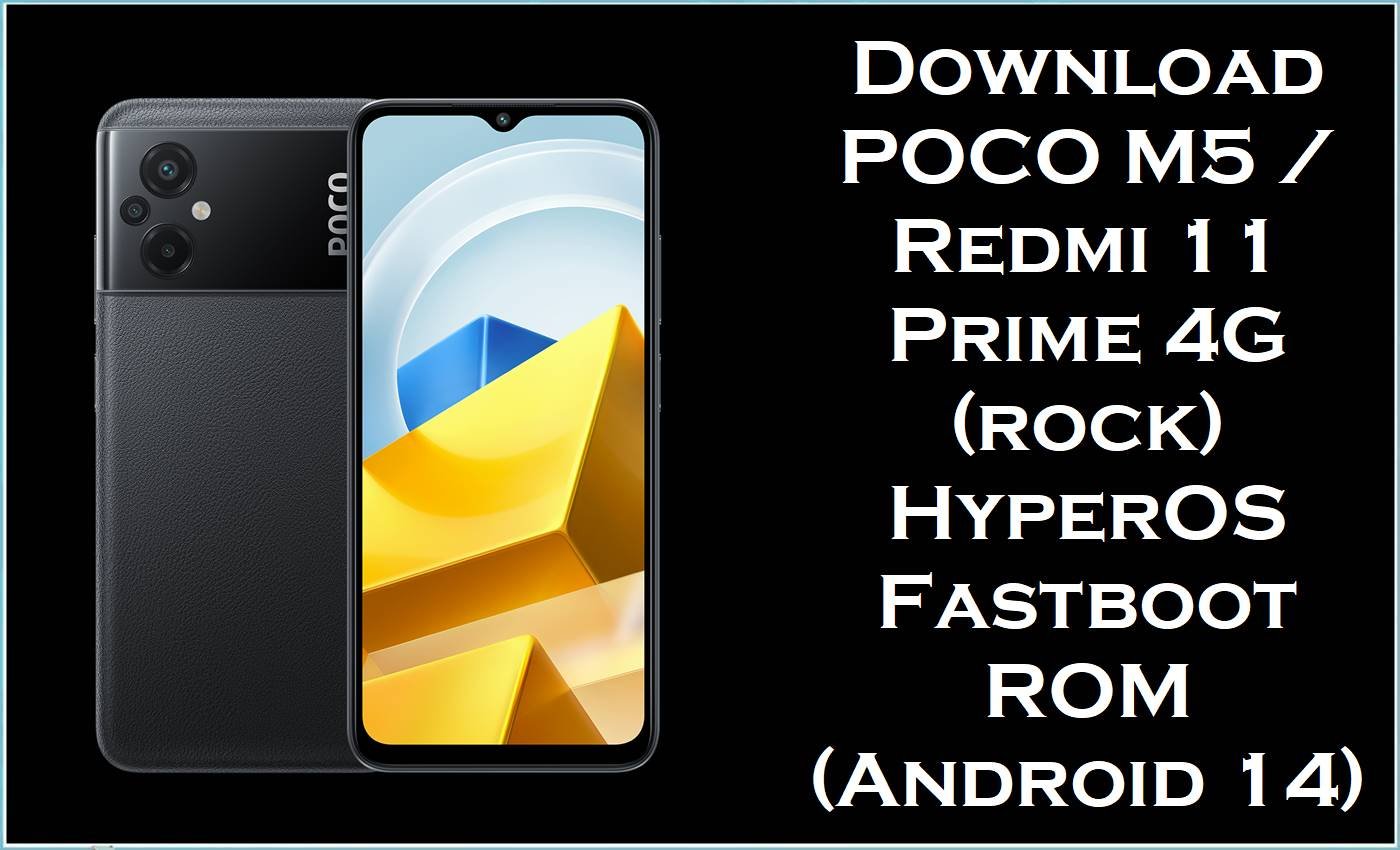
POCO M5 / Redmi 11 Prime 4G (codename rock) is a value-focused Xiaomi phone line known for strong everyday performance and long battery life for its class. After major system upgrades, some HyperOS users report problems like abnormal battery drain, heat spikes, and background services behaving inconsistently, especially when an update package is partially corrupted or fails mid-install.
The official HyperOS fastboot packages (TGZ) published below are built to reinstall core partitions cleanly, restore system stability, and fix software corruption issues such as bootloops, stuck Fastboot screens, app crashes, and broken updates.
This download page provides official firmware builds for POCO M5 / Redmi 11 Prime 4G (rock) across multiple regions, including Global (MIXM), EEA (EUXM), India (INXM), Taiwan (TWXM), Turkey (TRXM), Russia (RUXM), and Indonesia (IDXM). Each package is a fastboot ROM in .tgz format (often searched as stock ROM, flash file, stock firmware, and official firmware) and is intended for advanced flashing using a PC.
POCO M5 / Redmi 11 Prime 4G (rock) Firmware Details
| Device name | POCO M5 / Redmi 11 Prime 4G |
|---|---|
| Codename | rock |
| Model identifier (common) | 22071219CG (POCO M5) |
| Android version | Android 14 (per build name) |
| Firmware type | Fastboot ROM / firmware file (.tgz) |
| Flashing tool required | Xiaomi Mi Flash Tool (Fastboot mode) |
| Bootloader status | Fastboot flashing typically requires an unlocked bootloader on Xiaomi devices. |
| Region note (important) | Choose the exact region build for the device (MIXM/EUXM/INXM/TWXM/TRXM/RUXM/IDXM). |
Common problems these builds can fix
- Battery drain after updates: HyperOS users frequently report unusually fast battery drain after system upgrades, and re-installing the full system package is a common recovery path when an update package is buggy or incomplete.
- Wi‑Fi/network instability on certain builds: Xiaomi has publicly acknowledged Wi‑Fi connectivity bugs affecting specific HyperOS builds, showing that regional firmware differences can matter and that updating/reflashing to a stable build is a valid fix strategy.
- Bootloop / stuck Fastboot / failed OTA: A TGZ fastboot ROM is designed for a thorough reinstall of many partitions, which is why it is widely used to recover from bootloops or broken updates that cannot be repaired via normal system update methods.
⚠️ Flashing Risks & Disclaimer
- Flashing firmware on POCO M5 / Redmi 11 Prime 4G (rock) is high risk and intended for advanced users.
- Wrong region build (for example, MIXM vs EUXM), wrong device variant, or an interrupted flash can cause hard-brick, endless fastboot, boot failure, complete data loss, partition corruption, unstable radios (Wi‑Fi/mobile), security issues, and warranty/service complications.
- All firmware files, tools, and instructions are provided “as is”, with no warranties (express or implied), and no responsibility is accepted for any damage, malfunction, or data loss.
- Verify codename = rock, confirm the correct region code (MIXM/EUXM/INXM/TWXM/TRXM/RUXM/IDXM), and back up all data before proceeding.
- By continuing, full responsibility for outcomes resulting from flashing is accepted by the user.
Download Official Firmware for POCO M5 (rock)
text
| Filename | File size | Build date | Build / version | Android | Flashing type | Download link |
|---|---|---|---|---|---|---|
| rock_global_images_OS1.0.12.0.ULUMIXM_20241012.0000.00_14.0_global_b5a4c2b376.tgz | 5.83 GB | 2024-10-12 | OS1.0.12.0.ULUMIXM (Global / MIXM) | 14.0 | Fastboot ROM (.tgz) | Download OS1.0.12.0 ULUMIXM (Xiaomi Big OTA) |
| rock_eea_global_images_OS1.0.5.0.ULUEUXM_20240827.0000.00_14.0_eea_bc4bab7912.tgz | 5.58 GB | 2024-08-27 | OS1.0.5.0.ULUEUXM (EEA / EUXM) | 14.0 | Fastboot ROM (.tgz) | Download OS1.0.5.0 ULUEUXM (Xiaomi Big OTA) |
| rock_in_global_images_OS1.0.8.0.ULUINXM_20241021.0000.00_14.0_in_422349e337.tgz | 4.85 GB | 2024-10-21 | OS1.0.8.0.ULUINXM (India / INXM) | 14.0 | Fastboot ROM (.tgz) | Download OS1.0.8.0 ULUINXM (Xiaomi Big OTA) |
| rock_tw_global_images_OS1.0.4.0.ULUTWXM_20240429.0000.00_14.0_tw_d4e7d6579b.tgz | 5.14 GB | 2024-04-29 | OS1.0.4.0.ULUTWXM (Taiwan / TWXM) | 14.0 | Fastboot ROM (.tgz) | Download OS1.0.4.0 ULUTWXM (Xiaomi Big OTA) |
| rock_tr_global_images_OS1.0.2.0.ULUTRXM_20240624.0000.00_14.0_tr_8d21a3073d.tgz | 5.46 GB | 2024-06-24 | OS1.0.2.0.ULUTRXM (Turkey / TRXM) | 14.0 | Fastboot ROM (.tgz) | Download OS1.0.2.0 ULUTRXM (Xiaomi Big OTA) |
| rock_ru_global_images_OS1.0.6.0.ULURUXM_20241021.0000.00_14.0_ru_22697125e4.tgz | 5.47 GB | 2024-10-21 | OS1.0.6.0.ULURUXM (Russia / RUXM) | 14.0 | Fastboot ROM (.tgz) | Download OS1.0.6.0 ULURUXM (Xiaomi Big OTA) |
| rock_id_global_images_OS1.0.7.0.ULUIDXM_20241021.0000.00_14.0_id_4e85ea3da7.tgz | 5.25 GB | 2024-10-21 | OS1.0.7.0.ULUIDXM (Indonesia / IDXM) | 14.0 | Fastboot ROM (.tgz) | Download OS1.0.7.0 ULUIDXM (Xiaomi Big OTA) |
Optional: TWRP Recovery for rock
TWRP is a custom recovery typically used for advanced tasks (backups, mods, custom ROM installs) and is separate from reinstalling official firmware via Mi Flash. Installing a custom recovery generally requires an unlocked bootloader and careful fastboot commands, and using an incompatible recovery image can trigger boot issues.
| Recovery filename | File size | Type | Download link |
|---|---|---|---|
| twrp-3.7.0_12-0-rock-brigudav.img | 64 MB | Custom recovery image (.img) | Download TWRP 3.7.0 (SourceForge) |
Flashing Requirements
- Windows PC + a reliable USB cable (avoid loose connections during flashing).
- Xiaomi Mi Flash Tool installed (includes/uses the required drivers in typical packages).
- Fastboot mode access on the phone.
- Unlocked bootloader is commonly required for fastboot flashing on Xiaomi devices.
- Full backup: flashing a fastboot ROM can erase everything depending on the selected option.
How to Flash the Firmware
Method A: Xiaomi Mi Flash Tool (TGZ Fastboot ROM)
- Extract the .tgz file until the final ROM folder appears (the folder that contains flashing scripts like flash_all).
- Boot POCO M5 (rock) into Fastboot mode and connect it to the PC.
- Open Mi Flash Tool, load the extracted ROM folder, and refresh to detect the device.
- Select the appropriate flash option (some options wipe data), then start flashing and do not disconnect.
- Reboot when finished and allow extra time for the first boot after reinstalling stock firmware.
Method B: Flash Script (flash_all.bat)
- Extract the fastboot ROM and locate the included flash_all.bat (Windows) or shell scripts (Linux/macOS).
- Connect the device in Fastboot mode and confirm PC detection before flashing.
- Run the script from the ROM folder and wait for completion.
- Never interrupt the process (power loss/disconnect can corrupt partitions).
- Reboot and complete setup (data wipe may occur depending on flash mode).
Step-by-step guides (pictures & videos):
Frequently Asked Questions (FAQs)
Which model uses the rock firmware?
Rock firmware is used by POCO M5 and Redmi 11 Prime 4G variants, so the codename must match before flashing.
What is the difference between ULUMIXM, ULUEUXM, ULUINXM, ULUTWXM, ULUTRXM, ULURUXM, and ULUIDXM?
These suffixes represent different regional firmware branches (Global, EEA, India, Taiwan, Turkey, Russia, Indonesia), and flashing the wrong region can cause network/app compatibility issues or boot problems.
Can this official firmware fix HyperOS battery drain on POCO M5 (rock)?
Battery drain is a commonly reported HyperOS problem for some users, and reflashing the same or newer stable package can help when the issue is caused by a faulty update install or corrupted system state.
Does Mi Flash require bootloader unlock on POCO M5 (rock)?
Fastboot flashing on Xiaomi devices commonly requires an unlocked bootloader, and locked devices may block flashing or require authorized service methods.





