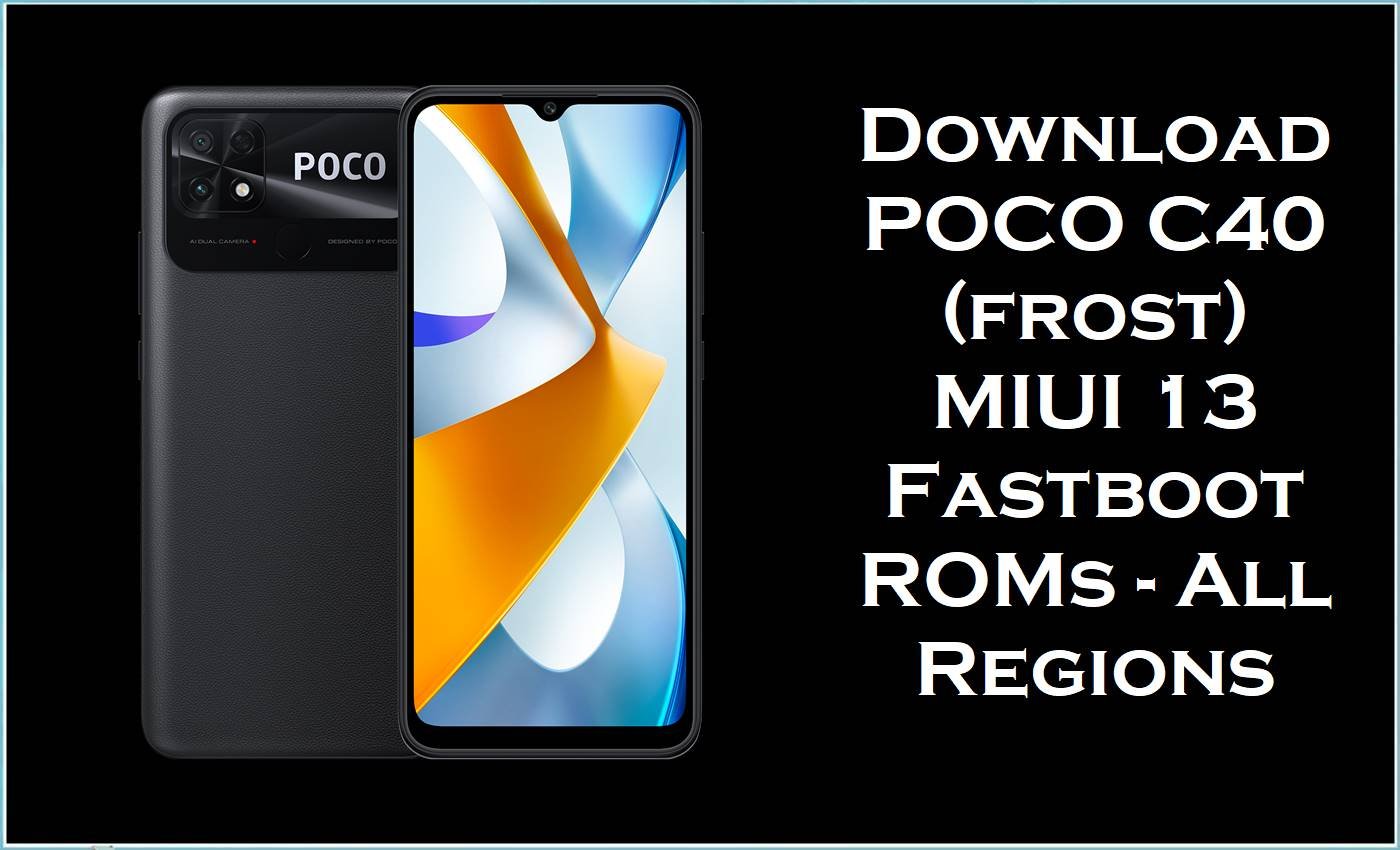
The POCO C40 (codename frost) is an affordable Android smartphone built around a large LCD display, massive battery, and entry‑level JR510 chipset, targeting users who need long endurance and basic social, media, and gaming performance. With extended use, many POCO C40 owners report issues such as UI lag, app freezes, random reboots, charging glitches, and stability problems after OTA updates on MIUI 13 Android 11 firmware.
Flashing the correct stock ROM / stock firmware fastboot package listed below for the exact region (Global, Taiwan, Indonesia, EEA, Russia, Turkey) can fix bootloops, repair corrupted systems, and restore smooth, stable performance on the POCO C40 frost.
POCO C40 (frost) Firmware Details
| Field | Details |
|---|---|
| Device Name | POCO C40 |
| Codename / Models | frost – models such as 220333QPG / 220333QPI (global variants often listed as “Fog Frost”). |
| Chipset / Board | JLQ JR510 entry‑level SoC, sometimes referenced as “jr510” in firmware info. |
| Display | Large HD+ LCD panel, suitable for basic multimedia consumption and daily tasks. |
| Battery | 6000 mAh‑class battery designed for extended screen‑on‑time and multi‑day use. |
| Base OS / UI | Android 11 with MIUI 13 for POCO C40 (frost). |
| Firmware Type | Official MIUI 13 stock ROM / stock firmware fastboot images (.tgz) for POCO C40 frost. |
| Main Versions Listed | V13.0.26.0.RGFMIXM, V13.0.7.0.RGFTWXM, V13.0.12.0.RGFIDXM, V13.0.12.0.RGFEUXM, V13.0.17.0.RGFRUXM, V13.0.20.0.RGFTRXM. |
| Android Version | Android 11.0 for all these MIUI 13 builds. |
| File Format | .tgz fastboot ROM archives (larger than recovery.zip packages). |
| Flashing Tool Required | Mi Flash Tool / Xiaomi Mi Flash for fastboot ROM flashing. |
| Bootloader Requirement | Unlocked bootloader generally required for full fastboot flashing; locked bootloader used for official recovery/OTA only. |
| Typical Use Cases | Fix bootloop/soft‑brick, repair failed updates, revert to clean stock firmware, remove root or custom ROMs, and improve stability on POCO C40 frost. |
Download Official Firmware for POCO C40 (frost)
The table below lists MIUI 13 Android 11 fastboot ROM stock firmware packages for POCO C40 frost in several official regions. These stock ROM files are intended for use with Mi Flash Tool to restore the device to clean factory software, fix bootloops, or correct failed OTA updates.
| Filename | Region / Variant | Build Version | Android / MIUI | Build Date | File Size | Flashing Type | Download Link |
|---|---|---|---|---|---|---|---|
| frost_global_images_V13.0.26.0.RGFMIXM_20240305.0000.00_11.0_global_35e94a69c8.tgz | Global (MIXM) – POCO C40 global models. | V13.0.26.0.RGFMIXM | Android 11.0 / MIUI 13 Global stable. | 2024‑03‑05 package date (release around March 2024). | 4.92 GB (fastboot ROM; recovery ROM ~2.7–2.9 GB). | Fastboot stock ROM / stock firmware – flash via Mi Flash Tool. | Download V13.0.26.0 Global (Mi Cloud) |
| frost_tw_global_images_V13.0.7.0.RGFTWXM_20240117.0000.00_11.0_global_b9cc86014f.tgz | Taiwan (TWXM) – POCO C40 TW regional variant. | V13.0.7.0.RGFTWXM | Android 11.0 / MIUI 13 TW stable. | 2024‑01‑17 | 4.21 GB | Fastboot ROM stock firmware – Mi Flash Tool. | Download V13.0.7.0 TW (Mi Cloud) |
| frost_id_global_images_V13.0.12.0.RGFIDXM_20230728.0000.00_11.0_global_4a2e35ef38.tgz | Indonesia (IDXM) – POCO C40 Indonesia release. | V13.0.12.0.RGFIDXM | Android 11.0 / MIUI 13 ID stable. | 2023‑07‑28 | 4.70 GB | Fastboot ROM official firmware – Mi Flash Tool. | Download V13.0.12.0 ID (Mi Cloud) |
| frost_eea_global_images_V13.0.12.0.RGFEUXM_20240305.0000.00_11.0_eea_1fd2efcccf.tgz | EEA (EUXM) – European Economic Area variant with EU regulations. | V13.0.12.0.RGFEUXM | Android 11.0 / MIUI 13 EEA stable. | 2024‑03‑05 | 4.65 GB | Fastboot ROM stock firmware – Mi Flash Tool. | Download V13.0.12.0 EEA (Mi Cloud) |
| frost_ru_global_images_V13.0.17.0.RGFRUXM_20240311.0000.00_11.0_global_f27c240ddb.tgz | Russia (RUXM) – Russian POCO C40 firmware. | V13.0.17.0.RGFRUXM | Android 11.0 / MIUI 13 RU stable. | 2024‑03‑11 | 4.59 GB | Fastboot ROM official firmware – Mi Flash Tool. | Download V13.0.17.0 RU (Mi Cloud) |
| frost_tr_global_images_V13.0.20.0.RGFTRXM_20240205.0000.00_11.0_global_f8dbda43c0.tgz | Turkey (TRXM) – POCO C40 Turkey region. | V13.0.20.0.RGFTRXM | Android 11.0 / MIUI 13 TR stable. | 2024‑02‑05 | 4.48 GB | Fastboot ROM stock firmware – Mi Flash Tool. | Download V13.0.20.0 TR (Mi Cloud) |
These official firmware packages incorporate Android security patch updates and MIUI 13 bug fixes that improve stability, address memory and UI issues, and refine connectivity and battery performance for POCO C40 frost devices in each region. A clean installation of the correct regional stock ROM / stock firmware frequently resolves slowdowns, freezes, failed app launches, and boot problems that appear after long‑term use or incomplete OTA updates.
Flashing Requirements
- Correct device: POCO C40 with codename frost (verify in About phone or with
fastboot getvar product), not Redmi 10A, Redmi 10 5G, or other similar models. - Windows PC or laptop with stable USB ports, installed Xiaomi/JLQ USB drivers, and the latest Xiaomi Mi Flash Tool compatible with MIUI 13 fastboot ROMs.
- Original or high‑quality USB‑C cable to connect POCO C40 while in fastboot mode during flashing.
- Unlocked bootloader where required for clean fastboot flashing of stock firmware; recovery/OTA updates rely on a locked bootloader.
- Battery level at 60% or higher and a complete backup of internal storage, because flashing a stock ROM / flash file can wipe all user data.
How to Flash the Firmware
POCO C40 frost fastboot ROM files are designed to be flashed with Mi Flash Tool in fastboot mode. The steps below provide a concise overview of the process for these stock firmware packages.
Quick Steps – MIUI 13 Fastboot ROM via Mi Flash Tool
- Download the correct frost fastboot ROM (.tgz) for the POCO C40 region (MIXM, TWXM, IDXM, EUXM, RUXM, TRXM) and extract the archive to a simple folder path on the PC.
- Install Xiaomi/JLQ USB drivers and Mi Flash Tool, then power off POCO C40 and boot into fastboot mode by holding Volume Down + Power.
- Connect the device to the PC, open Mi Flash Tool, click “select,” and choose the extracted stock firmware folder that contains the fastboot images.
- Select the flashing option (for example, clean all), click “flash,” and wait until Mi Flash Tool completes successfully without disconnecting the phone.
- Reboot POCO C40 and allow several minutes for MIUI 13 Android 11 to initialize and optimize apps after the new stock ROM installation.
Users who need a visual, step‑by‑step guide for Mi Flash Tool—covering driver installation, bootloader handling, and troubleshooting—can follow this in‑depth tutorial applicable to POCO C40 and other Xiaomi devices: full Mi Flash stock firmware flashing guide.
Frequently Asked Questions (FAQs)
What is the V13.0.26.0.RGFMIXM stock ROM for POCO C40 frost used for?
The frost_global_images_V13.0.26.0.RGFMIXM fastboot ROM is the official MIUI 13 Android 11 Global stock firmware for POCO C40, used to perform a clean installation or recovery when the system is corrupted or stuck in a bootloop. It includes updated security patches and bug fixes aimed at improving performance and stability on global POCO C40 units.
How can users confirm that these firmware files match the POCO C40 frost device?
The filenames clearly include the codename frost and region code (for example, RGFMIXM, RGFEUXM, RGFRUXM), while the phone’s About page and fastboot output should also reference POCO C40 and product name frost. Flashing ROMs intended for different codenames or devices such as dandelion_c3l2 (Redmi 10A) can lead to installation failure or permanent brick.
Does flashing POCO C40 stock firmware erase data?
Flashing frost fastboot ROMs via Mi Flash Tool in clean‑all mode typically wipes installed apps, accounts, and internal storage on the POCO C40. A complete backup is strongly recommended before using any stock firmware or flash file.
Can these MIUI 13 fastboot ROMs fix lag and random reboots on POCO C40?
Updated V13.0.x.x MIUI 13 builds for POCO C40 include stability and performance optimizations that can reduce freezes, lag, and random reboot issues seen on earlier firmware or broken OTA states. A clean flash of the correct regional stock ROM often provides a smoother experience than repeated OTA upgrades on a heavily modified or corrupted system.
Is it safe to cross‑flash POCO C40 firmware between Global, EEA, RU, TW, ID, and TR regions?
Cross‑flashing between POCO C40 frost regional ROMs (for example, MIXM to EUXM) may work for advanced users with an unlocked bootloader, but it carries extra risk, may affect OTA updates, and can introduce region‑specific issues. The safest approach is to use the stock firmware that matches the original region code of the POCO C40 printed in the MIUI version and device box.





