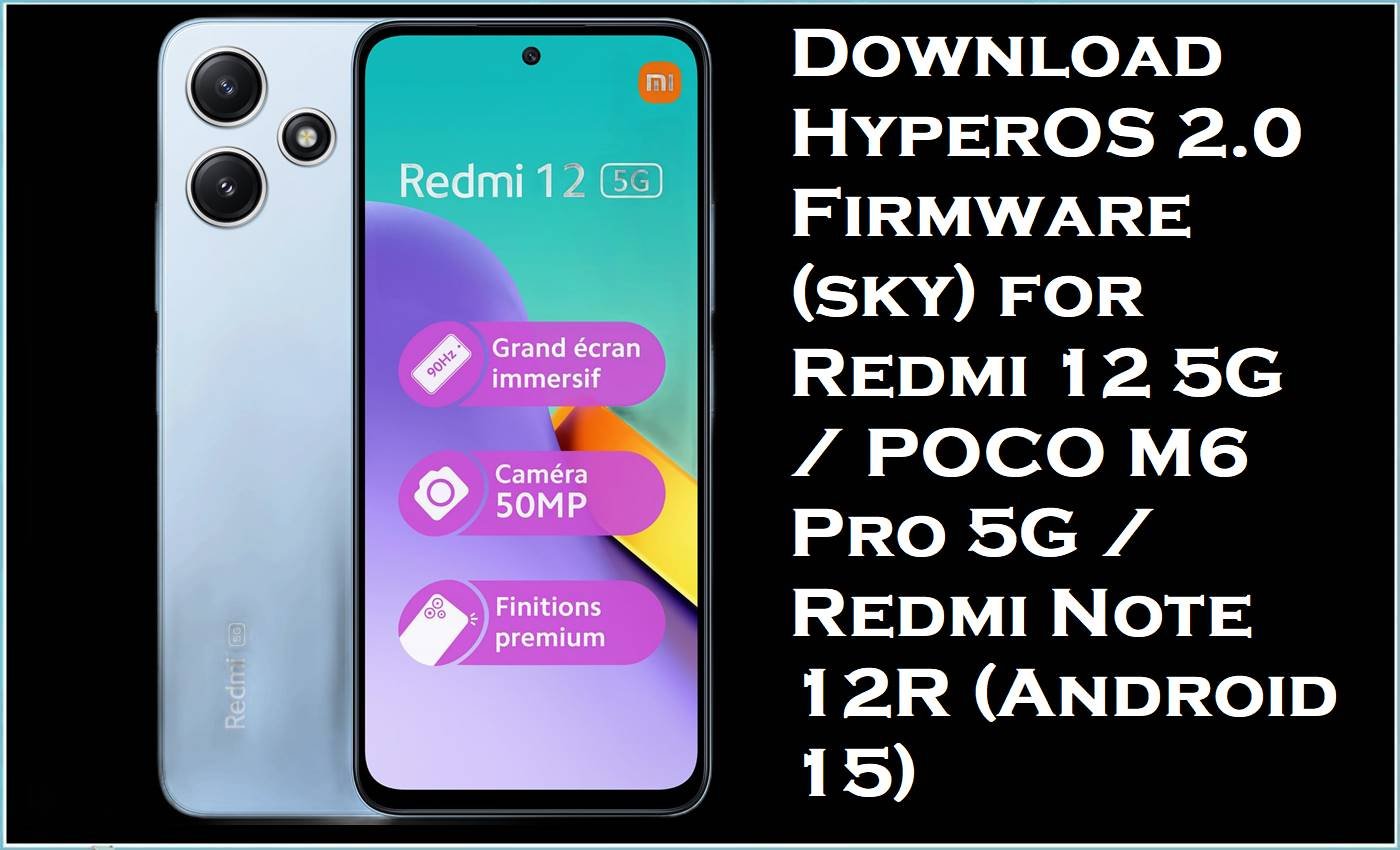
The sky device family (Redmi 12 5G / POCO M6 Pro 5G / Redmi Note 12R) runs on Snapdragon 4 Gen 2 with a large 6.79-inch 90Hz display and a 5000 mAh battery, so smooth performance and good standby time are key expectations for owners. Yet many HyperOS 2 users report problems such as fast battery drain, overheating, and sluggish performance after certain updates—issues that often improve when you move to a newer stable build or do a clean reinstall.
The HyperOS 2.0 fastboot packages below (CN/Global/India/EEA/TW/JP) help by upgrading your device to Android 15-based stable firmware and re-installing core system partitions that can get corrupted after failed OTAs, bad tweaks, or system crashes.
Redmi 12 5G / POCO M6 Pro 5G (sky) Firmware Details
| Device Name | Redmi 12 5G / POCO M6 Pro 5G / Redmi Note 12R |
|---|---|
| Codename | sky |
| Chipset | Qualcomm Snapdragon 4 Gen 2 (4nm) |
| Display | 6.79″ IPS LCD, 90Hz |
| Battery | 5000 mAh (non-removable) |
| Android Version | Android 15 (HyperOS 2.0 builds listed below) |
| Firmware Type | Fastboot ROM (.tgz images) + optional Xiaomi.eu custom ZIP (unofficial) |
| Flashing Tool Required | Xiaomi Mi Flash Tool (for.tgz fastboot) |
| Bootloader Status | Fastboot flashing typically requires an unlocked bootloader (or EDL/service methods), so confirm before flashing. |
| Region Notes | China ROMs are CN-focused and may ship without Google services, while Global ROMs include Google services and multilingual support. |
Warning (sky / Redmi 12 5G / POCO M6 Pro 5G / Redmi Note 12R): Flashing firmware is advanced and risky. Using the wrong variant/region build or improper flashing can permanently brick the phone, erase all data, cause boot failure, instability, security issues, and void warranty. Files/tools are provided “as is” with no warranties; authors/providers accept no liability for damage or loss. Verify exact model/region, back up everything, and continue only if you fully understand the process.
What This Firmware Helps Fix
- Battery drain after updates: Users commonly report noticeably shorter screen-on time after upgrading to HyperOS 2, which a newer build (or a clean flash) may reduce by replacing misbehaving system components and resetting broken power-management states.
- Overheating during light use: Some reports describe heat spikes after HyperOS updates, and moving to a later stable release is a practical way to pick up vendor-side optimizations and bug fixes.
- Wi‑Fi instability/disconnects: Xiaomi’s own support guidance for Redmi Note 12 series Wi‑Fi disconnect behavior emphasizes keeping the OS updated, which aligns with installing newer HyperOS builds when network bugs appear.
Download Official Firmware for Redmi 12 5G / POCO M6 Pro 5G (sky)
| Filename | File Size | Build Date | Build Version | Android Version | Flashing Type | Download Link |
|---|---|---|---|---|---|---|
| sky_images_OS2.0.205.0.VMWCNXM_20250905.0000.00_15.0_cn_57b1368739.tgz | 6.30GB | 2025-09-05 | OS2.0.205.0.VMWCNXM (China) | Android 15 | Fastboot ROM (.tgz images) | Download OS2.0.205.0.VMWCNXM (Xiaomi HugeOTA) |
| sky_global_images_OS2.0.205.0.VMWMIXM_20251024.0000.00_15.0_global_7ada7e8676.tgz | 7.16GB | 2025-10-24 | OS2.0.205.0.VMWMIXM (Global) | Android 15 | Fastboot ROM (.tgz images) | Download OS2.0.205.0.VMWMIXM (Xiaomi BigOTA) |
| sky_in_global_images_OS2.0.201.0.VMWINXM_20250905.0000.00_15.0_in_13817edc15.tgz | 5.89GB | 2025-09-05 | OS2.0.201.0.VMWINXM (India) | Android 15 | Fastboot ROM (.tgz images) | Download OS2.0.201.0.VMWINXM (Xiaomi BigOTA) |
| sky_eea_global_images_OS2.0.208.0.VMWEUXM_20250928.0000.00_15.0_eea_ad012da3ba.tgz | 6.71GB | 2025-09-28 | OS2.0.208.0.VMWEUXM (EEA/Europe) | Android 15 | Fastboot ROM (.tgz images) | Download OS2.0.208.0.VMWEUXM (Xiaomi BigOTA) |
| sky_tw_global_images_OS2.0.206.0.VMWTWXM_20251016.0000.00_15.0_tw_816a127aba.tgz | 5.75GB | 2025-10-16 | OS2.0.206.0.VMWTWXM (Taiwan) | Android 15 | Fastboot ROM (.tgz images) | Download OS2.0.206.0.VMWTWXM (Xiaomi BigOTA) |
| sky_jp_global_images_OS2.0.201.0.VMWJPXM_20250904.0000.00_15.0_jp_a94056c7df.tgz | 6.38GB | 2025-09-04 | OS2.0.201.0.VMWJPXM (Japan) | Android 15 | Fastboot ROM (.tgz images) | Download OS2.0.201.0.VMWJPXM (Xiaomi BigOTA) |
| xiaomi.eu_SKY_OS2.0.205.0.VMWCNXM_15.zip | 4.76GB | Not stated (ZIP release) | Xiaomi.eu based on OS2.0.205.0.VMWCNXM (Unofficial) | Android 15 (base) | Custom Recovery (TWRP) ZIP | Download Xiaomi.eu SKY OS2.0.205.0 (SourceForge) |
Flashing Requirements
- A Windows PC + quality USB cable.
- Xiaomi USB drivers and Xiaomi Mi Flash Tool installed (for.tgz fastboot ROMs).
- Unlocked bootloader (commonly required for fastboot flashing), or use authorized/service methods if your device is locked.
- Extracted firmware folder that contains the flashing scripts and an
imagesdirectory. - A full backup (photos, files, app data), since clean flashing can wipe everything.
How to Flash the Firmware
Method A: Official Fastboot ROM (.tgz) via Xiaomi Mi Flash Tool
- Download your exact region build (CNXM / MIXM / INXM / EUXM / TWXM / JPXM) and extract the
.tgzuntil you see the ROM folder structure. - Install drivers, open Mi Flash Tool, then click Select and choose the extracted ROM folder (the one that includes flash scripts such as
flash_all.bat). - Boot the phone into Fastboot mode (Power + Volume Down), then connect it to the PC.
- In Mi Flash Tool, click Refresh to detect the device, choose a suitable clean flashing option, then start flashing and do not interrupt the process.
- Reboot, complete first setup, and allow a full day for background optimization before judging battery/heat improvements.
Method B: Xiaomi.eu ZIP (Custom ROM) via TWRP (Advanced)
- Unlock the bootloader, then install/boot TWRP from Fastboot.
- Back up data and be prepared to wipe as required for a clean install.
- Copy
xiaomi.eu_SKY_OS2.0.205.0.VMWCNXM_15.zipto internal storage. - Flash the ZIP in TWRP, then reboot.
- If issues persist, revert to the official fastboot ROM for your region to return to stock behavior.
Need a full step-by-step walkthrough with pictures and videos? Use your site’s detailed Xiaomi Mi Flash Tool guide and (where applicable) the Flash.bat guide, and choose the guide that matches the firmware package you downloaded above.
Frequently Asked Questions (FAQs)
Which phone uses the “sky” firmware?
The sky codename is used for the Redmi 12 5G / POCO M6 Pro 5G / Redmi Note 12R device family.
Will OS2.0.205.0 / OS2.0.208.0 / OS2.0.206.0 fix HyperOS battery drain on POCO M6 Pro?
It may help because many users specifically report heavy battery drain after HyperOS 2 updates, and moving to a newer stable build (or clean flashing) is a common way to reduce update-related glitches.
Can I flash OS2.0.208.0.VMWEUXM (EEA) on an India (INXM) phone?
It’s strongly recommended to flash only the matching region/variant build (e.g., INXM for India, EUXM for EEA), because cross-region flashing can cause boot issues, missing features, and update problems.
Does flashing Redmi 12 5G firmware wipe data?
Yes, it can—especially if you choose a clean flash option—so backups should be treated as mandatory before installing any sky stock firmware.





