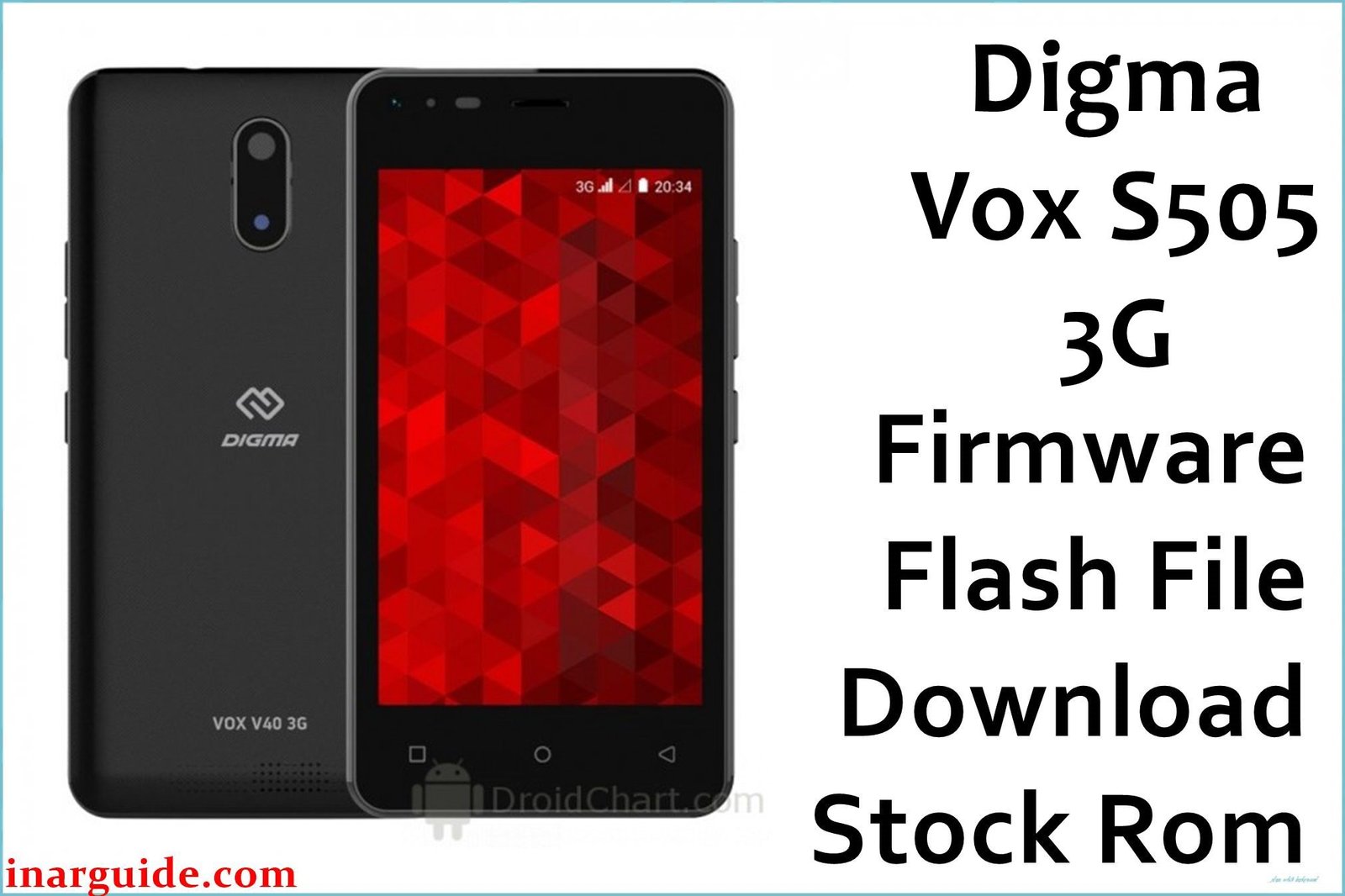
The Digma Vox S505 3G is an ultra-budget smartphone from the Russian brand Digma, released in 2016. It was designed to be one of the most affordable entry points into the Android ecosystem, featuring a large 5.5-inch display and powered by a MediaTek MT6580 processor. With extremely basic hardware, this device is highly susceptible to performance issues. This guide provides the official stock ROM, which is the definitive tool for reviving a bricked device or restoring it to a usable factory state. Important: This firmware is specifically for the Digma Vox S505 3G. As a MediaTek device, it requires the SP Flash Tool for flashing. Flashing this on a different model will cause a hard brick. This process will erase all data.
Quick Device Specs
- Device: Digma Vox S505 3G
- Release year: 2016
- Chipset: MediaTek MT6580 (3G)
- Display: 5.5″ IPS LCD
- Battery: 2200 mAh
- Original OS: Android 5.1 (Lollipop)
Required Downloads
To flash a MediaTek device, you will need the specific drivers and flashing tool. You can find the downloads for these in our main guide linked below.
- SP Flash Tool
- MediaTek VCOM USB Drivers
Stock ROM (Firmware)
| Build Date | Android | Type | Download | Chipset |
|---|---|---|---|---|
| 2016-11-12 | 5.1 | SP Flash Tool Firmware | Download | MediaTek |
How to Flash the Stock Firmware
Flashing the stock ROM onto your Digma Vox S505 requires a Windows PC and the SP Flash Tool. Here are the key steps:
- Install the correct MediaTek VCOM USB drivers on your PC.
- Launch the SP Flash Tool and load the
MT6580_Android_scatter.txtfile from the firmware. - Power off your phone completely.
- Click “Download” in the tool, then connect your phone while holding the Volume Down key to begin flashing.
For detailed, step-by-step instructions with screenshots and tool download links, please follow our comprehensive pillar guide: How to Flash Firmware with SP Flash Tool.
Troubleshooting for Digma Vox S505
- Unresponsive Touch Screen After Flash: A known issue with some Digma models is an unresponsive touch screen after flashing, even with the correct firmware. This happens if the manufacturer used different touch panel hardware (digitizers) during production. If you experience this, you will need to find an alternative stock ROM build for the Vox S505, as it likely contains the correct driver for your specific hardware revision.
- Constant “App Has Stopped” Errors: Due to the extremely limited 512MB of RAM, the phone cannot keep many services running in the background. If core apps like “Google Play Services” or “Dialer” are constantly crashing, a full re-flash of the stock ROM is the only way to restore the system to a clean, usable state.
FAQs
Q1. Why are modern apps like YouTube and Chrome so slow or unable to install?
This phone has only 512MB of RAM and 4GB of storage, which is far below the minimum requirements for most modern applications. The stock ROM is the only software light enough to run on this hardware. It is not suitable for running today’s apps.
Q2. Can I get a signal after flashing? My carrier is shutting down 3G.
The Digma Vox S505 is a 3G-only device. Many mobile carriers around the world have already shut down or are in the process of shutting down their 3G networks. Even if you flash the firmware correctly, you may not be able to get a cellular signal if 3G service is no longer available in your area.
Q3. The phone has 4GB of storage, so why do I only see about 1.5GB of free space?
The Android operating system itself, along with pre-installed system apps, takes up a significant portion of the internal storage. On a 4GB device, it’s normal for the system to reserve over 2GB, leaving very little space for the user.





