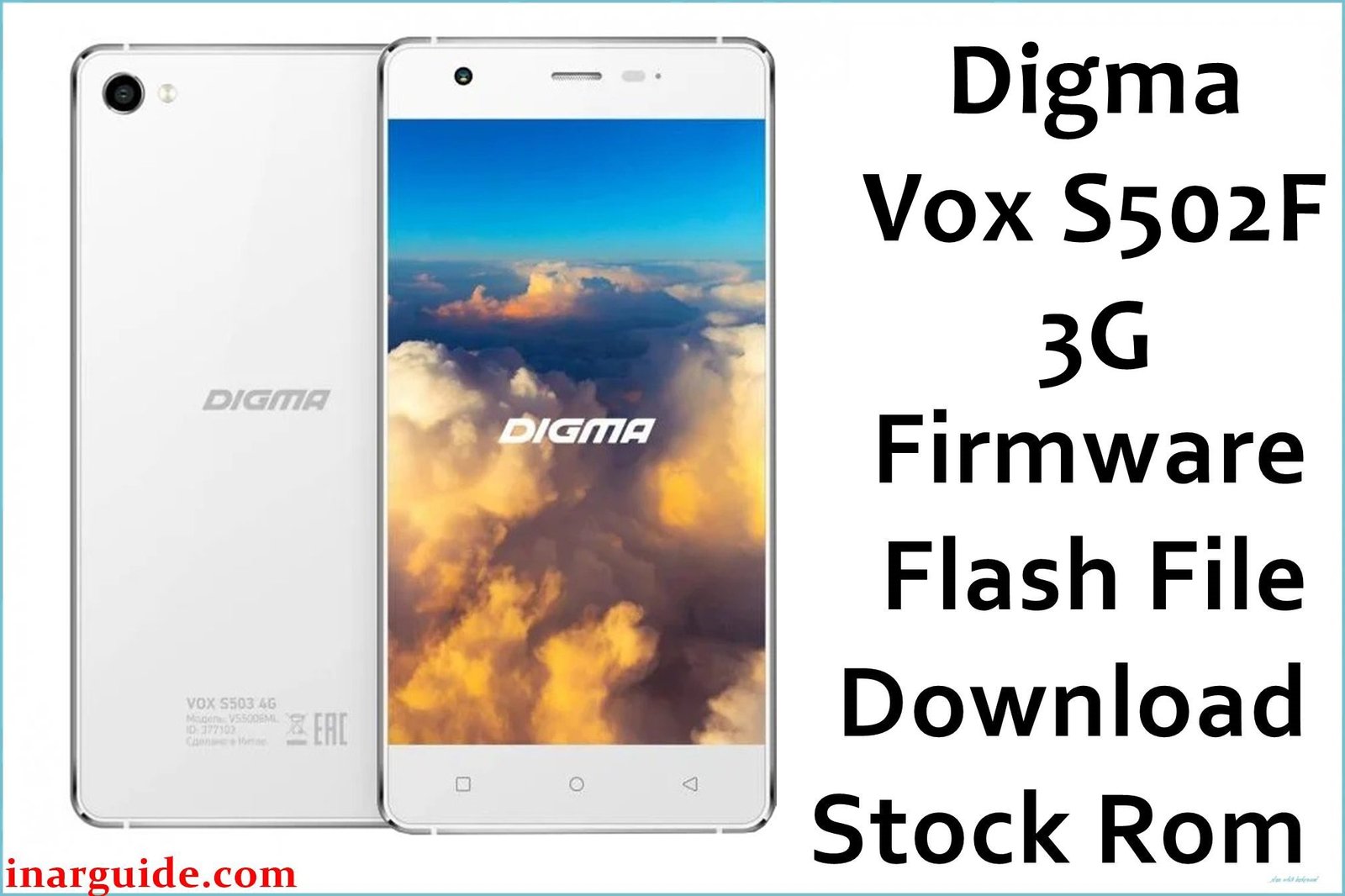
The Digma Vox S502F 3G (VS5004MG) is a large-screen budget smartphone from 2016, featuring a 5.5-inch HD IPS display and running Android 5.1 Lollipop. With its focus on media consumption, it also included a fingerprint scanner, a rare feature in its price range at the time. Over years of use, its 1GB of RAM and older software can lead to performance issues and bugs. For owners looking to restore the phone to its original factory state, fix software errors, or unbrick a faulty device, flashing the official stock firmware is the most reliable solution.
This guide provides the official firmware package and a clear, safe path to reinstalling the software on your device.
Digma Vox S502F 3G (VS5004MG) Firmware Details
Below are the key specifications for this official firmware package:
| Attribute | Details |
|---|---|
| 📱 Device | Digma Vox S502F 3G (VS5004MG) |
| 🆔 Chipset | MediaTek MT6580 |
| 🤖 Android OS | 5.1 Lollipop |
| 🔢 Build Number | 20160711 |
| 📂 File Type | Scatter Firmware |
| 💻💻 Flashing Tool | SP Flash Tool |
Why Flash the Stock Firmware?
Based on user reports and device specifications, reinstalling the official firmware can resolve several known issues on the Vox S502F 3G:
- Fix Unresponsive Fingerprint Scanner: Addresses software-related bugs that can cause the fingerprint sensor to become slow or stop working.
- Resolve “Ghost Touch” Issues: A clean firmware install can sometimes fix problems where the screen registers touches that didn’t happen, a common issue on older budget devices.
- Unbrick Your Phone: Revives a device that fails to boot past the Digma logo or is completely unresponsive.
- Restore Performance: A full flash is the best way to clear system memory and resolve lag or freezes caused by software bloat on this 1GB RAM device.
⚠️ Important Prerequisites
Before you begin, ensure you have the necessary drivers and tools. You will need to download the SP Flash Tool and install the correct MediaTek VCOM drivers on your computer. A full backup of your device data is also highly recommended as this process will erase everything.
Download Official Firmware for Digma Vox S502F 3G (VS5004MG)
- File Name: Digma_Vox_S502F_3G_MT6580_20160711.zip
- Size: 595 MB
- 🔗 Download Link (Google Drive): Digma Vox S502F 3G Firmware
How to Flash the Firmware
This device’s firmware uses a scatter file and must be installed using the SP Flash Tool. Here is a summary of the main steps:
- Download and extract the firmware package:
Digma_Vox_S502F_3G_MT6580_20160711.zip. - Install the correct MediaTek VCOM USB drivers on your PC.
- Launch the SP Flash Tool and load the
MT6580_Android_scatter.txtfile from the extracted folder. - Power off your Digma Vox S502F 3G. This model has a removable battery, so taking it out for 10 seconds is recommended to ensure a full power down.
- Set the flashing mode to “Download Only” and click the “Download” button.
- Connect the device to your computer via USB to initiate the flash.
For a complete, step-by-step tutorial with screenshots and troubleshooting, please follow our master guide:
→ How to Flash Stock Firmware to MediaTek (MTK) Smartphones
Disclaimer: Flashing firmware carries inherent risks. If instructions are not followed precisely, it could damage your device. We are not responsible for any data loss or damage. Proceed with caution.





