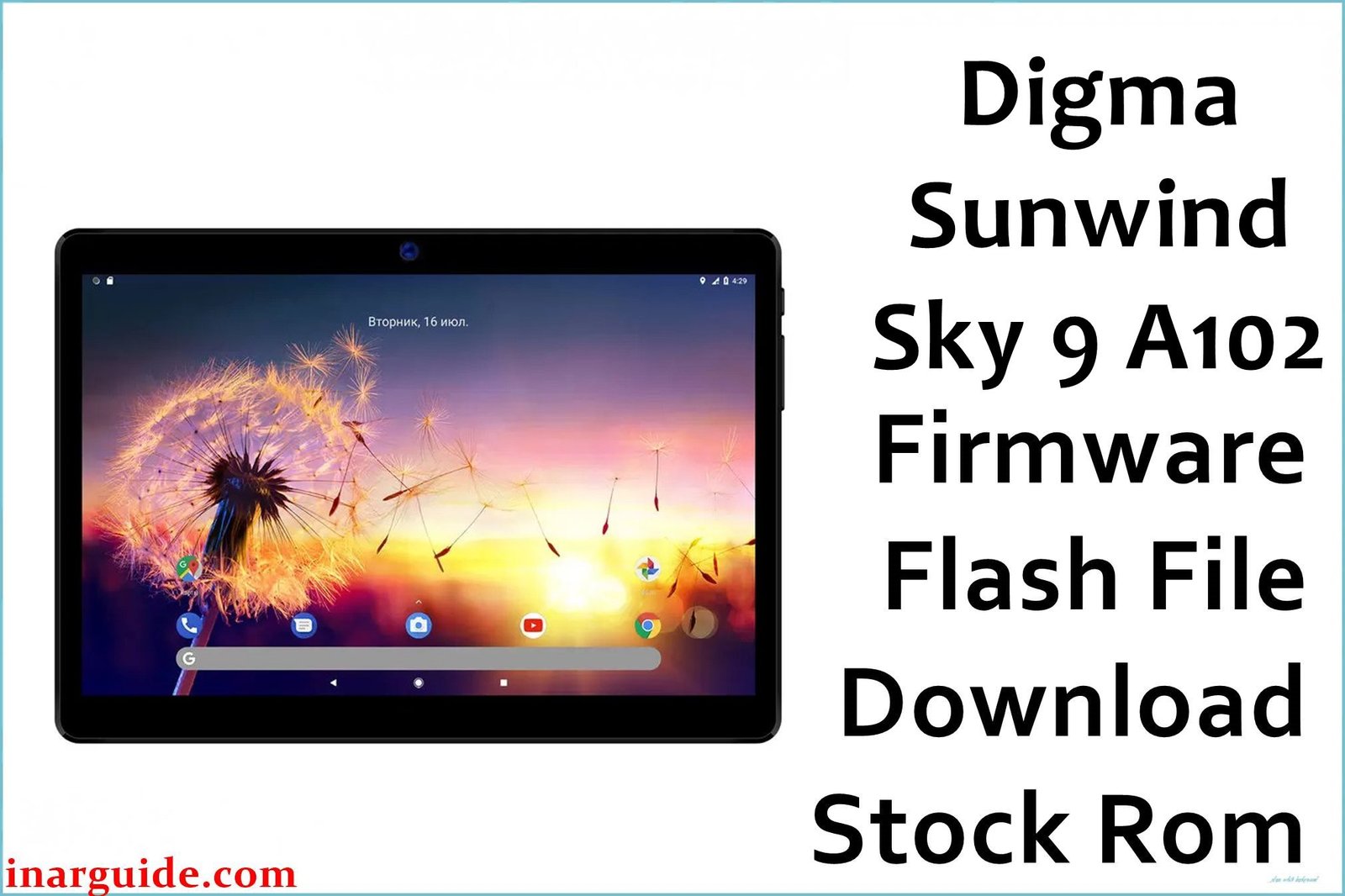
If a SunWind Sky 9 A102 3G is stuck on the logo, throws “operation failed” in ResearchDownload/UpgradeDownload, or bootloops after reset, flashing the correct Rev1 stock firmware restores stable software quickly.
Critical Pre‑Flash Warning
Flashing stock firmware erases all user data; back up internal storage before proceeding and install proper SPD/Unisoc drivers so Windows detects the tablet correctly.
Device Specifications Verification
Confirm these match the tablet to avoid flashing the wrong ROM or using incompatible tools.
| Specification | Details |
|---|---|
| Device Name | SunWind Sky 9 A102 3G (SS9236PG) |
| Chipset / GPU | Unisoc Spreadtrum SC7731E, Mali‑T820 MP1 |
| Display | 9.6″ IPS, 1280×800 |
| Memory | 1GB RAM / 8GB storage, microSD support |
| Cameras | Rear 2MP, Front 2MP (basic) |
| Connectivity | 3G, Wi‑Fi, Bluetooth, GPS |
| Battery | Approx. 4700–5100 mAh class (replacement listings vary) |
| Operating System | Android 10 (Go edition) |
Identify Your Build
This package targets Rev1 (filename includes 201117), so only use it on Sky 9 A102 units matching this revision to prevent incompatibilities during flashing.
Official Firmware Download
| Filename | Date | Revision | Android | Size | Download Link |
|---|---|---|---|---|---|
| Digma_Sunwind_Sky_9_A102_Rev1_201117_SPD.zip | 17 Nov 2020 (from name) | Rev1 | Android 10 Go (device line) | 964 MB (archive size) | Google Drive |
If flashing completes but it still bootloops, boot into stock recovery, wipe data/factory reset, and reboot to system before re‑attempting a reflash.
Required Tools & Drivers
- SPD Upgrade Tool (UpgradeDownload) or SPD ResearchDownload for flashing .pac firmware on Unisoc/Spreadtrum devices.
- Spreadtrum/Unisoc USB Drivers (install before connecting the tablet), such as SPD Driver R4.20.0201.
- Matching firmware package from the table above extracted to a known path.
Driver tip: if Windows blocks installation or the device isn’t detected, install drivers with administrator rights and use the legacy “Add hardware” or signature‑enforcement workaround.
Quick Flashing (5 Steps)
- Extract the firmware, launch UpgradeDownload/ResearchDownload, and click Load Packet to select the included .pac file.
- Click Start Downloading to arm the tool for flashing.
- Power off the tablet, then connect via USB; if not detected, hold Volume Up or Volume Down while plugging in.
- Wait for the progress to complete and the Passed/Success status, then stop the operation.
- Disconnect and boot; the first start after a clean flash can take several minutes.
For detailed SPD tool steps and error meanings, follow the comprehensive SPD flashing reference linked here while using this guide.
Full pillar (SPD/UNISOC) guide: How to Use the SPD Upgrade Tool
Troubleshooting & Optimization
1) “Operation failed” / stalled at 0%
- Typically caused by handshake, driver bind, or unstable USB during FDL initialization in Upgrade/ResearchDownload.
- Fix: Reinstall SPD drivers, change USB port/cable, hold a volume key while connecting, and try an alternate tool build (UpgradeDownload vs ResearchDownload).
2) Incompatible partition / PAC mismatch
- Wrong or corrupted PAC can trigger partition compatibility errors and abort flashing on SC7731E devices.
- Fix: Re‑download and re‑extract the exact Rev1 PAC for A102, then retry with a different SPD tool version if needed.
3) Unknown baseband / null IMEI after service
- If baseband is unknown after prior repair attempts, first re‑flash the proper PAC to restore modem firmware before any IMEI work.
- Back up/restore NV with professional tools when possible and handle IMEI strictly within local laws.
4) Touch panel considerations (SS9236PG)
- This model uses a 9.6″ digitizer around 222×157 mm with 50‑pin FPC; mismatched parts or firmwares can cause touch anomalies after hardware service.
- Fix: Verify the SS9236PG part code for replacements and ensure the firmware targets the exact A102 variant to maintain touch compatibility.
5) Performance expectations (1/8GB, Android Go)
- With SC7731E and Android 10 Go on 1GB RAM, use lightweight apps and keep free storage for smoother operation.
- 3G connectivity and older Bluetooth versions limit speed and accessory compatibility compared to newer tablets.
Performance Tips
- Prefer Go/Lite apps and keep at least 30–40% storage free to reduce lag on Android 10 Go builds.
- Disable auto‑start for heavy apps, reboot periodically, and allow extra time for the first GPS fix.
FAQs
- Which chipset does the A102 use?
- It runs Unisoc Spreadtrum SC7731E with Mali‑T820 MP1 graphics.
- Is this the 9.6″ 1280×800 IPS model?
- Yes, A102 features a 9.6‑inch IPS panel at 1280×800.
- Will this update Android beyond Android 10 Go?
- No, the package is a stock restoration build for the device’s Android 10 Go branch.
- Does a full PAC flash remove FRP?
- Service workflows commonly clear FRP with a full PAC flash, but proceed only with proof of ownership and authorization.
- What if it still bootloops after a “Passed” flash?
- Boot to stock recovery, wipe data/factory reset, then reboot; if needed, re‑flash the same Rev1 PAC.
Expert Recommendations
- Use the exact Rev1 A102 PAC and current SPD tool builds with proper drivers for the most reliable results.
- For persistent tool errors, rotate USB ports/cables and switch between UpgradeDownload and ResearchDownload versions.
- If baseband is unknown after repairs, re‑flash the PAC first, then handle IMEI/NV strictly via lawful service methods.
Conclusion
Flashing the correct SunWind Sky 9 A102 3G Rev1 stock firmware with SPD Upgrade/ResearchDownload reliably resolves bootloops, tool handshake errors, and instability while restoring factory performance on Android 10 Go.





