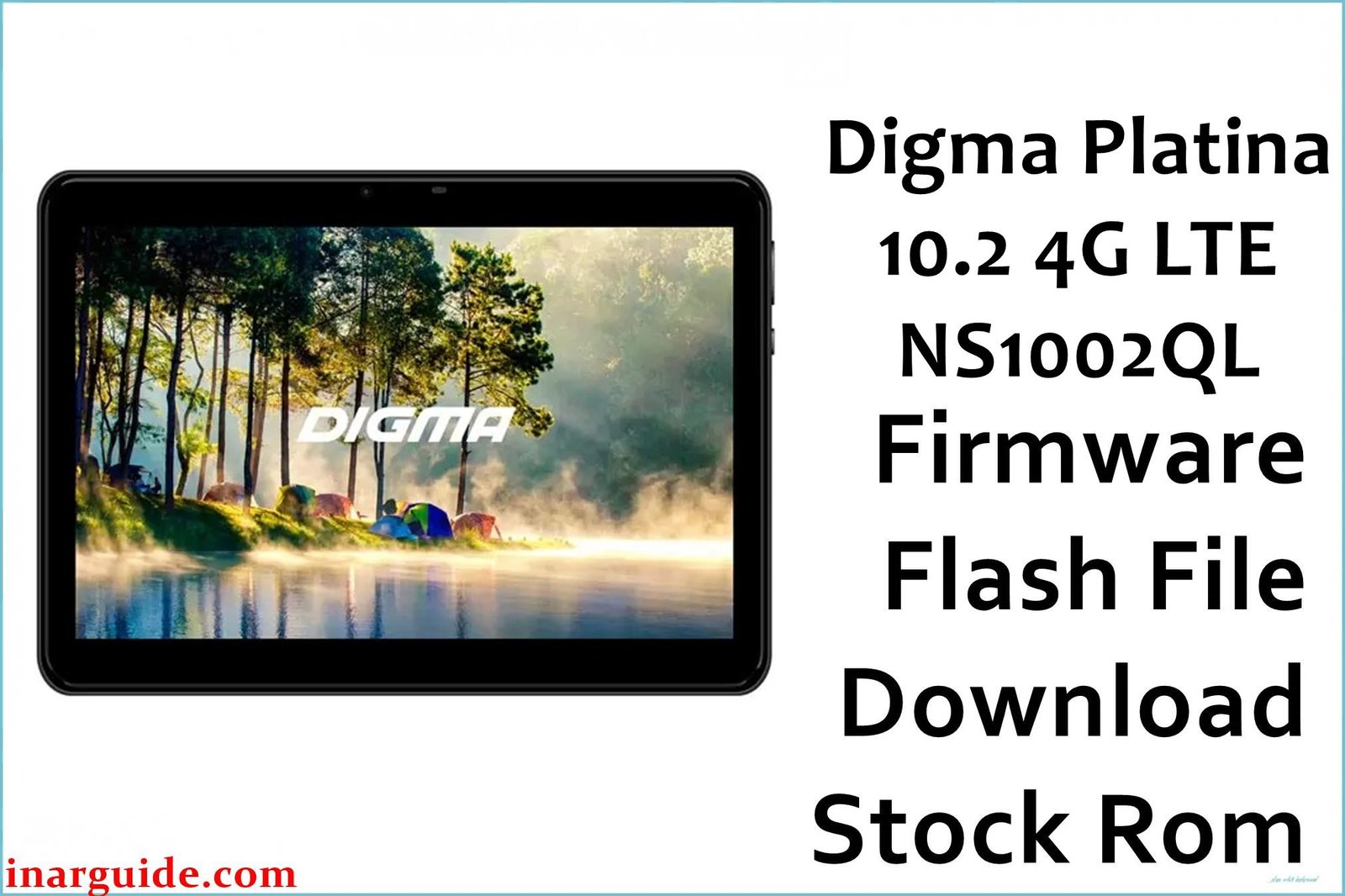
The Digma Platina 10.2 4G LTE (model NS1002QL) is a large-screen tablet from the Russian brand Digma, released in 2014. It was designed for media consumption and browsing, featuring a massive 10.1-inch display, a large 7800 mAh battery, and 4G LTE connectivity. It is powered by a Qualcomm Snapdragon 400 processor. This guide provides the official stock ROM, a low-level QFIL / EDL package, designed to unbrick a hard-bricked tablet, resolve persistent software errors, or perform a complete factory restore. Important: This is an advanced unbricking procedure for a classic device. This firmware is specifically for the Digma Platina 10.2 4G. The flashing process requires the tablet to be in EDL Mode (9008), and the process will erase all data.
Quick Device Specs
- Device: Digma Platina 10.2 4G LTE
- Model Number: NS1002QL
- Release year: 2014
- Chipset: Qualcomm Snapdragon 400 (MSM8926)
- Display: 10.1″ IPS LCD, 1280×800
- Battery: 7800 mAh
- Original OS: Android 4.4.2 (KitKat)
Required Downloads
To flash a Qualcomm device in EDL mode, you will need the specific QPST suite and drivers. You can find the downloads for these in our main guide linked below.
- QPST & QFIL Flash Tool
- Qualcomm QDLoader USB Drivers
Unbrick Firmware (QFIL)
| Build Date | Android | Type | Download | Chipset |
|---|---|---|---|---|
| 2014-11-08 | 4.4 | QFIL EDL Unbrick ROM | Download | Qualcomm |
How to Flash the Stock Firmware
Restoring a bricked Digma Platina 10.2 requires a Windows PC and the QFIL tool. Here are the key steps:
- Install the correct Qualcomm QDLoader USB drivers on your PC.
- Launch the QFIL tool and load the
firehoseprogrammer and other XML files from the firmware folder. - Power off your tablet completely.
- Connect the tablet while holding Volume Up + Down to enter EDL mode and begin flashing.
For a detailed, step-by-step guide with screenshots and tool download links, please follow our comprehensive pillar guide: How to Use QFIL to Flash Qualcomm Devices.
Device-Specific Troubleshooting for Digma Platina 10.2
- Hard Brick Recovery (EDL Mode): If your tablet is completely unresponsive (hard bricked), the only way to recover it is via EDL Mode (Qualcomm 9008). This requires opening the tablet’s casing and shorting two specific test points on the motherboard while connecting it to a PC, which forces QFIL to detect it.
- Battery Calibration Issues: A common issue on this model is the battery percentage being reported incorrectly (e.g., shutting down at 20%, not charging to 100%). A full flash of the stock ROM, followed by a full charge/discharge cycle (charge to 100%, use until it dies, then charge to 100% again without interruption) can recalibrate the battery sensor software.
- Using an Older QFIL Tool: For a classic device from 2014 like the Platina 10.2, the latest versions of QPST might have issues. If you encounter errors like ‘Sahara Fail’ or ‘Firehose Fail’, try using a stable, older version of the tool in conjunction with the correct drivers.
FAQs
Q1. Is it safe to use a tablet with Android 4.4 KitKat today?
No. Android 4.4 is extremely outdated and has not received security updates in over a decade. It is highly vulnerable to modern security threats. This firmware should only be used to restore the device for data recovery, offline use (e.g., as a digital photo frame), or non-sensitive tasks. Do not use it for browsing, email, or any app that requires personal information.
Q2. Why can’t I install any apps from the Google Play Store?
Most modern apps require a much newer version of Android to function (typically Android 6.0 or higher). The Google Play Store on this device will only show very old, compatible versions of apps. Modern apps like the latest versions of YouTube, Netflix, or Chrome will not install or run.
Q3. Can I upgrade this tablet to a newer Android version?
No. This device’s hardware is too old and its official support ended with Android 4.4 KitKat. Due to its regional focus, a custom ROM community for it is virtually non-existent, so no unofficial upgrades are available.





