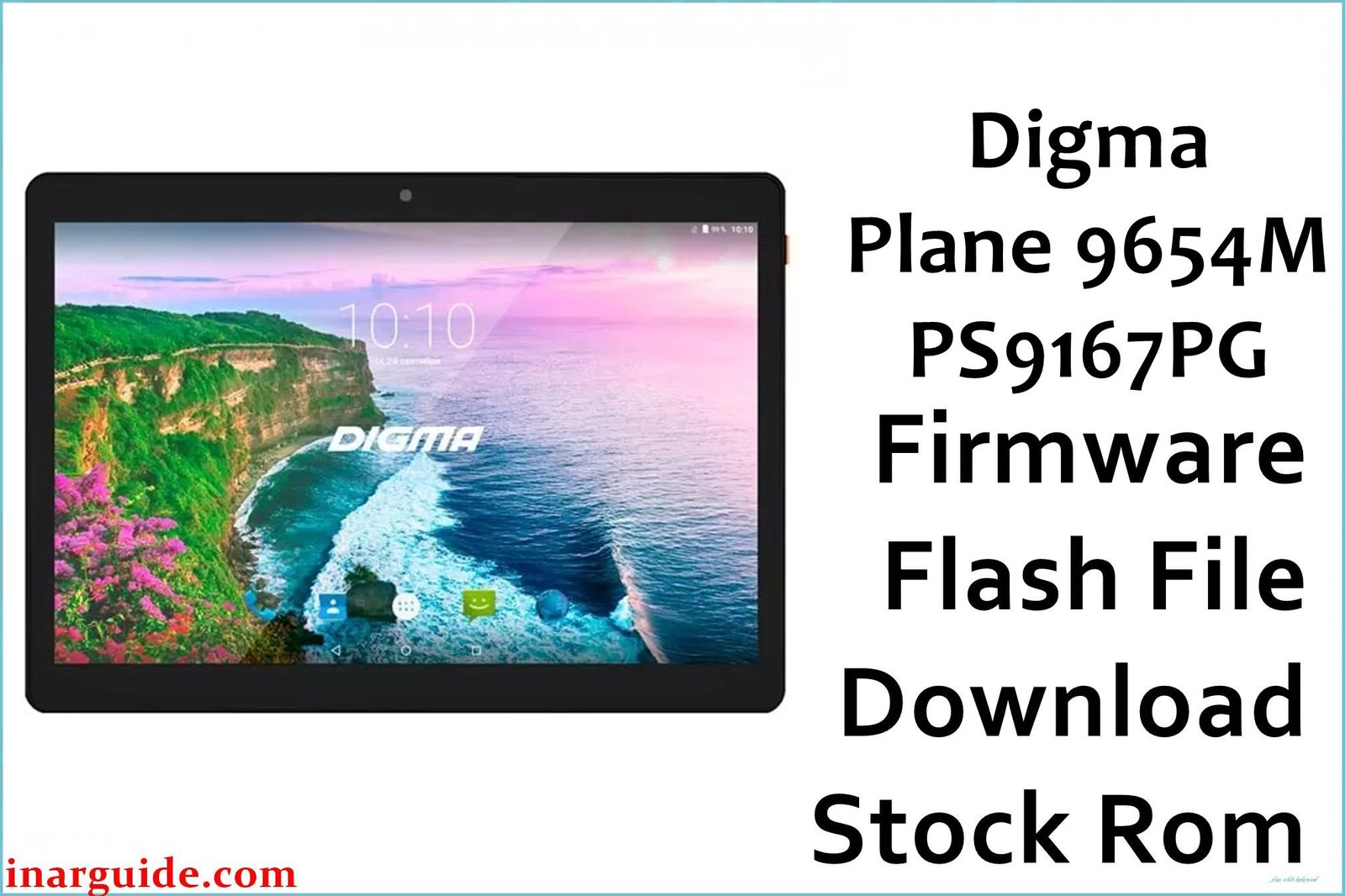
If a Digma Plane 9654M 3G (PS9167PG) is stuck on the logo, shows “operation failed” in Research/UpgradeDownload, or repeatedly reboots after a reset, flashing the matching Rev1 stock firmware with the SPD tool is the most reliable way to restore stable software.
Critical Pre‑Flash Warning
Flashing stock firmware erases user data, so a complete backup is strongly recommended before starting, and install proper SPD/Unisoc drivers to avoid detection failures on Windows.
Device Specifications Verification
Confirm these details match the tablet to avoid using the wrong firmware or tools.
| Specification | Details |
|---|---|
| Device Name | Digma Plane 9654M 3G (aka PS9167PG) |
| Release/OS | Android 7.0 Nougat for this model line |
| Chipset/GPU | Spreadtrum/Unisoc SC7731G, Mali‑400 MP2 graphics |
| Display | 9.6″ IPS, 1280×800 resolution |
| Memory | 1GB RAM / 16GB storage, microSD supported |
| Connectivity | 3G cellular, Wi‑Fi 802.11n, GPS, Bluetooth 2.1 EDR |
| Battery | Approx. 4500 mAh Li‑Polymer pack |
| Dimensions/Weight | Approx. 225.8 × 160 × 9 mm, ~460 g |
Identify Your Build
This package targets Rev1 (filename includes 171103_7.0_SPD), so only use it on PS9167PG units that match this hardware/software branch to prevent incompatibilities.
Official Firmware Download
| Filename | Android | Revision | Download |
|---|---|---|---|
| Digma_Plane_9654M_3G_PS9167PG_Rev1_171103_7.0_SPD.zip | 7.0 Nougat | Rev1 | Google Drive |
If flashing completes but the tablet still bootloops, perform a factory reset from stock recovery and reboot to system.
Required Tools & Drivers
- SPD Upgrade Tool (UpgradeDownload) for .pac firmware flashing on Unisoc/Spreadtrum devices.
- Spreadtrum/Unisoc USB Drivers installed before connecting the tablet.
- Optional: ResearchDownload variant or alternate UpgradeDownload versions if one build throws errors.
Driver tip: on Windows, unsigned driver blocks can prevent detection, so install drivers with admin rights and consider temporarily disabling driver signature enforcement if needed.
Quick Flashing (5 Steps)
- Extract the firmware, launch UpgradeDownload.exe, and Load Packet to select the included .pac file.
- Click Start Downloading to arm the tool.
- Power off the tablet, then connect via USB; if not detected, hold Volume Up or Volume Down while plugging in.
- Wait for the progress to finish and a success status, then stop the operation.
- Disconnect and boot; first startup after a clean flash can take several minutes.
For in‑depth instructions, logs, and error solutions for SPD tools, use the comprehensive SPD flashing reference alongside the above steps.
Troubleshooting & Optimization
1) “Operation failed” / “User cancel” errors
- Usually caused by handshake, cable/port, driver, or tool version quirks during the FDL stage.
- Fix: reinstall SPD drivers, try another USB port/cable, hold a volume key during connect, and test a different UpgradeDownload/ResearchDownload version.
2) Stuck at 0% / Waiting
- Indicates the device wasn’t enumerated correctly or drivers aren’t binding to the port.
- Fix: confirm drivers, change ports/cables, keep battery charged, and connect while holding a volume key to trigger boot ROM.
3) Incompatible partition / PAC mismatch
- Wrong or damaged PAC can throw partition compatibility errors and abort flashing.
- Fix: use the exact model/revision PAC, re‑extract the archive, and retry with an alternate tool build if needed.
4) Unknown baseband / null IMEI after service
- If baseband shows unknown after repair attempts, first re‑flash the correct PAC to restore modem firmware and then address IMEI legally.
- Advanced users can back up/restore NV with professional tools before flashing to avoid NV loss.
5) FRP after reset
- Full PAC flashing often clears FRP on this model as shown in service demonstrations.
- Only service devices with proof of ownership and follow local regulations for account removal.
6) Performance expectations (SC7731G)
- With 1GB RAM and Android 7.0, keep expectations modest and prefer lightweight apps for smoother operation.
- 3G connectivity and Bluetooth 2.1 limit network speed and accessory compatibility compared to newer hardware.
Performance Tips
- Use Lite/Go apps and keep 30–40% storage free for smoother performance on 1GB RAM devices.
- Disable startup for heavy apps and reboot periodically to free memory.
- Allow extra time for GPS lock on first fix and keep location services enabled for A‑GPS assistance.
FAQs
- Which chipset does this tablet use?
- Spreadtrum/Unisoc SC7731G with Mali‑400 MP2 graphics is listed for PS9167PG.
- Is PS9167PG the same as Plane 9654M 3G?
- Yes, PS9167PG is the short code used for the Digma Plane 9654M 3G variant.
- Does this firmware upgrade Android beyond 7.0?
- No, the provided package is a stock Android 7.0 Nougat build for restoration and stability.
- Can it make calls and use GPS?
- Retail specs indicate 3G cellular and GPS support on this model.
- What to try if it still bootloops after a “Passed” flash?
- Boot to stock recovery and wipe data/factory reset, then reboot; if it persists, re‑flash the same PAC.
Expert Recommendations
- Use the exact PS9167PG Rev1 PAC and only flash with current SPD tool builds and proper drivers.
- For persistent tool errors, rotate USB ports/cables and alternate Research/UpgradeDownload versions.
- If baseband is unknown after repairs, re‑flash the PAC first, then handle IMEI through lawful service methods.
Conclusion
Flashing the correct Digma Plane 9654M 3G (PS9167PG) Rev1 stock firmware with the SPD Upgrade Tool reliably resolves bootloops, tool handshake errors, and system instability while restoring factory performance on Android 7.0.
Pillar reference for detailed SPD steps and fixes: How to Use the SPD Upgrade Tool
Tools: SPD Upgrade Tool (all versions) – Digma PS9167PG USB driver resources





