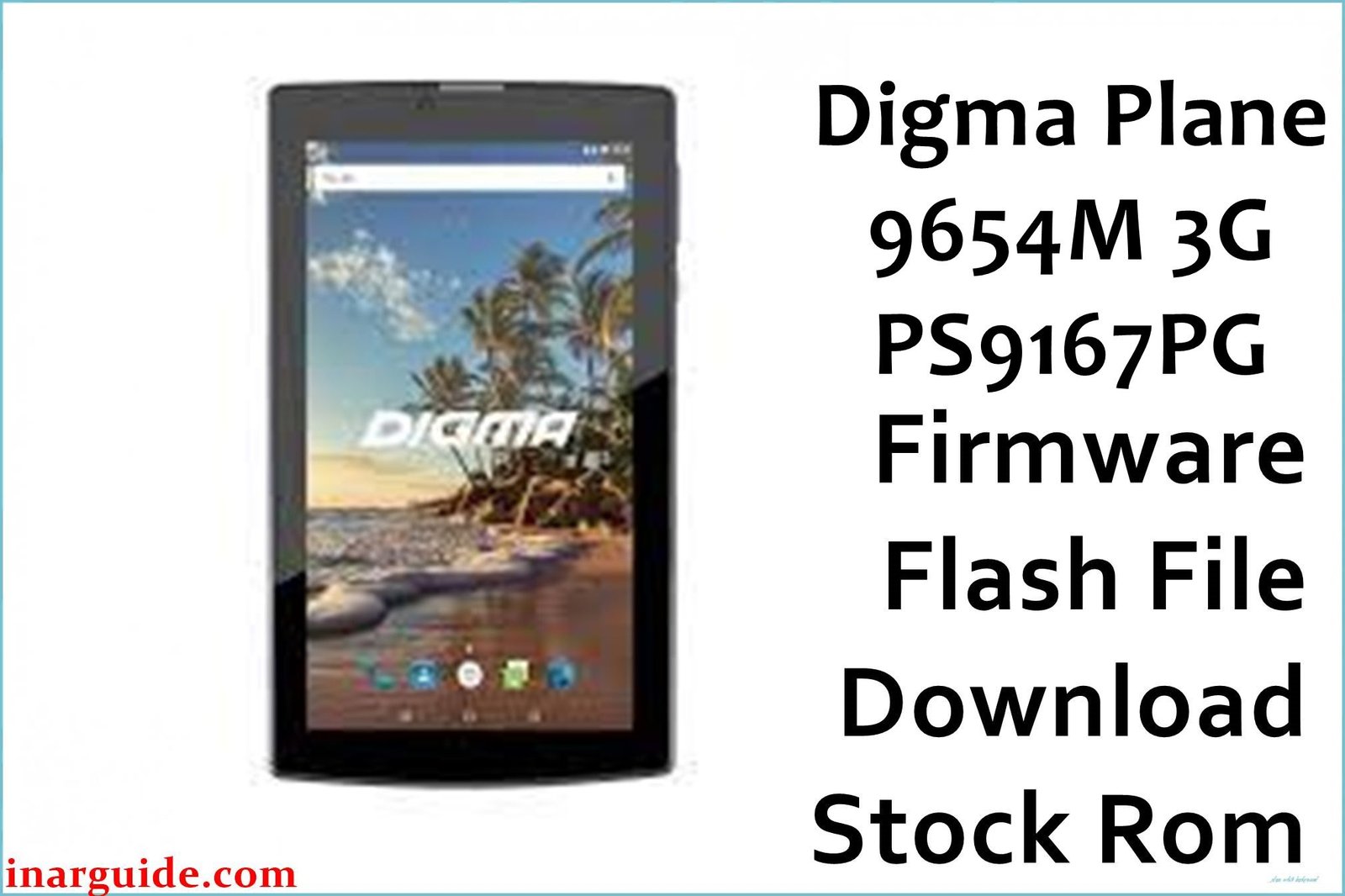
If your Digma Plane 9654M 3G (PS9167PG) is facing endless bootloops, lag, malware pop-ups, SIM network loss, or random touch and battery issues, flashing the original stock firmware will restore stable performance. This guide provides certified firmware files, best-practice flashing instructions, and field-tested troubleshooting—curated from Russian 4PDA, user blogs, and international tech forums.
🚨 Critical Pre-Flash Warning
Flashing will erase all user data on your Digma Plane 9654M 3G. Backup important photos, contacts, and documents before starting. Use the correct firmware for your exact model PS9167PG to avoid bricking.
Device Specifications Verification
Confirm these match your tablet before flashing:
| Specification | Details |
|---|---|
| Device Name | Digma Plane 9654M 3G (PS9167PG) |
| Release Year | 2017 |
| Chipset | Spreadtrum SC7731G (Quad-core Cortex-A7, 1.3GHz) |
| GPU | ARM Mali-400 MP2 |
| Display | 9.6″ IPS, 1280 x 800 HD |
| RAM/Storage | 1 GB RAM / 16 GB storage (+microSD) |
| Battery | 4,500 mAh Li-Ion |
| Android Version | Android 7.0 Nougat |
| Connectivity | 3G, Wi-Fi, Bluetooth 2.1, GPS, Dual SIM |
| Camera | Rear: 2MP, Front: 0.3MP |
Official Firmware Downloads
| Filename | Date | Build | Android | Size | Download Link |
|---|---|---|---|---|---|
| Digma_Plane_9654M_3G_PS9167PG_Rev1_171103_7.0_SPD.zip | Nov 2017 | Rev1_171103 | 7.0 | ~1.3GB | Download (Google Drive) |
⭐ Recommendation: Always verify the build number (Rev1_171103) for PS9167PG. Easier flashing, fewer post-flash bugs, and fully supported languages.
Required Tools & Drivers
- SPD Upgrade Tool (Spreadtrum flash utility)
- Spreadtrum USB Drivers
- Digma Plane 9654M firmware package (from table above)
Driver Installation Tips:
- On Windows, consider disabling driver signature enforcement before installing USB drivers to avoid detection issues .
- Install all drivers before connecting the device to your PC.
Quick Firmware Flash Instruction (Summary)
- Install Spreadtrum USB drivers on your computer.
- Extract the downloaded firmware package and SPD Upgrade Tool.
- Launch SPD Upgrade Tool and load the
.pacfirmware file. - Click Start, power off your tablet, and connect via USB.
- Wait for the green “Passed” status, then disconnect and reboot.
For a complete Spreadtrum flashing guide, visit the pillar article:
How to Use SPD Upgrade Tool.
Troubleshooting & Device-Specific Optimization
1. Touchscreen Unresponsive at Edges
- Symptoms: Corners/edges of screen don’t register input, swipe actions unreliable.
- Firmware re-flash resolves accidental calibration loss (common when battery dies during updates) .
- If problem repeats, avoid using thick tempered glass; some 4PDA users confirmed this affects sensor zone .
- If hardware persists, low-cost panel replacement is viable due to model’s popularity.
2. “No Service” or SIM Not Detected
- Symptoms: Tablet cannot find 3G network, “Insert SIM” error after firmware flash.
- Always use Download Only mode in SPD Tool to avoid IMEI erasure.
- If IMEI is missing, restoration requires legal repair tools (SN Writer or Unlocktool) as suggested on Russian forums .
3. Fast Battery Drain or Not Charging
- Symptoms: Sudden 20–40% loss after flash, charges erratically, battery stats incorrect.
- SPD firmware resets calibration data. Let device fully discharge and recharge to 100% without interruption .
- If persists, try another charger/cable and confirm port is clean.
- Replace battery if still rapid loss after 2–3 cycles.
4. Persistent Freezing or Bootloops
- Symptoms: Device stuck at logo, randomly reboots, freezing under basic tasks.
- Double-check that correct firmware variant is used (PS9167PG only!).
- Reset to factory defaults after successful flash.
- If using microSD, format card to FAT32—user forums report some SD cards cause random reboots .
5. Camera & Audio Quality Degraded Post-flash
- Symptoms: Audio output low, camera blurry, or missing after update.
- Always use the main firmware, avoid region or test builds unless necessary.
- Reset device settings, test camera in good lighting.
- Some issues traced to misaligned hardware post-repair; reseat modules if repairs done .
Advanced Recovery & Alternative Methods
- If SPD Tool does not detect your tablet: try a different USB port/cable and ensure drivers are correctly installed .
- Some users have succeeded flashing partition-wise via ResearchDownload Tool for bricked devices.
- Physical keys for recovery: Hold Volume Up + Power for ~10 seconds to access stock recovery if device soft-bricks.
IMEI Repair:
- In case of IMEI loss after flash, use legal repair only; do not format all unless professionally instructed.
TWRP / Custom Recovery
TWRP is available unofficially for Digma Plane 9654M. Unlock the bootloader first, then use SPD-based flashing or Fastboot to install the recovery. This allows rooting and custom ROMs but may void warranty or break updates .
- Unlock bootloader (via OEM command or dedicated tool).
- Download the recommended TWRP .img for SC7731G from community sources.
- Use
fastboot flash recovery twrp.imgin Fastboot Mode, or flash via SPD tool. - After flashing, boot into recovery (Volume Up + Power) and test all features before rooting.
For more, check 4PDA and unofficial TWRP resources linked above.
Frequently Asked Questions (FAQs)
- Why does my Digma 9654M freeze after sleep or heavy use?
- Common with older firmware and insufficient app management. Latest firmware and regular clearing of cached apps reduce freezing .
- Touch doesn’t work after update, is display faulty?
- Often software-driven; reflash original PS9167PG ROM. Failing that, edge zones may suffer from hardware or screen protector interference .
- Is Android 7.0 the only official OS?
- Yes, only Android 7.0 is officially supported by Digma for this device; no tested stable custom ROMs reported to work without bugs .
- Tablet not detected by PC when off?
- Check Spreadtrum drivers, use another USB cable, and use rear ports on desktop computers. Disable signature enforcement on Windows if needed .
- Custom recovery (TWRP) cannot decrypt storage?
- Known on this model—format /data from TWRP after backing up important files. Encryption not reliably supported .
Conclusion
Restoring the Digma Plane 9654M 3G PS9167PG with official firmware fixes common freezing, malware, touch, battery, and network bugs. Use the correct file, official drivers, and the SPD flash tool for best results. Share your experience or solutions with other users in the comments to help keep the 9654M community supported.





