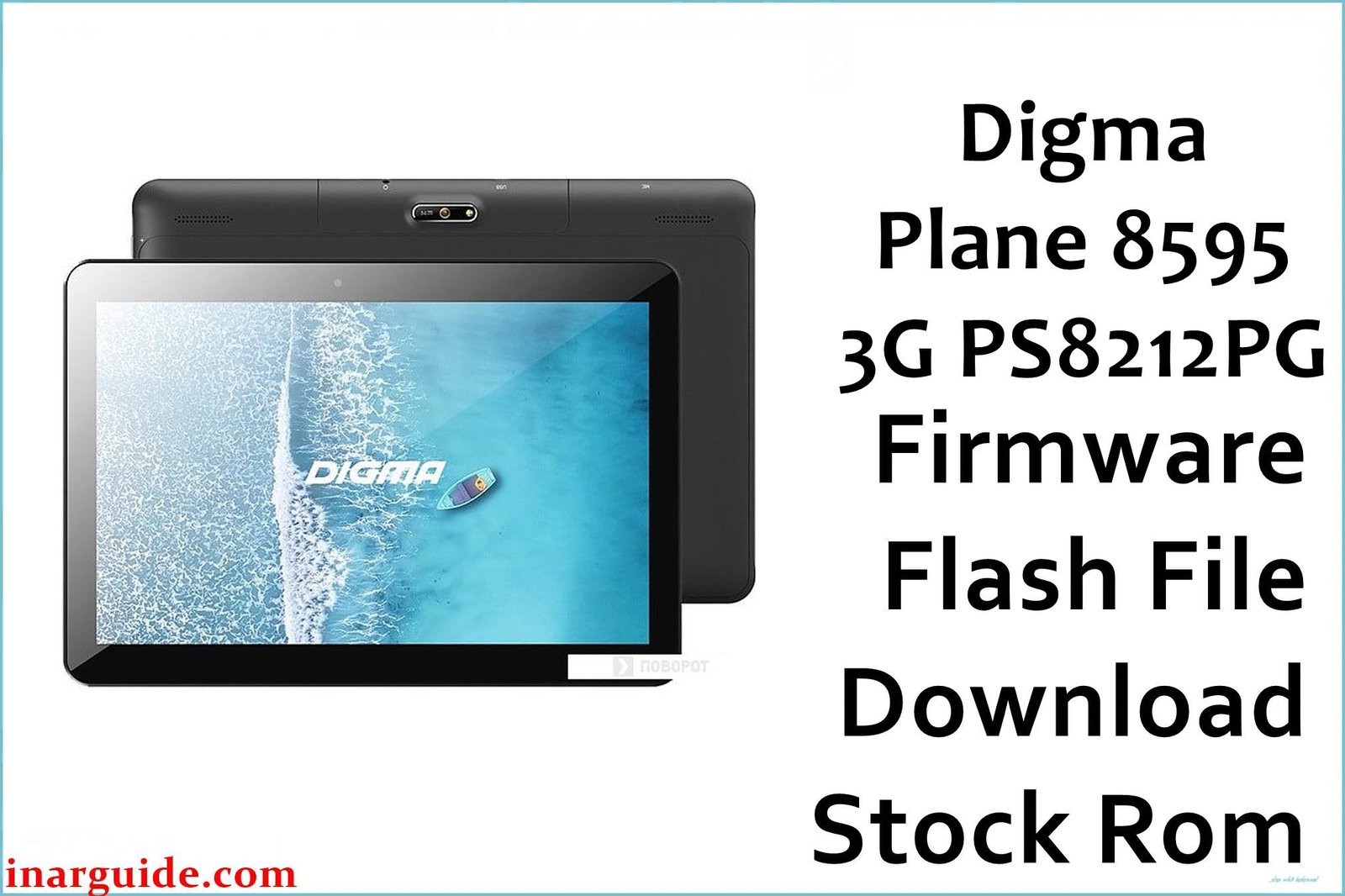
Restore stability, fix software errors, and refresh your Digma Plane 8595 3G (PS8212PG) with the official SC7731E ROM below. Flashing the stock firmware corrects issues like constant bootloops, lag, malware, or update failures—giving your tablet a “like new” system for studying, work, or family use.
🚨 Critical Pre-Flash Warning (Digma Plane 8595 3G)
Firmware flashing completely erases ALL data (photos, docs, apps) on your Digma Plane 8595. Backup everything before you begin. Incorrect flashing can damage IMEI or network functions. Proceed ONLY using the correct model firmware and exactly as instructed to prevent device “bricking.”
Device Specifications Verification
Check these match your device before flashing:
| Specification | Details |
|---|---|
| Device Name | Digma Plane 8595 3G (PS8212PG) |
| Release Year | 2019 |
| Chipset | Spreadtrum/UNISOC SC7731E (Quad-Core, 1.3GHz) |
| GPU | ARM Mali-T820 MP1 |
| Display | 8.0″ IPS LCD, 1280×800 px, 189ppi |
| RAM / Storage | 2GB RAM / 16GB storage |
| Battery | 3500mAh Li-ion |
| Android Version | Android 9.0 Pie |
| Cameras | 2MP rear, 0.3MP front, LED flash |
| SIM | Dual SIM (3G, mini-SIM) |
| microSD | Up to 128GB supported |
Official Firmware Download
| Filename | Date | Revision | Android | Size | Download Link |
|---|---|---|---|---|---|
| Digma_Plane_8595_3G_PS8212PG_SC7731E_REV2_180610_9.0_SPD.zip | June 2018 | Rev.2 | 9.0 | 1.13GB | Download (Google Drive) |
⭐ Recommendation: Always choose the latest revision (Rev.2, June 2018) for best compatibility, bug fixes, and security.
Required Tools & Drivers
- SPD Upgrade Tool (latest version)
- Spreadtrum/UNISOC USB Drivers
- Digma Plane 8595 3G Rev.2 firmware package (above)
Driver Installation Notes:
- On Windows 10/11, disable driver signature enforcement before USB driver installation.
- Connect the tablet ONLY after drivers and tool are installed.
Quick Digma Plane 8595 3G Firmware Flashing Instructions
- Extract the firmware zip and SPD Upgrade Tool on your PC.
- Install Spreadtrum/UNISOC drivers (may require “Run as administrator”).
- Start SPD Upgrade Tool. Select “Load Packet,” then locate and select the main firmware .pac file from the unpacked folder.
- Click “Start” to prepare the tool, then connect the powered-off tablet via USB. (Use the stock cable and disconnect battery if having trouble detection.)
- Wait for flashing to complete (progress bar/“Passed” message), then disconnect, boot, and set up the device.
Find full, step-by-step instructions, screenshots, and error remedies in our expert UNISOC/SPD flashing guide: How to Use SPD Upgrade Tool to Flash Your Smartphone.
Troubleshooting & Optimization Guide
- Bootloop or stuck on logo: Flash latest official ROM using SPD Tool. Hard reset (power + volume up) after flash for best results.
- Network not detected or SIM issues: Restore backed-up NV data, re-flash, or repair IMEI using WriteIMEI tool bundled with SPD tools.
- Device won’t turn on after flashing: Check battery charge, repeat flash, ensure correct PAC file for model.
- Camera doesn’t work or crashes: Flash only correct region/model firmware, clear app data after setup.
- Touchscreen not responding: Reset device. If problem persists, use compatible drivers from the firmware folder.
- Can’t connect to PC: Reinstall drivers, change USB cable, try another port.
- Low performance/lags: Reset after flashing, disable unused apps, keep storage free.
Frequently Asked Questions
- Will flashing stock firmware remove viruses/malware?
- Yes. The process fully re-writes the operating system, removing all malware and corrupted files.
- Does this firmware work on other Digma tablets?
- No. Only use firmware made for your exact model and revision (check PS8212PG, SC7731E).
- I get error “Failed: NV” or “No IMEI” after flash. What do I do?
- Re-flash using “Format All + Download” and repair IMEI with WriteIMEI tool, using your device’s original IMEI only.
- Is flashing safe for beginners?
- Yes, with proper backup and careful steps. However, always use original firmware and the official SPD Tool for safety.
- Will this erase all my files?
- Yes, all personal apps and data will be wiped. Backup is essential.
- SPD Tool says “Start Downloading Failed”.
- Check driver installation, try another USB port/cable, restart PC, and ensure device is powered off before connection.
Conclusion
Flashing the Digma Plane 8595 3G PS8212PG official firmware restores system health, corrects annoying bugs, and ensures smooth, secure Android 9.0 experience. This June 2018 build is the safest way to revive a bricked or slow device.
Did your tablet revive? Let us know your results—share fixes for camera, network, or reboot problems so others with the Digma Plane 8595 3G benefit from your experience.





