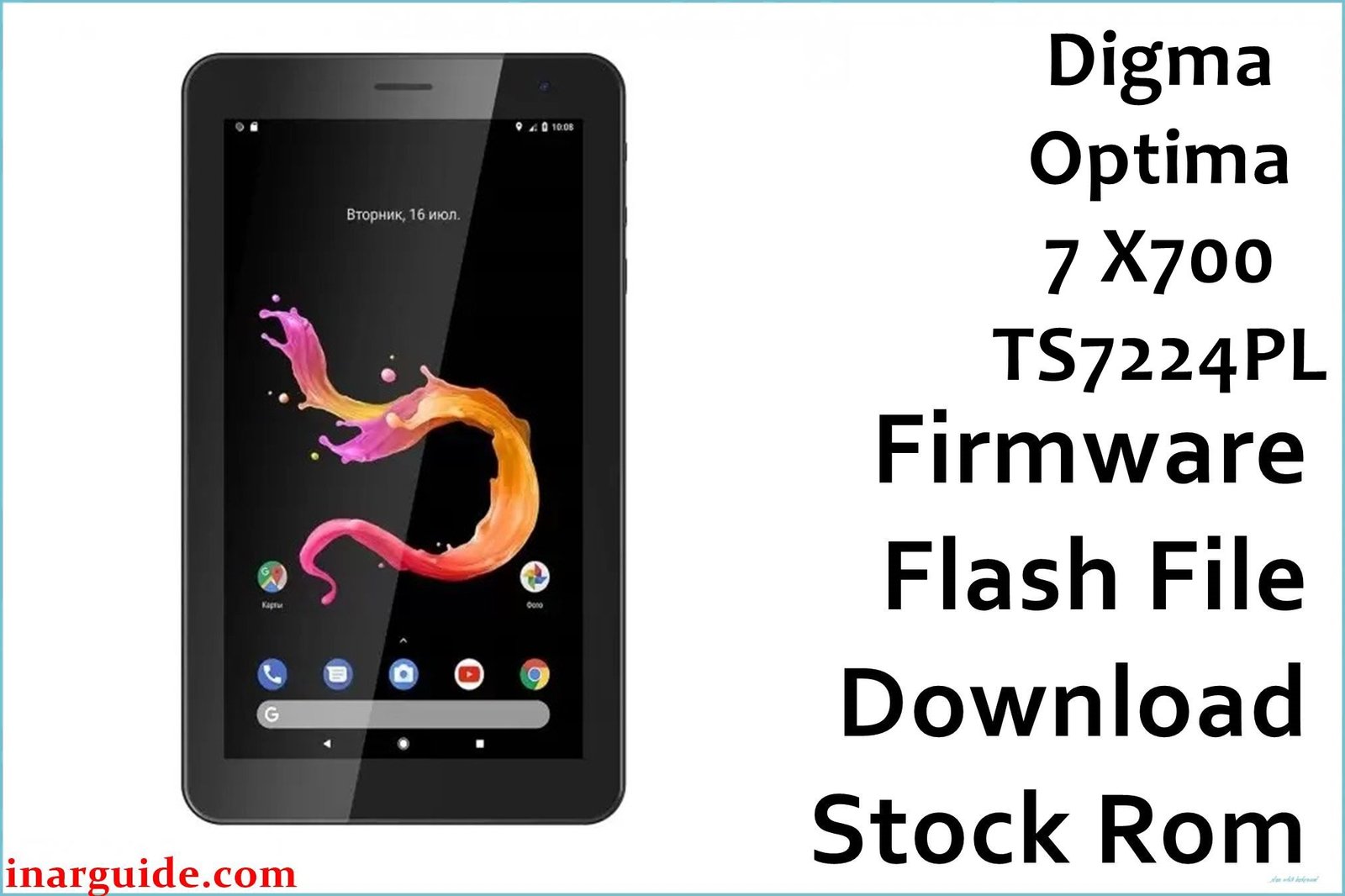
Restore and optimize your Digma Optima 7 X700 4G (TS7224PL) with the official SPD stock firmware below. Flashing the factory image repairs tough Android bugs, endless boot loops, malware infections, and lag—restoring your tablet to reliable out-of-the-box condition for work, study, or multimedia.
🚨 Critical Pre-Flash Warning (Digma Optima 7 X700 4G)
Firmware flashing deletes ALL data (apps, files, settings) on your Digma Optima 7 X700 4G. Make a complete backup first! Only proceed if your model number is TS7224PL. Wrong firmware, tool, or USB drivers can cause network, touchscreen, or IMEI issues.
Device Specifications Verification
Check these exact specs before flashing:
| Specification | Details |
|---|---|
| Device Name | Digma Optima 7 X700 4G (TS7224PL) |
| Release Year | 2020-2021 |
| Chipset | UNISOC/Spreadtrum SC9863A, Octa-Core 1.6GHz |
| GPU | IMG8322 |
| Display | 7.0″ IPS, 1280×800 px |
| RAM / Storage | 3GB RAM / 32GB storage |
| Battery | 2500mAh Li-ion |
| Android Version | Android 10.0 (Go edition or standard) |
| Cameras | 2MP rear, 0.3MP front |
| SIM | Dual SIM, 4G LTE (Nano) |
| microSD | Up to 64GB supported |
Official Firmware Download
| Filename | Date | Revision | Android | Size | Download Link |
|---|---|---|---|---|---|
| Digma_Optima_7_X700_TS7224PL_4G_Rev1_201102_SPD.zip | November 2020 | Rev.1 | 10.0 | 1.52GB | Download (Google Drive) |
⭐ Recommendation: The November 2020 Rev.1 build is the most complete and bug-fixed base ROM for this model.
Required Tools & Drivers
- SPD Upgrade Tool (latest version)
- Spreadtrum/UNISOC USB Drivers
- Digma Optima 7 X700 4G Rev.1 firmware (linked above)
Driver Installation Notes:
- Windows 10/11: disable driver signature enforcement before driver setup.
- Connect device via USB only after drivers are properly installed.
Quick Digma Optima 7 X700 4G Firmware Flashing Instructions
- Extract firmware and SPD Upgrade Tool on your computer.
- Install Spreadtrum/UNISOC drivers (use Administrator if needed).
- Open SPD Upgrade Tool, press “Load Packet” and select the firmware .pac file.
- Press “Start”, then attach the powered-off device via USB cable.
- Wait for “Passed” or green check. Disconnect, power up, and finish setup.
For full illustrated instructions and deep troubleshooting visit: How to Use the SPD Upgrade Tool to Flash Your Smartphone.
Troubleshooting & Optimization Guide
- Tablet won’t boot: Flash ROM in “Format All + Download” mode. Remove SIM/microSD before flashing.
- Network/SIM or IMEI not working: Use only TS7224PL firmware. Restore IMEI/NVRAM with WriteIMEI tool if lost.
- Camera problems: Stock flash with cache wipe. Use only matching firmware version.
- Touchscreen or display issues: Flash appropriate revision, confirm screen model if prompted.
- PC won’t recognize tablet: Double-check driver install, try different cable/port.
- Poor performance or rapid battery drain: Factory reset after flash, limit background apps, update to latest stable ROM.
Frequently Asked Questions
- Will flashing delete user data?
- Yes, all user files and apps are erased. Backup before restoring firmware.
- Best tool for this flash?
- Only the official SPD Upgrade Tool supports this SC9863A-based TS7224PL model.
- What problems does this firmware fix?
- Boot loops, network/IMEI bugs, touchscreen, malware, and Android errors.
- Missing IMEI or calls/SIMs after flashing?
- Write or restore IMEI using official WriteIMEI utility (use your original legal IMEI only).
- Is it risky for first-timers?
- If the model/revision and process match, risk is low—avoid files for other Optima tablets and always follow driver guidelines.
Conclusion
Flashing the Digma Optima 7 X700 4G (TS7224PL) Nov 2020 ROM is the safest way to fix boot, network, and system errors—and brings your LTE tablet to full working order and app compatibility.
Success? Share if you fixed camera, touchscreen, or 4G—this helps other Digma users with their device revival!





