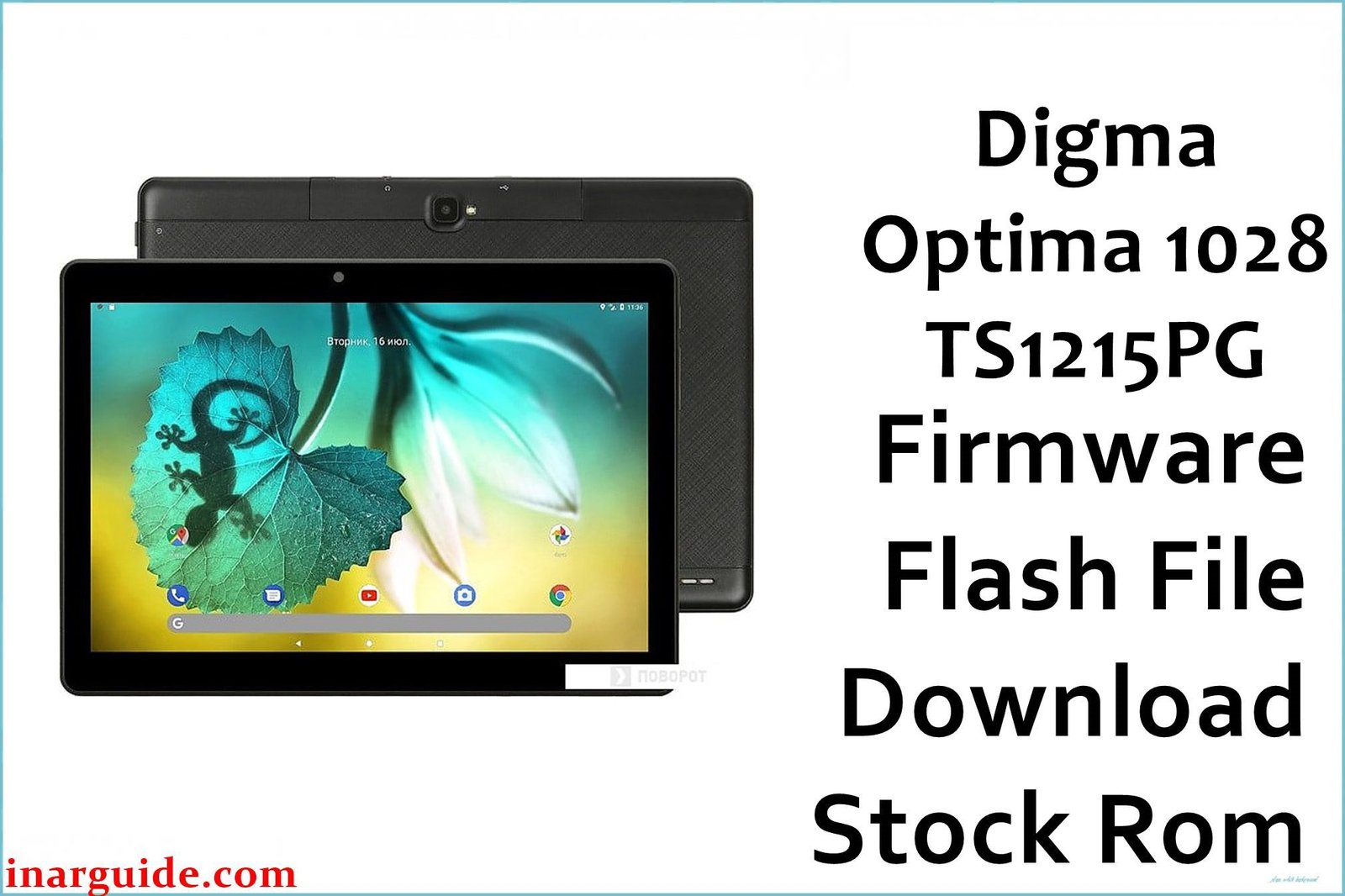
Bring your Digma Optima 1028 3G (TS1215PG) back to smooth factory performance with the official SPD stock firmware below. Flashing the original system can resolve Android slowdowns, crashes, malware, or failed updates and ensures a reliable tablet experience for productive use or family entertainment.
🚨 Critical Pre-Flash Warning (Digma Optima 1028 3G)
Flashing will erase all user files from the Digma Optima 1028 (TS1215PG)—including photos, contacts, and downloads. Backup essential data first! Only use this firmware if your device label matches exactly; using the wrong image or steps can disable touch, camera, or even phone function.
Device Specifications Verification
Verify these specs match your tablet before flashing:
| Specification | Details |
|---|---|
| Device Name | Digma Optima 1028 3G (TS1215PG) |
| Release Year | 2019 |
| Chipset | Spreadtrum/UNISOC SC7731E, Quad-core 1.3GHz |
| GPU | Mali-400 MP2 |
| Display | 10.1″ IPS, 1280×800 px |
| RAM / Storage | 1GB RAM / 8GB storage |
| Battery | 5000mAh Li-ion |
| Android Version | Android 8.1 Go Edition |
| Cameras | 2MP rear, 0.3MP front |
| SIM | Dual SIM, 3G |
| microSD | Up to 64GB supported |
Official Firmware Download
| Filename | Date | Revision | Android | Size | Download Link |
|---|---|---|---|---|---|
| Digma_Optima_1028_TS1215PG_Rev1_190401_SPD.zip | April 2019 | Rev.1 | 8.1 Go | 737MB | Download (Google Drive) |
⭐ Recommendation: Use this latest Rev.1 (April 2019) build for best hardware compatibility and the most stable performance.
Required Tools & Drivers
- SPD Upgrade Tool (latest version)
- Spreadtrum/UNISOC USB Drivers
- Digma Optima 1028 3G Rev.1 firmware package (above)
Driver Installation Notes:
- Disable driver signature enforcement on Windows 10/11 before installing all USB drivers.
- Connect tablet to computer only after all drivers are set up.
Quick Digma Optima 1028 3G Firmware Flashing Instructions
- Unpack firmware and SPD Upgrade Tool files on PC.
- Install Spreadtrum/UNISOC (SPD) drivers as Admin user.
- Open Upgrade Tool, select “Load Packet” and point to the firmware .pac file.
- Click “Start”, then connect the powered-off tablet by USB to PC.
- Allow the process to finish (“Passed” indicator bar) then disconnect and reboot the tablet.
Full illustrated steps and a troubleshooting knowledge base are at: How to Use SPD Upgrade Tool to Flash Your Smartphone.
Troubleshooting & Optimization Guide
- Bootloop or does not start: Fully format and then flash with the official SPD Upgrade Tool. Always remove SIM/microSD before flashing.
- Missing network/IMEI or no SIM: Use only the correct .pac file. Recover IMEI/NVRAM with SPD WriteIMEI utility if needed.
- Camera issues: Flash stock ROM, wipe system cache after flashing.
- Touchscreen not working: Reboot and, if required, flash compatible touchscreen firmware present in the firmware file.
- Tablet not detected via PC: Reinstall USB drivers, change to another cable/port.
- Storage or app errors: Factory reset after flash, don’t install heavy apps—the hardware is limited.
Frequently Asked Questions
- Will flashing erase all data?
- Yes—full firmware restore formats the device. Backup all important data first.
- Which tool works for this hardware?
- Only the SPD Upgrade Tool supports the TS1215PG (SC7731E) chipset. Don’t use SP Flash Tool or QFIL.
- What problems does this firmware fix?
- It solves bootloops, malware, IMEI loss, camera and screen errors, plus restores device speed.
- Why does my device show “No IMEI”?
- IMEI is missing or corrupted. Reflash with “Format All + Download” then repair with SPD WriteIMEI if needed.
- Is flashing risky?
- Using the right .pac file and tool, the risk is low. Always match firmware to your precise model and building revision.
Conclusion
Flashing the Digma Optima 1028 3G (TS1215PG) stock firmware is the best fix for stubborn system bugs, IMEI/network loss, boot issues, and malware. The April 2019 image ensures compatibility and brings your tablet back to dependable function.
Did your device boot again? Share your recovery story—IMEI, camera, or connectivity solutions can help others fix their Digma Optima 1028!





