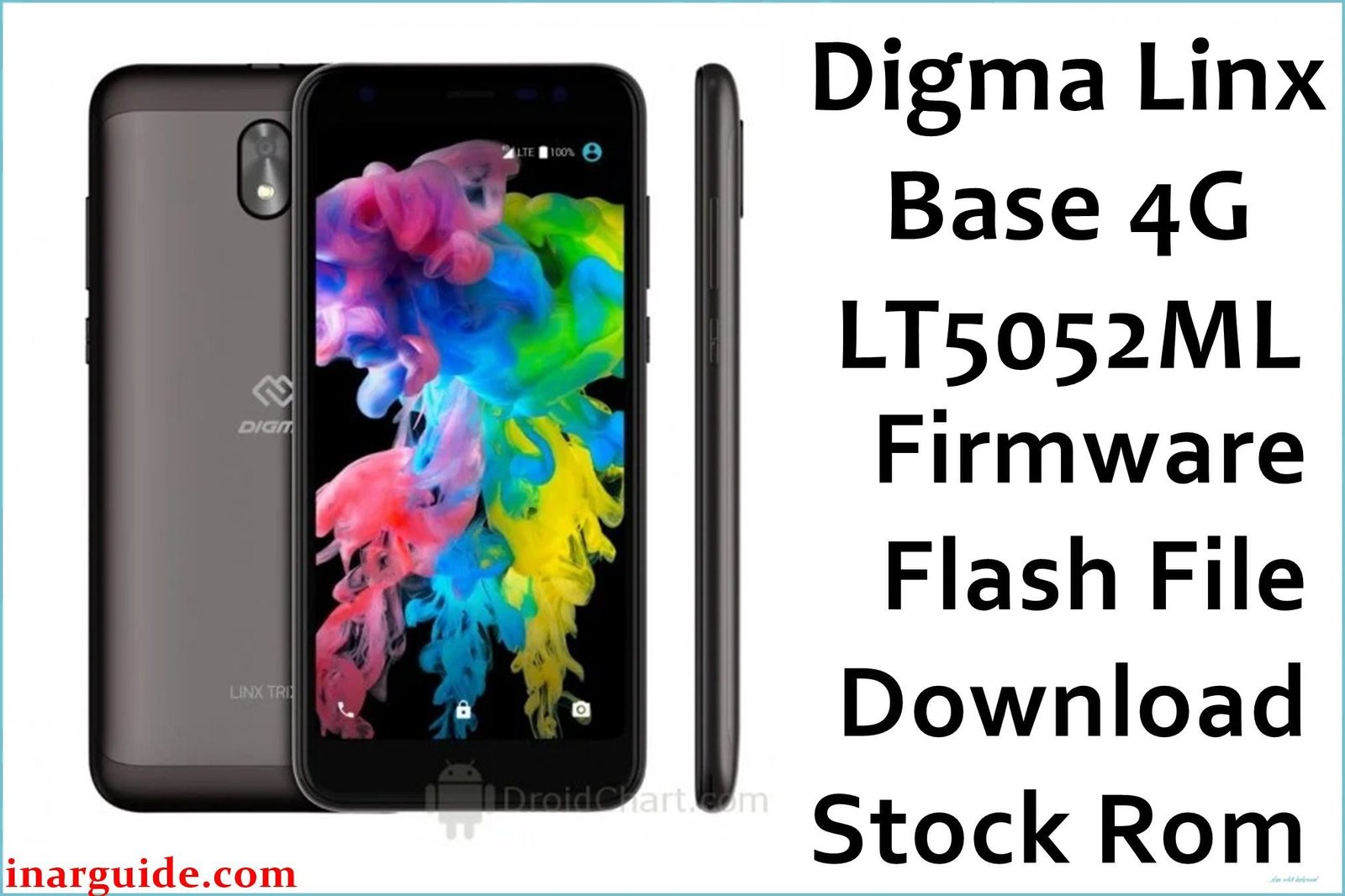
The Digma Linx Base 4G (model LT5052ML) is an entry-level smartphone from the Russian brand Digma, released in 2018. It was designed to provide an affordable 4G LTE experience, featuring a 5.0-inch display and powered by a MediaTek MT6739 processor. Due to its basic hardware, the device is prone to performance issues over time. This guide provides the official stock ROM, which is the most effective way to unbrick the device, fix software bugs, or resolve bootloop issues by performing a complete factory restore. Important: This firmware is specifically for the Digma Linx Base 4G. As a MediaTek device, it requires the SP Flash Tool for flashing. Flashing this on a different model will cause a hard brick. This process will erase all data.
Quick Device Specs
- Device: Digma Linx Base 4G
- Model Number: LT5052ML
- Release year: 2018
- Chipset: MediaTek MT6739
- Display: 5.0″ TN Display
- Battery: 2000 mAh
- Original OS: Android 8.1 Oreo (Go edition)
Required Downloads
To flash a MediaTek device, you will need the specific drivers and flashing tool. You can find the downloads for these in our main guide linked below.
- SP Flash Tool
- MediaTek VCOM USB Drivers
Stock ROM (Firmware)
| Build Date | Android | Type | Download | Chipset |
|---|---|---|---|---|
| 2018-09-05 | 8.1 (Go) | SP Flash Tool Firmware | Download | MediaTek |
How to Flash the Stock Firmware
Flashing the stock ROM onto your Digma Linx Base 4G requires a Windows PC and the SP Flash Tool. Here are the key steps:
- Install the correct MediaTek VCOM USB drivers on your PC.
- Launch the SP Flash Tool and load the
MT6739_Android_scatter.txtfile from the firmware. - Power off your phone completely.
- Click “Download” in the tool, then connect your phone while holding the Volume Down key to begin flashing.
For detailed, step-by-step instructions with screenshots and tool download links, please follow our comprehensive pillar guide: How to Flash Firmware with SP Flash Tool.
FAQs
Q1. What is Android 8.1 (Go edition)?
Android Go is a lightweight version of the Android operating system, specifically designed by Google to run smoothly on entry-level smartphones with 1.5GB of RAM or less. It includes optimized “Go” versions of popular Google apps that take up less space and use fewer resources.
Q2. My phone is very slow. Will this fix it?
Yes. For a device with basic hardware running Android Go, a clean flash of the stock ROM is the best remedy for age-related software slowdowns and frequent app crashes. It restores the operating system to a clean, factory state.
Q3. Will this unlock my phone from its network carrier?
No. Flashing the stock firmware restores the phone’s original software, but it does not remove the SIM/network lock put in place by a carrier.





