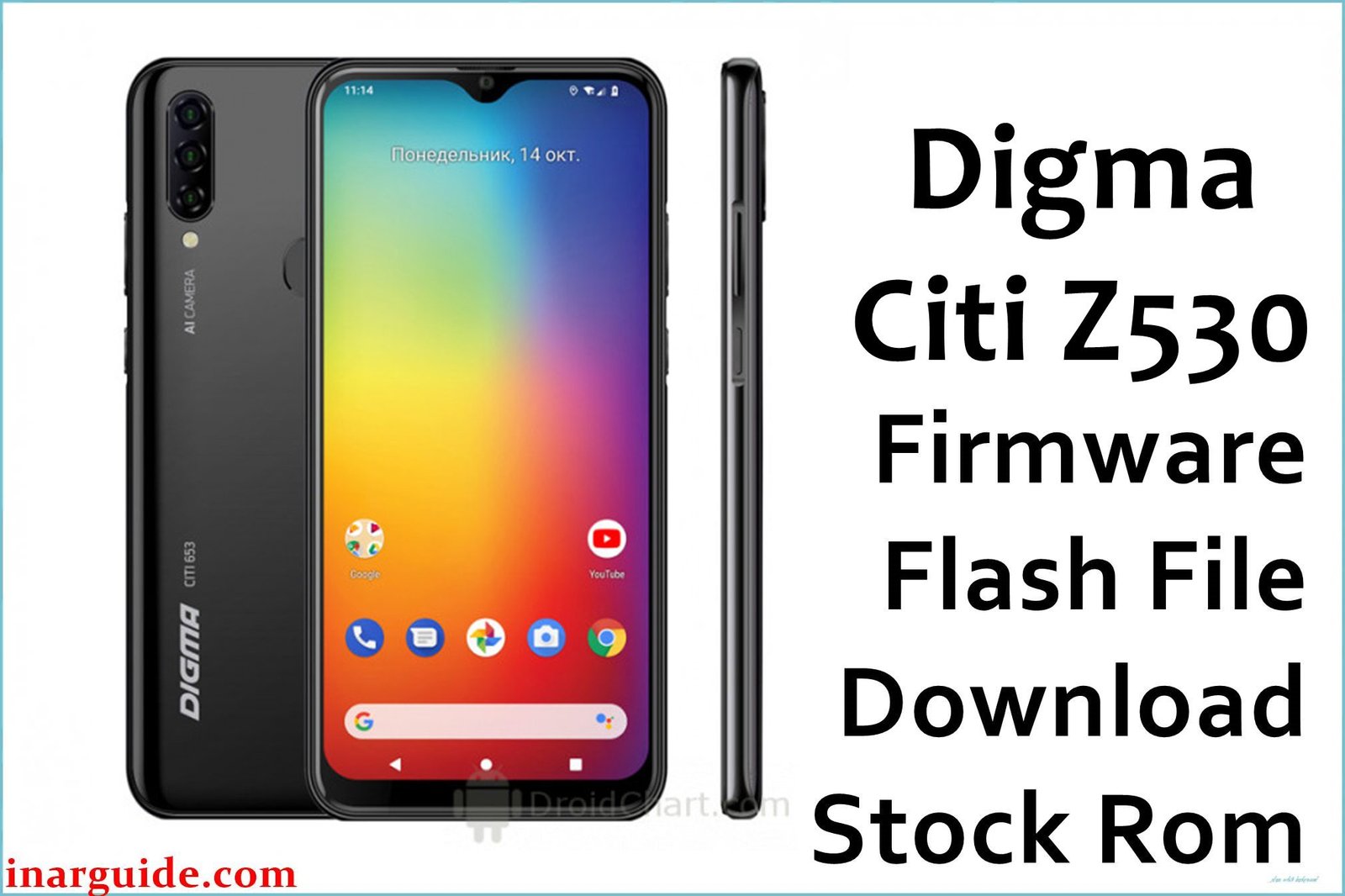
The Digma Citi Z530 is an ultra-budget 3G smartphone from 2016, designed by the Russian brand Digma for essential communication needs. It features a 5.0-inch display and is powered by a MediaTek MT6580 processor. Due to its very basic hardware, the device is prone to performance degradation over time. This guide provides the official stock ROM, which is the most effective way to unbrick the device, fix software bugs, resolve bootloop issues, or remove a Google FRP lock by performing a complete factory restore. Important: This firmware is specifically for the Digma Citi Z530. As a MediaTek device, it requires the SP Flash Tool for flashing. Flashing this on a different model will cause a hard brick. This process will erase all data.
Quick Device Specs
- Device: Digma Citi Z530
- Release year: 2016
- Chipset: MediaTek MT6580 (3G)
- Display: 5.0″ IPS LCD
- Battery: 2000 mAh
- Original OS: Android 5.1 (Lollipop)
Required Downloads
To flash a MediaTek device, you will need the specific drivers and flashing tool. You can find the downloads for these in our main guide linked below.
- SP Flash Tool
- MediaTek VCOM USB Drivers
Stock ROM (Firmware)
| Build Date | Android | Type | Download | Chipset |
|---|---|---|---|---|
| 2016-08-23 | 5.1 | SP Flash Tool Firmware | Download | MediaTek |
How to Flash the Stock Firmware
Flashing the stock ROM onto your Digma Citi Z530 requires a Windows PC and the SP Flash Tool. Here are the key steps:
- Install the correct MediaTek VCOM USB drivers on your PC.
- Launch the SP Flash Tool and load the
MT6580_Android_scatter.txtfile from the firmware. - Power off your phone completely.
- Click “Download” in the tool, then connect your phone while holding the Volume Down key to begin flashing.
For detailed, step-by-step instructions with screenshots and tool download links, please follow our comprehensive pillar guide: How to Flash Firmware with SP Flash Tool.
Device-Specific Troubleshooting for Digma Citi Z530
- `PMT changed for the ROM` Error: This error can occur if you previously had an unofficial “vendor” ROM installed. The partition layout is different from the official stock ROM. To fix this, you may need to use the “Firmware Upgrade” option in SP Flash Tool instead of “Download Only.” Be warned, this is a riskier process that can cause a hard brick if interrupted.
- 3G Network Decommissioning: Be aware that the Citi Z530 is a 3G-only device. Many mobile carriers around the world are shutting down their 3G networks. After flashing, if you have no signal, it may be because 3G service is no longer available in your area.
FAQs
Q1. What is Digma?
Digma is a Russian brand that sells a wide range of consumer electronics, including smartphones and tablets, primarily targeting the budget-friendly market segment in Russia and neighboring countries.
Q2. Can I upgrade this phone to a newer Android version?
No. This device’s official support ended with Android 5.1 Lollipop. Due to its very basic hardware and regional focus, a custom ROM community for it is virtually non-existent, so no unofficial upgrades are available.
Q3. Will this fix the “Unfortunately, the app has stopped” error?
Yes. This error is a classic sign of software corruption or instability on older Android versions. Flashing the stock ROM completely rebuilds the software from scratch, which will resolve these types of crashes.
Q4. Will this process remove a forgotten password or Google FRP lock?
Yes. A full flash using SP Flash Tool will completely wipe the device, removing any screen lock passwords, patterns, and the Google Factory Reset Protection (FRP) lock, allowing you to set it up as new.





