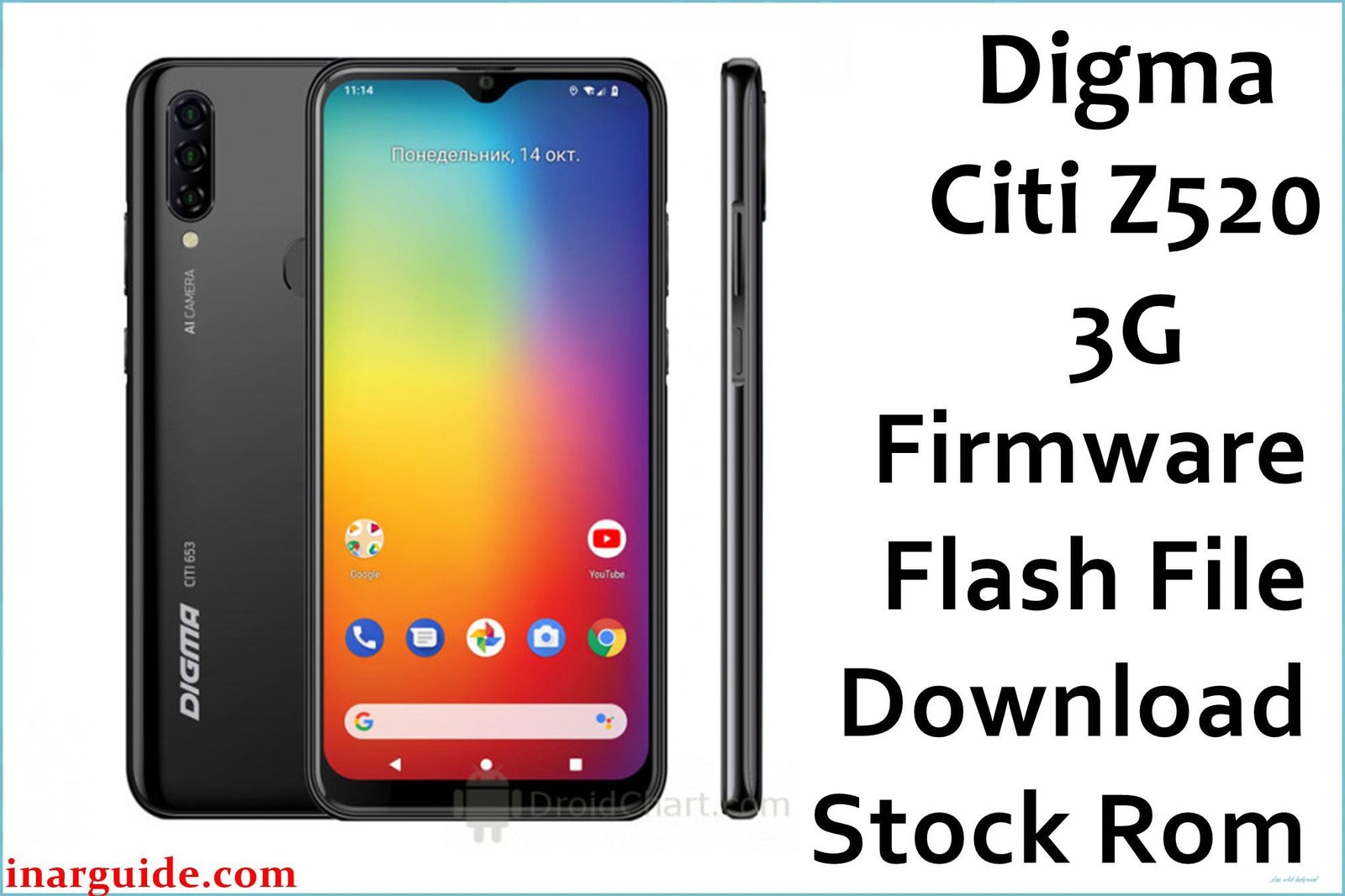
The Digma Citi Z520 3G is an ultra-budget smartphone from 2016, designed by the Russian brand Digma for essential communication. It features a 5.0-inch display and is powered by a UNISOC (Spreadtrum) SC7731G processor running Android 5.1 Lollipop. Due to its very basic hardware, the device is prone to extreme performance degradation. This guide provides the official stock ROM (.pac file), the definitive tool for reviving a bricked device, fixing software glitches, or performing a complete factory restore. Important: This firmware is specifically for the Digma Citi Z520 3G. As a UNISOC/Spreadtrum device, it requires the SPD Upgrade Tool for flashing. Flashing this on a different model will cause a hard brick. This process will erase all data.
Quick Device Specs
- Device: Digma Citi Z520 3G
- Release year: 2016
- Chipset: UNISOC SC7731G (3G)
- Display: 5.0″ TFT Display
- Battery: 2000 mAh
- Original OS: Android 5.1 (Lollipop)
Required Downloads
To flash a Spreadtrum/UNISOC device, you will need the specific drivers and flashing tool. You can find the downloads for these in our main guide linked below.
- SPD Upgrade Tool or SPD Research Tool
- Spreadtrum/UNISOC USB Drivers
Stock ROM (Firmware)
| Build Date | Android | Type | Download | Chipset |
|---|---|---|---|---|
| 2016-09-07 | 5.1 | SPD .pac Firmware |
Download | UNISOC/SPD |
How to Flash the Stock Firmware
Flashing the stock ROM onto your Digma Citi Z520 requires a Windows PC and the SPD Upgrade Tool. Here are the key steps:
- Install the correct Spreadtrum USB drivers, disabling driver signature enforcement in Windows if necessary.
- Launch the SPD Upgrade Tool and load the
.pacfirmware file. - Power off your phone completely.
- Click the “Start Downloading” button in the tool, then connect your phone while holding the Volume Down key to begin the process.
For the complete, step-by-step guide with pictures and download links for the tools, please see our main pillar article: How to Use the SPD Upgrade Tool to Flash Your Smartphone.
Device-Specific Troubleshooting for Digma Citi Z520
- Using the Correct Boot Key Sequence: The phone must be fully powered off. Click the “Start” button in the flash tool first. Then, press and hold the Volume Down button on your phone and connect the USB cable. Do not release the button until you see the ‘Downloading’ progress bar appear.
- Stuck on Google Account (FRP Lock): If you are stuck on the Google account setup screen after a factory reset, flashing this stock ROM will completely wipe the device and remove the FRP lock, allowing you to set it up from scratch.
- 3G Network Decommissioning: Be aware that the Citi Z520 is a 3G-only device. Many mobile carriers around the world are shutting down their 3G networks. After flashing, if you have no signal, it may be because 3G service is no longer available in your area.
FAQs
Q1. My phone has only 512MB of RAM and is unusable. Will this help?
Yes. For a device with extremely limited RAM, a clean flash of the stock ROM is the only way to make it usable again. It removes all accumulated junk files and non-essential background processes, restoring the phone to its original, lightweight state.
Q2. Can I upgrade this phone to a newer Android version?
No. The Digma Citi Z520’s hardware is too old and limited to support any Android version beyond 5.1 Lollipop. There are no official updates and a custom ROM community for this device is virtually non-existent.
Q3. Will this unlock my phone from its network carrier?
No. Flashing the stock firmware restores the phone’s original software, but it does not remove the SIM/network lock put in place by a carrier.
Q4. What is a .pac file?
A .pac file is a packed firmware file used for Spreadtrum/UNISOC chipsets. It contains all the necessary partitions—system, boot, recovery, etc.—in a single, integrated file for flashing.





