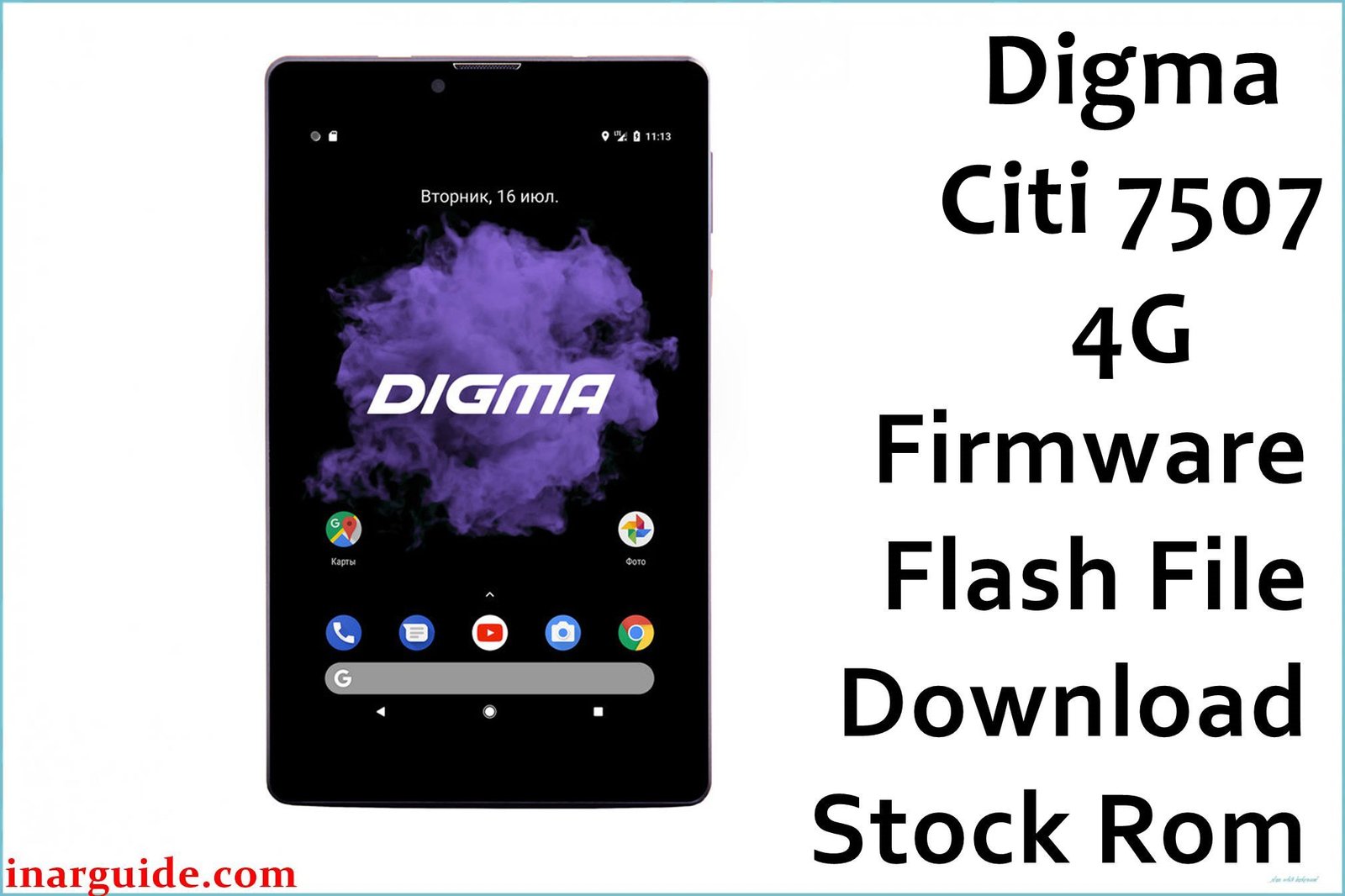
This page provides the official stock firmware for the Digma Citi 7507 4G tablet. This firmware package is the ultimate solution for fixing software-related problems, including a device that is stuck on the Digma logo (bootloop), running slow, infected with malware, or is otherwise unresponsive (soft-bricked). Flashing the stock ROM will restore your tablet to its original factory software and performance.
Follow our detailed, step-by-step guide to safely flash the firmware onto your device using the SPD Upgrade Tool.
Digma Citi 7507 4G Firmware Details
Below are the key specifications for this official firmware package:
| Attribute | Details |
|---|---|
| 📱 Device | Digma Citi 7507 4G |
| 🆔 Chipset | Spreadtrum SC9832E |
| 🤖 Android OS | 8.1 Oreo |
| 🔢 Build Number | 20191010 |
| 📂 File Type | .PAC Firmware |
| 💻💻 Flashing Tool | SPD Upgrade Tool |
| 🌍 Region | Global / Russia (RU) |
When Should You Flash Stock Firmware?
Reinstalling the official firmware is the best solution for a variety of critical software issues:
- Unbrick Your Tablet: If your tablet fails to boot past the logo or shows a black screen, this firmware can revive it.
- Fix System Errors: Resolves persistent app crashes and “Android System has stopped” errors.
- Remove Viruses & Malware: A complete flash is the most effective way to eliminate malicious software from your device.
- Improve Performance: A clean install of the operating system can fix lag, stuttering, and general slowness.
- Revert to Factory State: This process will remove all user data, custom ROMs, and root access, returning the tablet to its original state.
⚠️ Important: Prerequisites Before Flashing
You must complete these steps before starting the flashing process to avoid errors.
- Backup All Data: This procedure will completely erase the internal storage of your tablet.
- Charge Your Tablet: Ensure your Digma Citi 7507 4G has at least a 60% battery charge.
- Install Spreadtrum Drivers: Your computer needs the correct drivers to detect the tablet in flash mode. Download and install the Spreadtrum (Unisoc) SCI USB2Serial Drivers.
- Download Flashing Tool: This firmware is packaged in a
.pacformat and requires the SPD Upgrade Tool. Download the latest version from a trusted source here.
Download Official Firmware for Digma Citi 7507 4G
- File Name: Digma_Citi_7507_4G_SC9832E_20191010_8.1_SPD.zip
- Size: 1.12 GB
- 🔗 Download Link (Google Drive): Digma Citi 7507 4G Firmware
How to Flash the .PAC Firmware File
- Download and extract both the firmware zip file and the SPD Upgrade Tool on your Windows PC.
- Open the extracted SPD Upgrade Tool folder and run UpgradeDownload.exe.
- Click on the first Gear icon (“Load Packet”) on the top-left of the tool.
- Navigate to the folder where you extracted the firmware and select the large
.pacfile. It may take a few moments for the tool to load and verify the file. - Once the file name appears in the tool, click on the Play icon (“Start Downloading”) to prepare the tool for flashing.
- Completely power off your Digma tablet.
- Press and hold the Volume Down button on the tablet. While keeping the button pressed, connect the tablet to your PC using a USB cable.
- The tool will automatically detect the tablet and start the flashing process. You can release the Volume Down button once the progress bar begins to move.
- Do not disconnect the device until the process is complete. This can take 5-10 minutes.
- Once finished, the progress bar will turn green and a “Passed” message will be displayed.
- You can now safely disconnect your tablet and power it on. The first boot will be slower than usual as the system sets up.
Disclaimer: Flashing new firmware to your device carries inherent risks. If the instructions are not followed precisely, it could lead to data loss or a damaged device. We are not responsible for any issues that arise. Proceed with caution.





