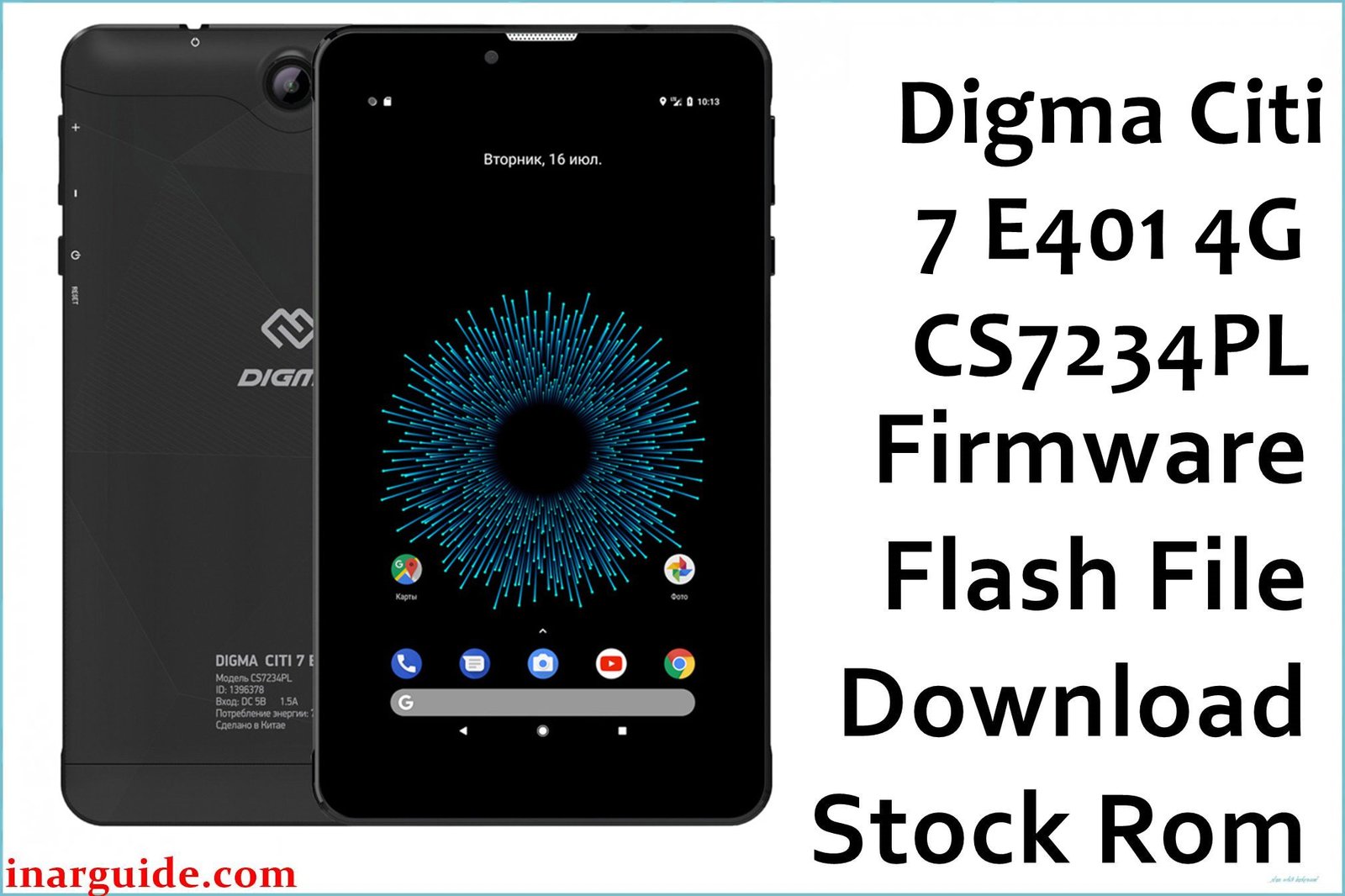
Many Digma Citi 7 E401 4G users report repeated software crashes, stuck boot logos, disappearing IMEI, non-functional SIM detection, and persistent system malware that survives even after factory resets. On forums, tablet owners often describe camera app errors, random shutdowns, touchscreen dead zones after system updates, and unpredictable loss of 4G network connectivity. These faults are most commonly triggered by firmware corruption, failed over-the-air updates, or malware deeply embedded in the system ROM, leaving conventional resets ineffective. Flashing official stock firmware directly resolves these headaches by restoring the tablet to a clean, factory-tested system state—removing bricked conditions, correcting security partition errors, and reinstating core functions lost to system-level faults.
🚨 Critical Pre-Flash Warning
Device-specific risk: On the Digma Citi 7 E401 4G, flashing with the wrong scatter file or firmware revision can cause permanent IMEI and baseband loss (leading to no mobile network access). A number of forum users also note that using a mismatched firmware version may disable the touchscreen completely until hardware servicing is performed. Always make a full NVRAM backup for this model before proceeding.
Device Specifications Verification
Confirm these specifications match your device before flashing:
| Specification | Details |
|---|---|
| Device Name | Digma Citi 7 E401 4G (CS7234PL) |
| Release Date | 2020 |
| Chipset | Spreadtrum/UNISOC SC9863A, Octa-Core 1.6GHz |
| GPU | IMG PowerVR GE8322 |
| Display | 7.0″ IPS LCD, 1920×1200 pixels |
| RAM/Storage | 2GB RAM / 32GB internal storage |
| Battery | 3800mAh non-removable Li-Ion |
| Android Version | Android 10.0 |
| Key Features | 4G LTE, Dual SIM, 5MP rear + 2MP front camera, GPS, Wi-Fi, FM Radio |
Official Firmware Downloads
Two main builds are available for the CS7234PL revision. The major Factory 201212 SPD build is recommended for addressing critical security holes and removing persistent malware that’s undetected by most antivirus solutions. Users also report better touchscreen stability and improved LTE signal after flashing this version.
| Filename | Date | Region | Android | Size | Download Link/s |
|---|---|---|---|---|---|
| Digma_Citi_7_E401_4G_CS7234PL_Rev1_Factory_201212_SPD.zip | Dec 2021 | Global | 10.0 | 1.03GB | Download (MediaFire) |
⭐ Recommendation: Always use Factory_201212_SPD for the CS7234PL revision. It provides the latest device security fixes, resolves baseband loss, touchscreen stability bugs, and wipes system malware effectively.
Required Tools & Drivers
- SPD Upgrade Tool (latest version)
- Spreadtrum/UNISOC USB Drivers
- Digma Citi 7 E401 4G firmware package (from table above)
Quick Digma Citi 7 E401 4G Firmware Flashing Instructions
- Install the Spreadtrum/UNISOC USB drivers and ensure Device Manager shows correct SPD device without exclamation marks.
- Extract the
Digma_Citi_7_E401_4G_CS7234PL_Rev1_Factory_201212_SPD.zipand note the .pac file location. - Open the SPD Upgrade Tool, load the .pac file, and double-check that the firmware build number matches your ‘CS7234PL Rev1’ variant.
- Set ‘Download’ mode and click ‘Start Downloading’. With the tablet powered off, hold the Volume Down button, and connect it to your PC via USB.
- Flashing will begin automatically once a connection is detected. Wait for the process to complete and a ‘Passed’ message before disconnecting.
For a complete, step-by-step SPD flashing tutorial with error solutions (including visual troubleshooting), please see our pillar guide: How to Flash with SPD Upgrade Tool.
Troubleshooting & Optimization Guide
- Touchscreen Unresponsive After Flash: Some users report the display does not respond to touch actions after flashing if the incorrect firmware region or revision is chosen. Always use the firmware matched to your hardware label.
- IMEI Lost/No Network Signal: If the device shows ‘No Service’ or ‘Invalid IMEI,’ reprogram the IMEI with the official WriteIMEI tool after successful flashing, using the code from your box.
- Bootloop or Failure to Start: If stuck at the Digma logo, disconnect and reflash with ‘Format All + Download’ in SPD tool (warning: this will erase all partitions; only for advanced users).
- 4G Signal Drop: Reported by some users right after flashing. Power cycle the device, then enter APN information in Settings manually before first boot to resolve.
- Unexpected Auto-Restart/Shutdown: Rare hardware-mismatched builds can cause this. Only flash firmware labeled for CS7234PL Rev1.
Frequently Asked Questions
- Will flashing erase my data?
- Yes, flashing factory firmware will wipe all user data, settings, and downloaded apps. Always back up your files before starting.
- Why does my touchscreen not work after flashing?
- This issue is specific to mismatched firmware on the E401 4G CS7234PL. Double-check the hardware revision and use the correct pac file for your tablet.
- How to recover IMEI if lost?
- Download and use the official WriteIMEI tool, entering the device’s box sticker codes—restores network and 4G.
- Can I upgrade from Android 9 to 10 with this package?
- Yes, this SPD firmware upgrades compatible tablets to Android 10.0 with all associated fixes and optimizations for the CS7234PL variant.
Conclusion
Flashing the official Digma Citi 7 E401 4G Factory_201212_SPD firmware is the best solution for system malware, lost IMEI, unstable LTE connectivity, and severe firmware faults on Spreadtrum/UNISOC tablets. The Dec 2021 update is essential if System UI keeps crashing or your network disappears after failed updates.
For owners of other Digma or Spreadtrum/UNISOC devices, see our guides for SPD Tablets and QGDP Tool models as well.
Success? Share your flashing experience and troubleshooting tips in the comments, especially if you fixed touch/4G/network failures! Your advice helps the Digma user community fix more tablets and avoid hardware locks.





