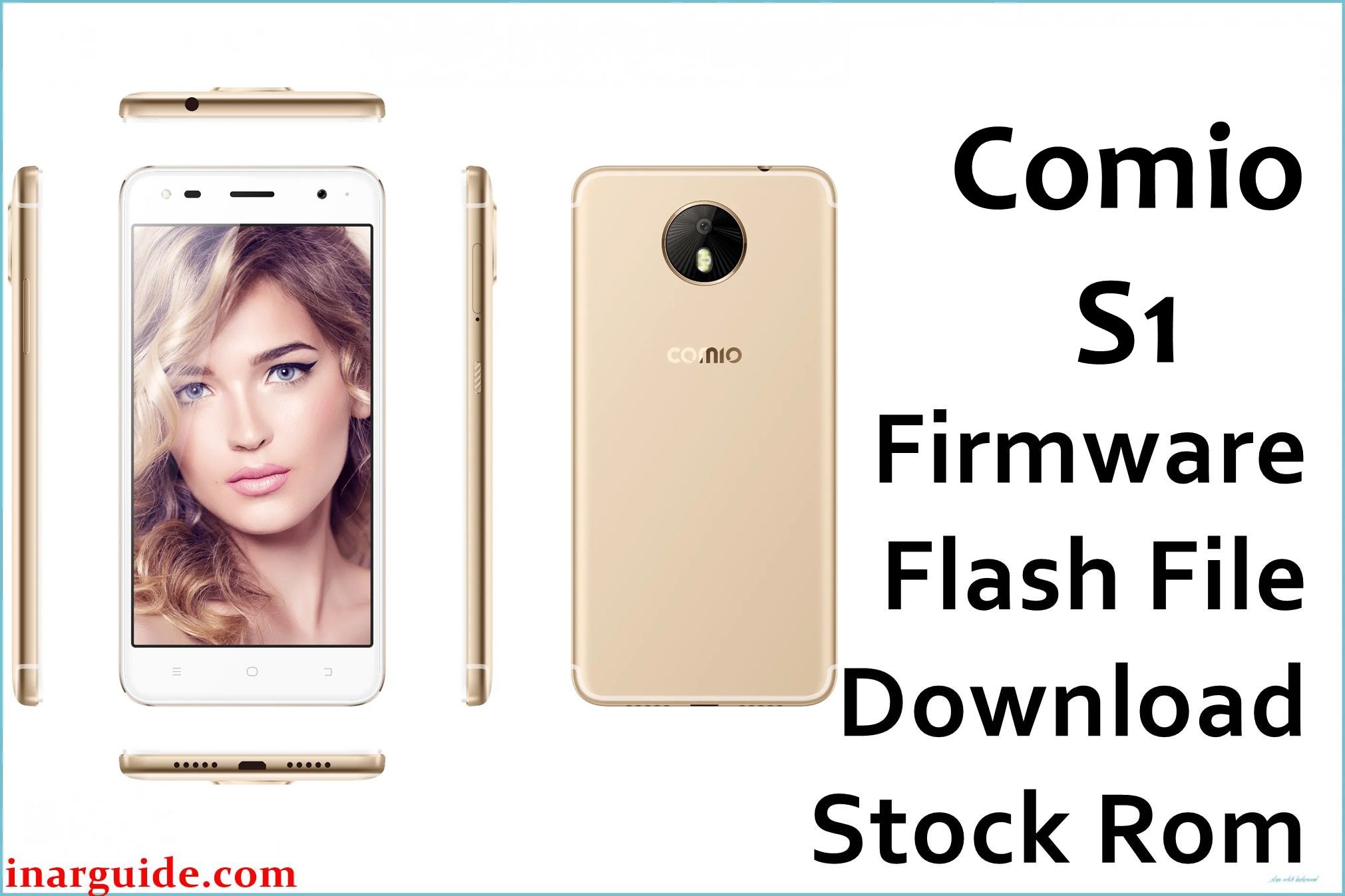
Comio S1 is a slim metal‑body Android smartphone for the Indian market, featuring a 5.2–5.5‑inch HD IPS display, 64‑bit quad‑core processor, 2GB RAM, 32GB storage, 4G VoLTE and Android 7.0 Nougat out of the box.
The Comio_S1_India_FX696_V1.7.9_20170911_CPB.zip (≈1.44GB) and Comio_S1_India_FX696_V2.0.1_20171021_CPB.zip (≈2.52GB) are official‑type CPB firmware packages used to fully reinstall stock ROM, repair bootloop / “dead” devices, clear software corruption, and remove FRP lock on Comio S1.
Comio S1 Firmware Details
| Detail | Information |
|---|---|
| Device Name | Comio S1 |
| Model | Comio S1 India (FX696 series) |
| Chipset / CPU | 64‑bit quad‑core processor @ 1.3GHz (MTK class, per stock ROM tools and specs) |
| GPU | Mali‑class GPU (HD graphics) |
| RAM | 2GB |
| Internal Storage | 32GB, expandable via microSD (hybrid slot) up to 128GB |
| Display | 5.2–5.5‑inch HD IPS, 1280 × 720, ~267–282ppi |
| Rear Camera | 13MP autofocus with LED flash |
| Front Camera | 8MP with front flash (selfie LED) |
| Battery | ≈2700mAh Li‑Po (non‑removable) |
| Network | Dual‑SIM, 4G LTE with VoLTE, Wi‑Fi b/g/n, Bluetooth |
| OS Version | Android 7.0 Nougat (stock UI with anti‑theft / antivirus features) |
| Firmware Names | Comio_S1_India_FX696_V1.7.9_20170911_CPB.zip; Comio_S1_India_FX696_V2.0.1_20171021_CPB.zip |
| Firmware Type | CPB packages (flashable via YGDP / QGDP tools) |
| Approx. File Sizes | V1.7.9 ≈1.44GB; V2.0.1 ≈2.52GB (with full resources) |
These CPB files are ONLY for Comio S1 India FX696 variants on Android 7.x. Do NOT flash them on Comio C1, C1 Pro, C2, S1 Lite, P1, X1 or any other brand, or you risk permanent hard‑brick, lost IMEI, and dead network.
Download Official Firmware for Comio S1
| Filename | Size | Build Date | Version | Android | Flash Type | Recommended Use | Download |
|---|---|---|---|---|---|---|---|
| Comio_S1_India_FX696_V1.7.9_20170911_CPB.zip | ≈1.44GB | 11 September 2017 | FX696_V1.7.9_20170911 | Android 7.0 Nougat | CPB firmware (YGDP / QGDP) | Earlier stable stock build; suitable for unbricking, fixing bootloop / stuck logo, and returning to a lighter original firmware if you want less bloat than later builds. | Download (Google Drive) |
| Comio_S1_India_FX696_V2.0.1_20171021_CPB.zip | ≈2.52GB | 21 October 2017 | FX696_V2.0.1_20171021 | Android 7.0 Nougat | CPB firmware (YGDP / QGDP) | Newer official build widely used to fix bootloop, dead/brick, FRP lock, update errors, hanging and restart issues; recommended if you want the most updated S1 firmware. | Download (MediaFire) |
Both packages are full stock ROMs: they include system, boot, and related partitions needed to recover a soft‑bricked Comio S1 or solve deep software issues such as continuous reboots, update failures, and FRP locks.
Flashing Requirements
- Windows PC (Windows 7/8/10/11) with administrator rights.
- YGDP / QGDP tool or a compatible CPB flashing utility that supports Comio S1 FX696 firmware.
- USB drivers for Comio / Android (ADB + specific drivers bundled with the stock ROM package).
- Fully downloaded CPB ZIP (V1.7.9 or V2.0.1), extracted to access the.CPB file, tool, drivers and how‑to manual.
- Good‑quality USB data cable and stable USB port (avoid loose or worn cables).
- Battery charged to at least 50–60% on the S1 to prevent shutdown during flashing.
- Backup of all important data whenever possible, because firmware flashing will erase user data and internal storage.
How to Flash the Firmware
- Extract the Comio S1 ZIP (V1.7.9 or V2.0.1) on your PC; inside you will find the CPB file, YGDP/QGDP tool, USB drivers and a basic flashing guide.
- Install the supplied USB drivers, run YGDP/QGDP, log in (default password such as “ase” if requested), then go to the configuration section and load the Comio S1 FX696 CPB file.
- With the phone powered OFF, click “Start/Upgrade/Download” in the tool, then connect the Comio S1 via USB (some setups require holding a volume key while plugging in).
- Wait for the tool to detect the device and finish the flashing process; do not disconnect until progress reaches 100% and the status shows success.
- Disconnect the cable and power on the S1; the first boot after a full CPB flash can take several minutes as Android rebuilds caches and optimizes apps.
For a detailed CPB flashing walkthrough (screenshots and options), follow this dedicated guide: How to use QGDP Tool to flash CPB firmware on Android devices.
All firmware links and guides are provided for repair and educational purposes only. Neither this page nor its author is responsible for bricked phones, data loss, warranty void, IMEI/network problems, or hardware damage that may result from flashing these Comio S1 CPB files. If you encounter detection errors or flashing failures, note the exact error code and ask for help with drivers, ports or cables before attempting again.
Frequently Asked Questions (FAQs)
What problems can these Comio S1 CPB firmwares fix?
They are commonly used to fix bootloops, “stuck on Comio logo”, software update errors, FRP/Google account lock, random reboots, and dead/bricked Comio S1 units by reinstalling the full stock ROM.
Which build should I choose: V1.7.9 or V2.0.1?
V1.7.9 is an earlier stable build that may feel slightly lighter, while V2.0.1 is a newer release widely recommended for fixing hanging, update and dead‑boot issues; most technicians now prefer V2.0.1 for repairs.
Will flashing these firmwares erase my data on Comio S1?
Yes, a full CPB flash normally wipes internal storage and removes installed apps, messages and settings, so back up anything important (if possible) before starting the process.
How can I confirm my device is the correct Comio S1 FX696 variant?
Check the retail box, invoice or Settings → About phone for the “Comio S1” branding, 2GB RAM, 32GB storage and Android 7.x; do not use these files on S1 Lite, C1, C2, P1 or X1.
YGDP/QGDP does not detect my S1 or shows an error while flashing – what should I do?
Reinstall the USB/ADB drivers, try a different USB cable and port, ensure the phone is fully powered off before connection, and double‑check that the correct FX696 CPB file is loaded; many detection errors are due to drivers or unstable cables.





