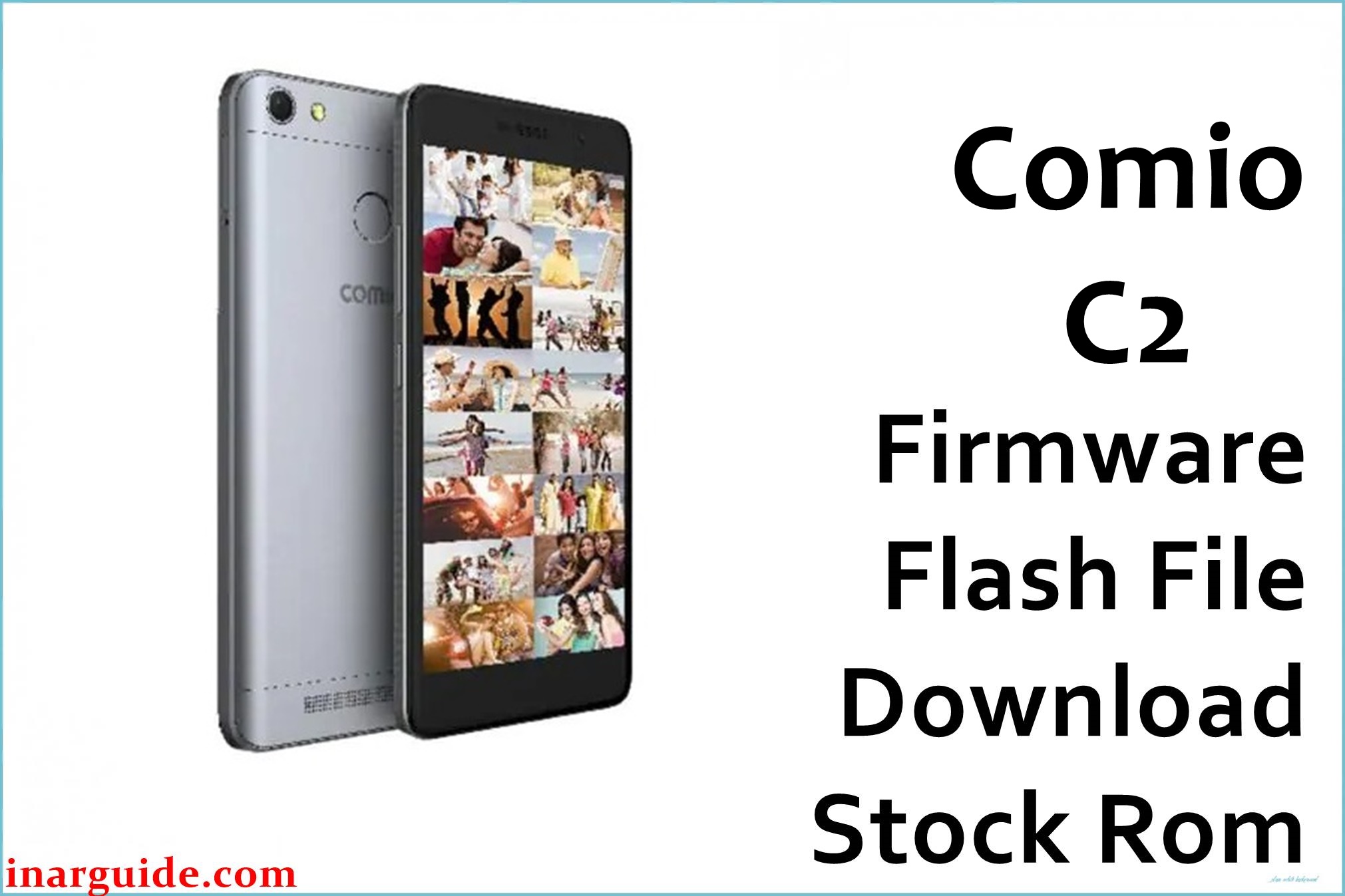
Comio C2 is an entry‑level Android smartphone launched for the Indian market with a 5‑inch HD IPS display, 1.3GHz quad‑core MediaTek MT6737 processor, 2GB RAM, 16GB storage, 4G VoLTE, and a large 4000mAh battery running Android 7.0 Nougat out of the box.
Over time, many users report the C2 becoming very slow, freezing while multitasking, getting stuck on the Comio logo after a restart, random app crashes, quick storage fill‑up, as well as software‑level issues like sudden reboots and network instability.
The Comio_C2_170920_7.0_CPB.zip (around 1.4GB) is an official‑type CPB firmware package designed to completely reinstall stock Android 7.0 on the C2, fix bootloop and “hang on logo” problems, clear corrupted system files, and restore performance and stability on MT6737‑based Comio C2 units.
Comio C2 Firmware Details
| Detail | Information |
|---|---|
| Device Name | Comio C2 |
| Model | Comio C2 (India) |
| Chipset / CPU | MediaTek MT6737, 1.3GHz quad‑core 64‑bit |
| GPU | Mali‑T720 |
| RAM | 2GB |
| Internal Storage | 16GB, expandable via microSD (up to 64GB) |
| Display | 5.0‑inch IPS, 1280 × 720 (HD) |
| Rear Camera | 8MP with LED flash |
| Front Camera | 8MP with selfie flash |
| Battery | 4000mAh non‑removable Li‑Po |
| Network | Dual‑SIM, 4G LTE with VoLTE support |
| Android Version | 7.0 Nougat (stock) |
| Firmware Name | Comio_C2_170920_7.0_CPB.zip |
| Firmware Type | CPB package (Qualcomm/CPB‑style flashing via QGDP/QCom tools) |
| Build Version | 170920 (dated 20‑09‑2017) |
| File Size | ≈1.4GB (compressed ZIP) |
This CPB firmware is ONLY for Comio C2 with Android 7.0 and 2GB/16GB configuration. Flashing it on any other Comio model (C1, C1 Pro, P1, S1 Lite, etc.) or on devices with different hardware may cause permanent hard‑brick and IMEI loss.
Download Official Firmware Flash File for Comio C2
| Filename | Size | Build Date | Version | Android | Flash Type | Region / Notes | Download |
|---|---|---|---|---|---|---|---|
| Comio_C2_170920_7.0_CPB.zip | ≈1.4GB | 20 September 2017 (170920) | 170920 | Android 7.0 Nougat | CPB firmware (QGDP/CPB flashing) | India retail units; full stock ROM to fix bootloop, hang on logo, heavy lag, app crashes, and software corruption on Comio C2. | Download (MediaFire) |
This file suits users whose C2 does not boot, keeps restarting, suffers severe lag even after reset, or has system apps force closing due to damaged firmware partitions.
Flashing Requirements
- Windows PC (Windows 7/8/10/11) with administrator rights.
- QGDP / QGDP Assembly or compatible CPB flashing tool that supports Comio CPB firmware packages.
- Latest ADB and device drivers installed so the PC can detect Comio C2 properly.
- Comio_C2_170920_7.0_CPB.zip fully downloaded and extracted to a known folder.
- Good‑quality USB data cable and stable USB port (avoid loose/cheap cables).
- Battery charged to at least 50% to prevent shutdown during flashing on the 4000mAh unit.
- Backup of personal data whenever possible; full firmware flash can wipe internal storage.
How to Flash the Firmware
- Install required USB/ADB drivers on your PC, then install and open QGDP (or equivalent CPB flashing tool).
- Load the Comio_C2_170920_7.0_CPB file inside the tool using the appropriate “Load CPB” or “Browse” option.
- Power OFF the Comio C2 completely, then in QGDP select your device/port and click the “Start/Upgrade/Download” button.
- Connect the phone to the PC via USB (often with Volume Up or Volume Down held) and wait until the tool detects it and starts flashing.
- Allow the process to finish (progress bar reaches 100% and status shows success), then disconnect and power on the phone for the first boot (this can take several minutes).
For detailed, screenshot‑based CPB flashing instructions, use this guide for CPB tools: How to use QGDP Tool to flash CPB firmware.
All firmware files and tools are provided without any guarantee. The site and author are NOT responsible for bricked phones, data loss, voided warranty, IMEI/network issues, or hardware damage that may occur while flashing this CPB on your Comio C2. If you encounter errors (e.g., device not detected, flashing stops), share the exact error code in the comments so the community can help with driver or tool troubleshooting.
Frequently Asked Questions (FAQs)
What issues can this Comio C2 CPB firmware fix?
It can fix bootloops, “stuck on Comio logo”, random reboots, serious lag from corrupted system files, and many software‑based crashes by reinstalling the whole stock Android 7.0 ROM.
Will flashing this firmware delete my apps, photos, and data?
Yes, in most cases a full CPB flash will wipe user data on internal storage, so you should back up photos, contacts, and documents before starting if the phone is still accessible.
How do I confirm that my phone is really Comio C2?
Check the model name in Settings → About phone (if possible) or on the retail box/sticker; it should clearly say “Comio C2” with 2GB RAM, 16GB storage, 5‑inch HD display, and 4000mAh battery.
Can this firmware be used on Comio C1, C1 Pro, P1, S1 Lite or other Comio phones?
No, each Comio device has its own firmware; using the C2 CPB on any other model risks hard brick and radio/IMEI damage and is strongly discouraged.
QGDP does not detect my Comio C2 or flashing fails – what should I do?
Reinstall ADB/USB drivers, try a different USB cable/port, make sure the phone is fully powered off before connection, and confirm the correct CPB file is loaded; many detection and boot errors are driver or cable related on these tools.





