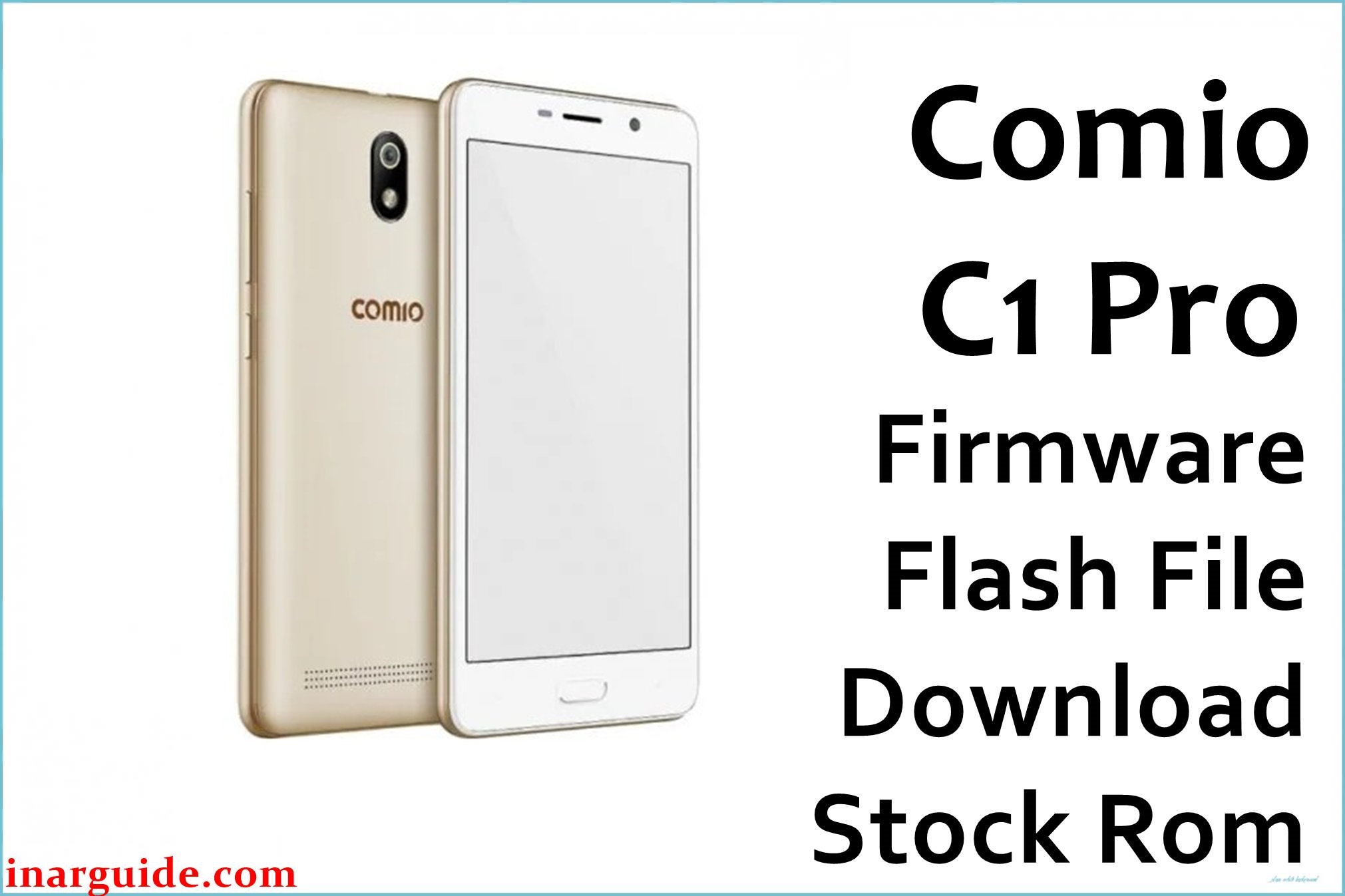
The Comio C1 Pro packs a 5-inch HD IPS display, MediaTek MT6739 quad-core 1.5GHz processor, Mali-T720 GPU, 1.5GB RAM, 16GB storage (128GB expandable), 8MP rear/5MP front cameras with LED flash/face unlock, 2500mAh battery, and dual 4G VoLTE on Android 8.1 Oreo.
Owners report dead boot issues, bootloops, severe lag on 1.5GB RAM, FRP locks, network drops, camera failures, and heating during calls.
These official firmwares (V139 June 2018 & V1.2.5 May 2018) restore full functionality via SP Flash Tool, patching MT6739 bugs and unbricking dead units.
Comio C1 Pro Firmware Details
| Specification | Details |
|---|---|
| Device Name | Comio C1 Pro |
| Model Identifier | MT6739 |
| Chipset | MediaTek MT6739 (28nm) |
| CPU | Quad-core 1.5 GHz Cortex-A53 |
| GPU | Mali-T720 MP2 |
| Android Version | Android 8.1 Oreo |
| File Type | MTK Scatter ZIP |
| Flashing Tool | SP Flash Tool |
| Bootloader Status | Locked (Bypass flash) |
| RAM/Storage | 1.5GB/16GB (128GB max) |
| Region | India/Global |
Download Official Firmware for Comio C1 Pro
| Filename | Region | File Size | Build Date | Build Version | Android | Flashing Type | Notes | Download |
|---|---|---|---|---|---|---|---|---|
| Comio_C1_Pro_MT6739_V139_26062018.zip | IN/Global | 1.28 GB | 06/26/2018 | V139 | 8.1 | SP Flash | Latest stable; fixes dead boot, lag, VoLTE | Download V139 (MediaFire) |
| Comio_C1_Pro_MT6739_V1.2.5_05292018.zip | IN/Global | 1.23 GB | 05/29/2018 | V1.2.5 | 8.1 | SP Flash | Earlier build; FRP bypass, camera fixes | Download V1.2.5 (Google Drive) |
Flashing Requirements
- Windows PC + MTK6739 drivers + SP Flash Tool v5.2020+
- Charged >70% Comio C1 Pro
- Backup (IMEI via MTK tool, photos/contacts)
- LibUSB + DA auth bypass (SLA/DAA for MT6739)
- Quality USB cable; test BROM mode
- Python + scatter file extracted
How to Flash the Firmware
- Install MTK drivers, extract firmware, load scatter in SP Flash Tool.
- Enable DA Auth bypass; select Download+Format All.
- Power off, Vol- USB connect for purple COM detection.
- Click Download; green tick (10-20 mins).
- Reinsert battery if removable, long Power boot.
For detailed visuals: Follow Comio C1 Pro MT6739 SP Flash Tool Guide or Video Tutorial.
Frequently Asked Questions (FAQs)
Fixes Comio C1 Pro dead boot?
Yes, both V139/V1.2.5 restore MT6739 from hardware faults & water damage.
Phone not detected by SP Flash?
Disable Driver Signature, use BROM mode (Vol Up/Down), install LibUSB filter.
FRP lock after flashing?
V1.2.5 includes bypass; for V139 use MTK bypass tool post-flash.
Which firmware is better: V139 or V1.2.5?
V139 (June 2018) newer/more stable; V1.2.5 for specific FRP/camera issues.
VoLTE/network lost post-flash?
Restore NVRAM with original IMEI; modem files included in both packs.





