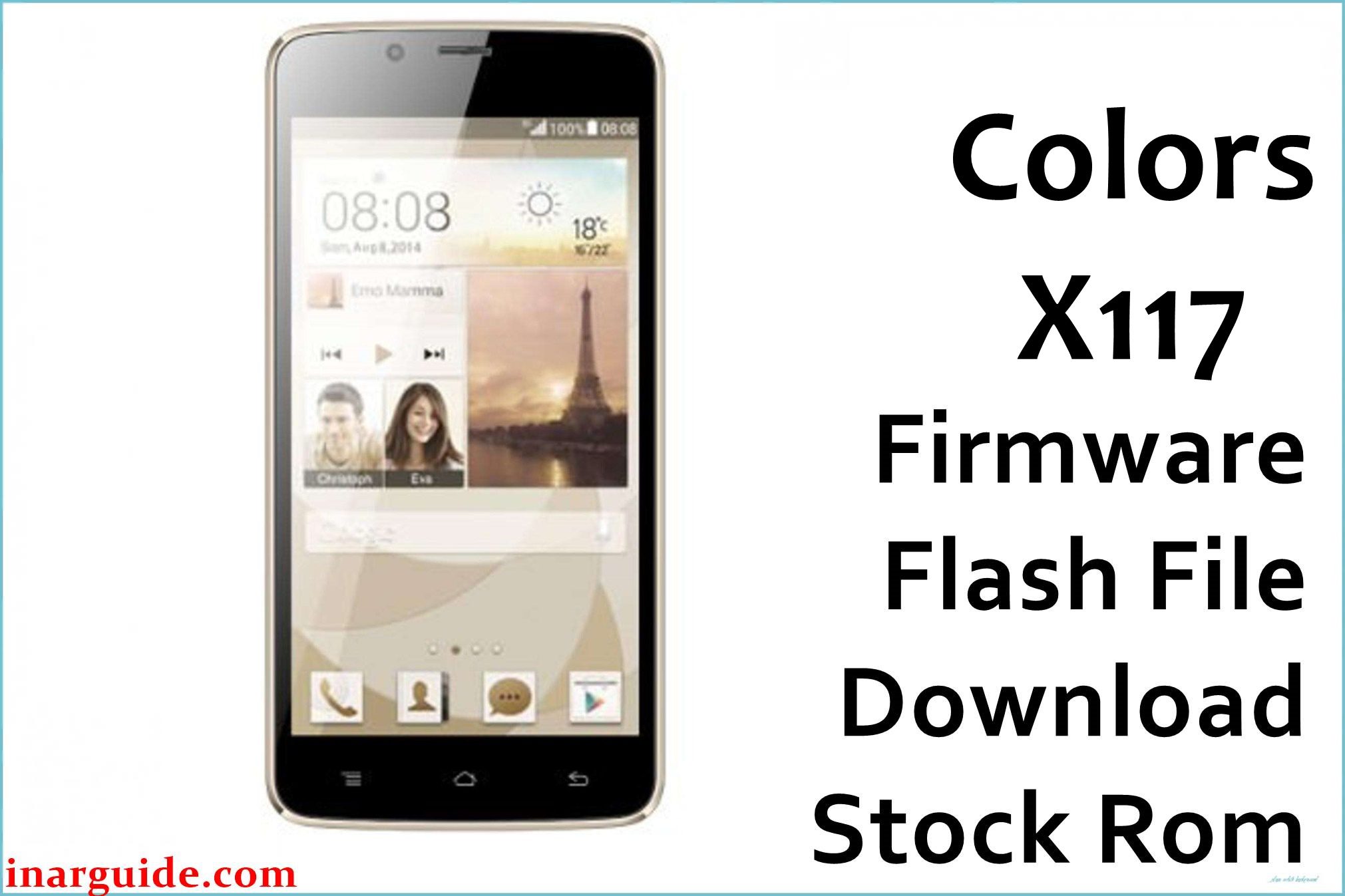
The Colors X117 Megaquad (sometimes branded as Colors Xfactor X117) is a sub-$100 entry-level Android widely sold in 2015 across Nepal and South Asia. It features a Spreadtrum SC7731 quad-core processor (1.2 GHz Cortex-A7), 1 GB RAM, 8 GB storage (expandable to 32 GB via microSD), and a sharp 5-inch FWVGA TN LCD (480×854 px). Launched with Android 4.4.2 KitKat, later revised to 5.1 Lollipop, the device packed a 5 MP rear camera (AF, LED) and 2 MP selfie cam, dual SIM 3G, and a removable 2100 mAh battery.
Day-to-day Colors X117 users have reported key issues: rapid battery drain, sluggish performance, frequent “insufficient storage” warnings, app crashes following failed updates, network/SIM errors, and camera autofocus problems. Flashing the right Colors X117 firmware PAC file cures bricking/bootloop and fixes major system bugs.
Critical Notice: Before You Proceed
Flashing Colors X117 firmware will erase all internal memory, settings, and IMEI. Backup contacts, photos, and accounts before proceeding! This is for experienced users—wrong file or missteps can damage SIM/network. Confirm your X117 model and chipset (Spreadtrum SC7731) before flash.
Quick Device Specs (Colors X117)
- Device Name / Model:
- Colors X117 Megaquad / Xfactor X117
- Release Year:
- 2015 (Jan–Dec, multiple variants)
- Chipset/Codename:
- Spreadtrum SC7731, quad-core 1.2 GHz, Cortex-A7
- Display:
- 5″ TN FWVGA, 480×854 px, 196ppi
- Battery:
- 2100 mAh, removable
- RAM / Storage:
- 1 GB RAM / 8 GB ROM, microSD up to 32 GB
- Original OS:
- Android 4.4.2 KitKat (2015), Android 5.1 Lollipop (2016 builds)
- Special Features:
- Dual SIM, 5 MP rear AF (LED), 2 MP selfie, FM radio
Required Downloads
| Filename / Version | Android Version | Size | Download Link |
|---|---|---|---|
| Colors_X117_SW01_20160112_SPD | 5.1 Lollipop | 605 MB | Download (Google Drive) |
| Colors_X117_SW01_20160120_113258 | 5.1 Lollipop | 640 MB | Download (MediaFire) |
| Colors_X117_SW02_20150320_193438_KK | 4.4 KitKat | 450 MB | Download (MediaFire) |
How to Flash Colors X117 Firmware (SPD Upgrade Tool)
- Unzip chosen Colors X117 PAC file and locate .PAC image.
- Install Spreadtrum USB Drivers on PC.
- Open SPD Upgrade Tool; load PAC file via “Load Packet”.
- Switch off device, connect via USB (hold Vol Down/Up as needed).
- Click “Start Downloading”, wait for green “Passed”. Reboot device.
- For step-by-step visuals, read How to use the SPD Upgrade Tool to Flash Your Smartphone.
Troubleshooting: Real Colors X117 Problems & Community Fixes
1. “Not Enough Storage” Warnings Despite Free Space
Internal storage fills up fast due to outdated apps and cached files. After flashing, manually clear app cache. Prefer moving photos/music to SD card for best performance.
2. Rapid Battery Drain Post-Update or ROM Flash
Battery may drop quickly after firmware flash or heavy app install. Calibrate battery with full charge/discharge cycles for a week, disable auto-sync and location, and close background apps.
3. Network or SIM Not Detected
Some users lose network after flashing. Re-seat SIMs, clear network settings. Most severe cases need modem partition re-flash via SPD tool. Always backup IMEI before any flash for SC7731 models.
4. Lag/Freezes with Multiple Apps
With 1GB RAM, multitasking is limited. After flash, keep heavy apps (Facebook/YouTube) to one instance at a time. Use “Lite” versions for smoother performance.
5. Camera Blurry or Autofocus Sluggish
Autofocus may not work well after flash or system update. Use default camera app, clean lens, and disable beauty mode for sharper images. Alternate apps may worsen focus.
6. Device Stuck on Logo/Bootloop after Update
If stuck at boot, re-flash the most recent PAC file for the device; do not interrupt flashing or unplug early. Only flash the exact matching X117 build to avoid hardware mismatch issues.
FAQs: Colors X117 Owner Solutions
- Why does storage fill so fast/reports ‘not enough space’?
- Older apps leave cache/data after update—clear cache and move media to SD card post-flash.
- How do I stop fast battery drain after flashing?
- Calibrate with regular charge/discharge cycles, disable background sync/location.
- SIM/network lost after update; how to fix?
- Re-seat SIM, reset network settings; re-flashing modem partitions can solve serious cases.
- Can I improve camera focus or sharpness?
- Clean lens, use default camera app, and avoid beauty mode for better autofocus.
- Device stuck on logo; flash not completing?
- Retry SPD flash with exact X117 PAC, and do not unplug until “Passed” screen appears.
- Can I upgrade to Android 6.0 or higher?
- No, official support ends with 5.1 Lollipop; custom ROMs are risky for Spreadtrum SC7731 devices.
- Will data and IMEI be wiped during flash?
- Yes—back up all personal files and IMEI before SPD flashing; use IMEI repair tools if required.
Closing & Call to Action
Flashing Colors X117 firmware PAC files fixes bootloop, battery, storage, and camera bugs for real users. Bookmark for updates and comment with any issue—community help keeps these older X117 phones running for years.





