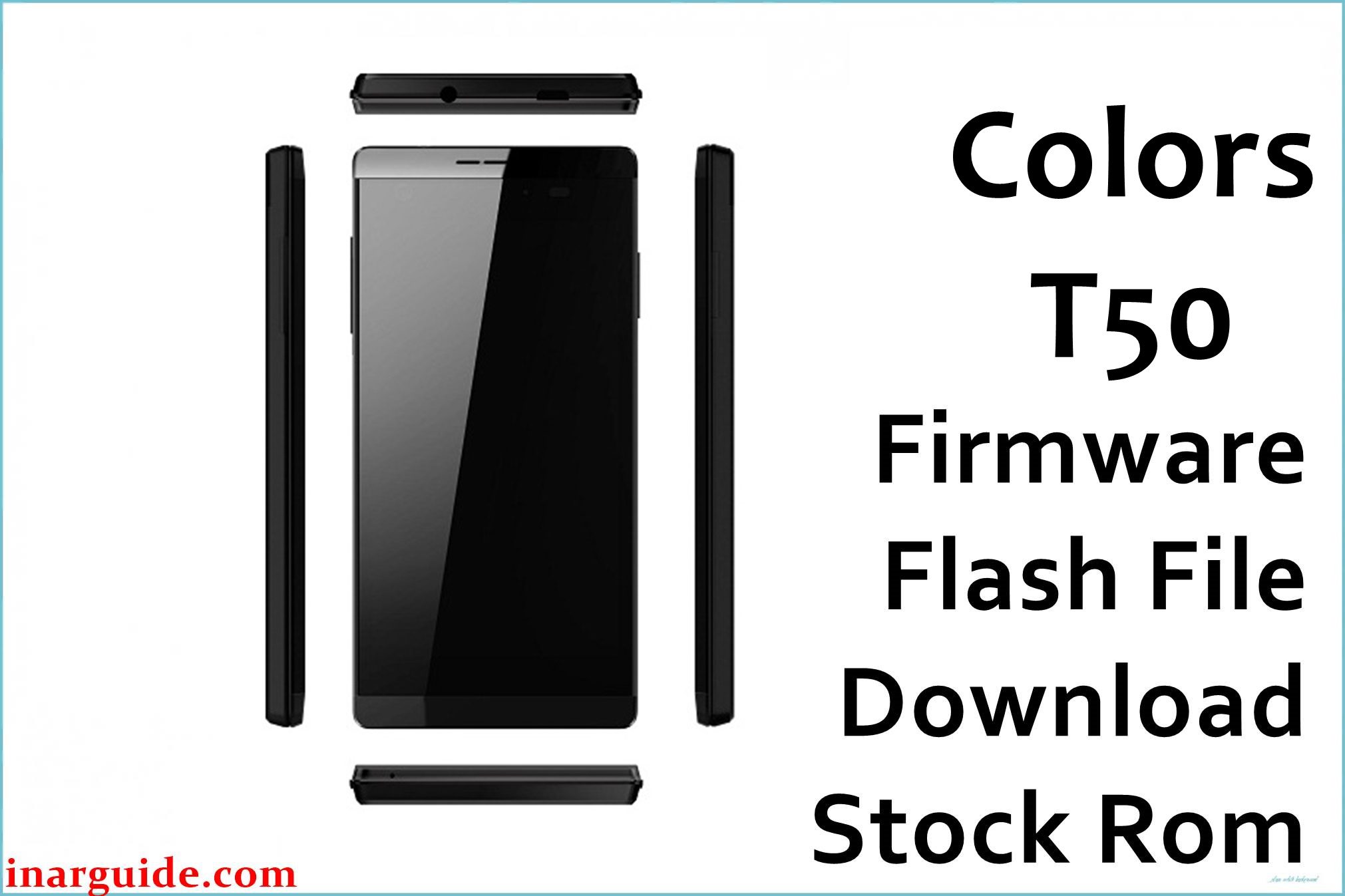
The Colors Trend T50 is a 2015 budget Android smartphone, widely sold in Nepal and nearby regions for entry-level users needing a practical daily device. Powered by a quad-core MediaTek MTK6582M chipset (1.3 GHz), with 1 GB RAM and 8 GB internal storage, it offers a bright 4.5-inch FWVGA IPS display (854×480 px), Android 5.0 Lollipop, and basic features like Bluetooth 4.0, dual SIM slots, and WiFi. Its 5 MP rear autofocus camera and 2 MP selfie camera make it competitive for the price. The removable 1800 mAh battery is modest, and typical for a basic phone. Colors T50 was launched at an affordable price, focusing on stability and essential Android flexibility.
Owners value its size, smooth basic UI, and camera for daytime shots, but face persistent issues: battery drops quickly with WiFi/data on, display not visible outdoors, random SIM/network error after update, autofocus fails in low light, and system lag with heavy app usage. Flashing the official Colors T50 firmware file (MTK6582M scatter-based ROM) solves bricking, bootloop, and restores the system to optimal stock condition, fixing most software bugs.
Critical Notice: Before You Proceed
Flashing Colors T50 firmware deletes all data, apps, settings, and IMEI info. Backup contacts, Google accounts, and media before starting. This is for skilled users—errors during flash can cause permanent loss of network or function. Ensure Trend T50 (MTK6582M) match before proceeding.
Quick Device Specs (Colors Trend T50)
- Device Name / Model:
- Colors Trend T50
- Release Year:
- 2015 (November)
- Chipset/Codename:
- MediaTek MTK6582M (quad-core, 1.3 GHz)
- Display:
- 4.5″ IPS FWVGA, 854×480 px
- Battery:
- 1800 mAh, removable
- RAM / Storage:
- 1 GB RAM / 8 GB internal, microSD up to 32 GB
- Original OS:
- Android 5.0 Lollipop
- Special Features:
- 5 MP rear AF, 2 MP selfie, dual SIM, Bluetooth 4.0, WiFi, FM radio
Required Downloads
- SP Flash Tool
- MediaTek VCOM USB Drivers
- Colors T50 Firmware (MTK6582M, Stock ROM) (see table below)
| Filename / Version (Build Date) | Android Version | Size | Download Link |
|---|---|---|---|
| Colors_T50_D3062_TELETALK_F1_V0.8.2.1_S0929 (2015) | 5.0 Lollipop | 729 MB | Download (MediaFire) |
How to Flash Colors T50 Firmware (SP Flash Tool)
- Unzip Colors_T50_D3062_TELETALK_F1_V0.8.2.1_S0929.zip and find the scatter file.
- Install MediaTek USB Drivers for PC compatibility.
- Open SP Flash Tool and load the MTK6582M scatter file.
- Switch off device, connect via USB (hold Vol Down if required).
- Click “Download”, wait for prompt, disconnect and reboot device.
- See How to Flash Stock Firmware to MediaTek MTK Smartphones for a step-by-step guide.
Troubleshooting: Real-World Colors T50 Problems
1. Battery Drains Quickly with WiFi/Data Active
Users report dropping from full to zero in less than a day during heavy browsing, even with minimal apps. Try disabling unnecessary sync, limit screen brightness, and use battery saver mode; after flashing, recalibrate battery (full charge/discharge cycle).
2. SIM/Network Errors After Firmware Flash
Sometimes, SIM or mobile network fails to appear after flashing ROM. Remove, clean, and reinsert both SIMs, reset network settings, and try re-flashing modem partition. Always backup and restore IMEI data as a precaution.
3. Display Not Visible in Bright Sunlight
Multiple owners say the display is hard to see outdoors. Increase brightness manually in settings—auto-brightness often fails—and use your hand to shade the screen when possible. This is largely a hardware limitation.
4. Camera Autofocus Slow or Fails in Low Light
Autofocus on the rear cam can struggle in dim environments and often leads to blurry pics. Clean the lens and try alternate camera apps for better focus engine. Firmware update can fix some software bugs, but hardware remains basic.
5. System Lag or Freezes with More Than Two Apps
With just 1 GB RAM, multitasking causes visible slowdowns. Close unused apps frequently, avoid heavy games, use ‘Lite’ versions, and install memory booster to clean cache. Flashing stock ROM helps performance, but don’t expect miracles for heavy use.
FAQs: Colors T50 User Experience & Solutions
- Why does T50 battery drain fast after flashing?
- Calibrate battery by full cycle charge/discharge—disable unused sync and prefer manual brightness for better backup.
- SIM not detected/network missing after update?
- Re-seat SIM, reset network settings, and try modem re-flash. Backup IMEI before ROM update.
- Can I fix poor display outdoors?
- Manual brightness and shade help visibility; screen hardware is the main limiter.
- Camera blurring in low light—how to improve?
- Clean lens, try a different camera app, shoot in good light for best results; firmware handles some bugs, not hardware.
- Why does multitasking feel laggy?
- Limited RAM causes slowdowns—keep only 1-2 apps open and use Lite versions for smoother use.
- Will I lose data and IMEI during flash?
- Yes, back up all data/IMEI before flashing; use IMEI repair tools if lost.
- Are OS upgrades available for T50?
- No official upgrades exist; Lollipop is the last supported stock update for this device.
Closing & Call to Action
Flashing Colors T50 firmware restores battery, display, and network function, and unbricks stuck devices. Bookmark for updates and comment with new problems—community tips help improve long-term support for every Trend T50 owner.





