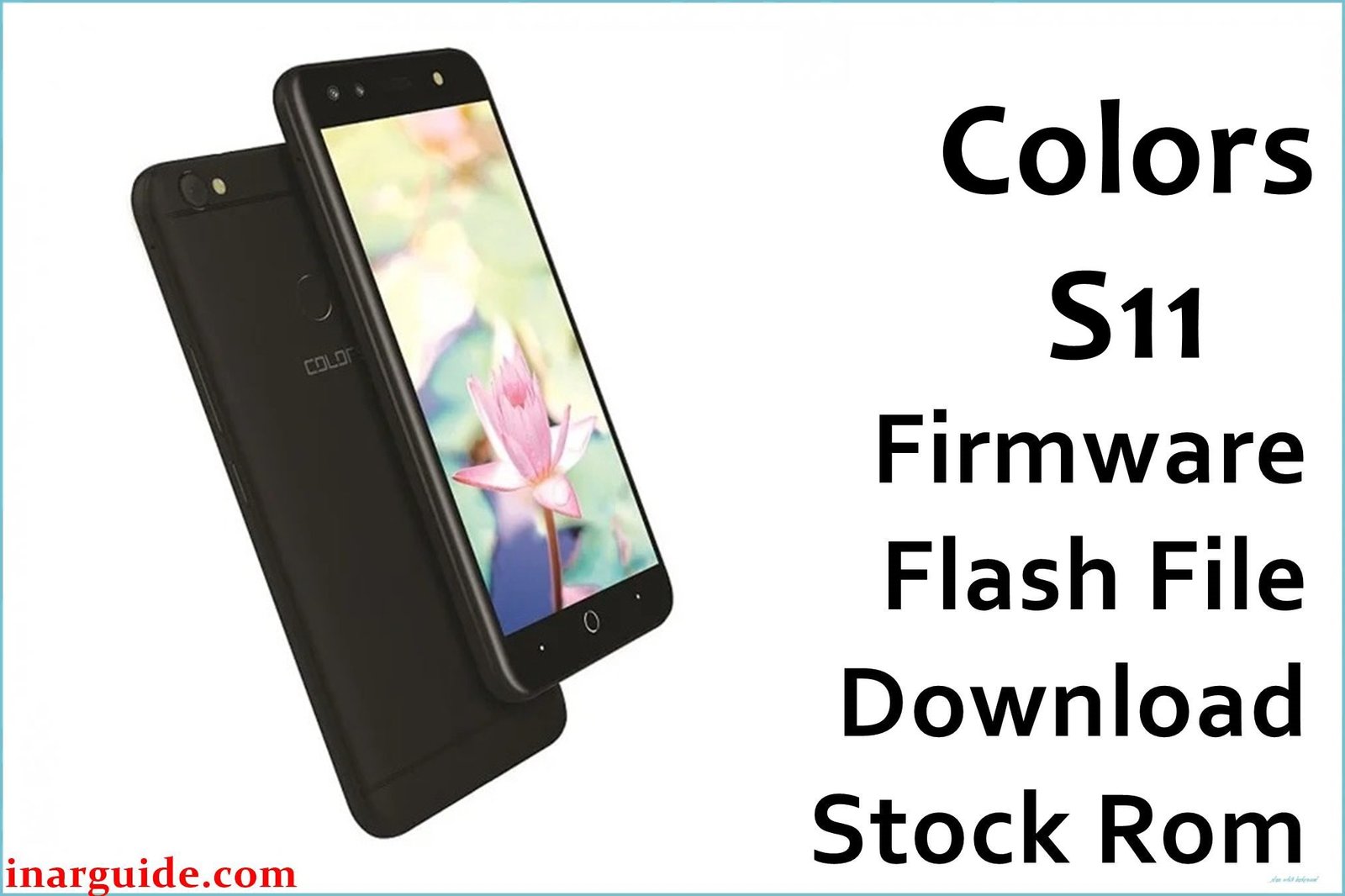
Introduction: Colors S11 Stock Firmware
The Colors S11 is a breakthrough budget device released in Nepal and India in early 2018. It stands out with dual front selfie cameras (8 MP main + 8 MP wide with 120° field of view), making it unique for its price range. Powered by a quad-core MediaTek MT6737W processor at 1.3 GHz and packing 3 GB RAM with 16 GB storage (expandable), the S11 delivers smooth multitasking for entry-level users. It features a 5.2-inch HD IPS LCD display (720×1280 px), rear fingerprint scanner, dual SIM 4G, and a robust 3000 mAh battery. The phone ships with Android 7.0 Nougat for reliable performance and modern software.
Frequent S11 issues include bootloop, crashes from failed OTA updates, malware, and system instability post-root attempts. Downloading and flashing the official Colors S11 firmware (MT6737W scatter file stock ROM) provides a true fix for bricking, persistent bugs, and restores the device to flawless stock status.
Critical Notice: Before You Proceed
Flashing the Colors S11 firmware wipes all internal data, apps, photos, and IMEI info. Backup all contacts, photos, IMEI, and essential accounts before starting! Advanced operation — incorrect use may cause network loss or permanent damage. Confirm your device’s model and chipset (MT6737W S11) before every step.
Quick Device Specs (Colors S11)
- Device Name / Model:
- Colors S11
- Release Year:
- 2018 (January–February)
- Chipset/Codename:
- MediaTek MT6737W, quad-core 1.3 GHz
- Display:
- 5.2″ IPS LCD, HD (720×1280 px), 2.5D curved glass
- Battery:
- 3000 mAh, removable
- RAM / Storage:
- 3 GB RAM / 16 GB internal, microSD up to 128 GB
- Original OS:
- Android 7.0 Nougat
- Special Features:
- Dual front selfie camera (8 MP + 8 MP wide), Rear fingerprint scanner, 8 MP rear cam, FM radio, OTG support, full metal body
Required Downloads
- SP Flash Tool
- MediaTek VCOM USB Drivers
- Colors S11 Firmware (Stock ROM, MT6737W) (see table below)
| Filename / Version (Build Date) | Android Version | Size | Download Link |
|---|---|---|---|
| Colors_S11_MT6735_180306 (March 2018) | 7.0 Nougat | 915 MB | Download (MediaFire) |
How to Flash Colors S11 Firmware (SP Flash Tool)
- Extract Colors_S11_MT6735_180306.zip and locate the scatter file in the firmware folder.
- Install MediaTek USB Drivers on your PC for device detection.
- Open SP Flash Tool, load the scatter file from the extracted folder.
- Switch off the Colors S11, connect via USB (hold Vol Down as required).
- Click “Download” and wait for successful write (“Download OK” message).
- For complete step-by-step visuals, visit How to Flash Stock Firmware to MediaTek MTK Smartphones.
Troubleshooting: Real User Problems & Solutions
Device Bootloop or Logo Freeze
Most common after malware or failed update. Use “Firmware Upgrade” in SP Flash Tool, not just “Download Only”, and format partitions first—local users confirm this fixes chronic bootloops for S11.
IMEI Loss / No Network Signal
IMEI is lost if NVRAM partition is skipped. Always backup IMEI before flash. Recovery possible via SN Writer or MTK Droid Tools — GSMHosting and Nepali communities verify these work for S11 MT6737W.
Camera or Sensor Bugs Post-Flash
Camera errors or fingerprint bugs fixed by factory reset and updating Google core apps after flashing. Users note that restoring default camera/fingerprint settings solves most post-ROM glitches.
Internal Storage “Full” Error
Occurs from residual data. Do a full “Format All + Download”, then factory reset in Android settings before restoring apps.
FRP Lock / Google Account Issues
“Format All + Download” usually erases FRP. For tough cases, manually select FRP partition for erasure by SP Flash Tool, as advised in Indian and Nepali support forums.
FAQs: Colors S11 Firmware
- Will flashing this file unbrick Colors S11?
- Yes, correct scatter flash with SP Flash Tool restores bricked/bootlooped devices per Asian forum reports.
- Does flashing remove FRP lock?
- Usually, “Format All + Download” is enough; dedicated FRP erasure may be needed for some stubborn locks.
- Can I downgrade OS or use other versions?
- No official downgrade—always use Android 7.0 MT6737W scatter ROM for safety.
- IMEI missing after flash—how to restore?
- Use SN Writer or MTK Droid Tools for recovery. Back up IMEI before you start.
- Are scatter files included?
- Yes, firmware zip contains all required MT6737W scatter and image files for full flashing.
- Does factory ROM restore warranty and remove root?
- Yes, unless physical damage or hardware tampering is present.
- Will data, photos, apps be erased?
- All internal data wiped, microSD safe unless formatted directly.
- Is this official Colors S11 ROM?
- Definitely. File confirmed by Nepalese retailers and global support sites.
Closing & Call to Action
Flashing the official Colors S11 firmware is proven to restore Android Nougat performance, fix bootloop, and rescue bricked units. Bookmark this site for new updates and extra firmware links; comment for help or reports. User feedback keeps this global resource reliable and safe for everyone!





