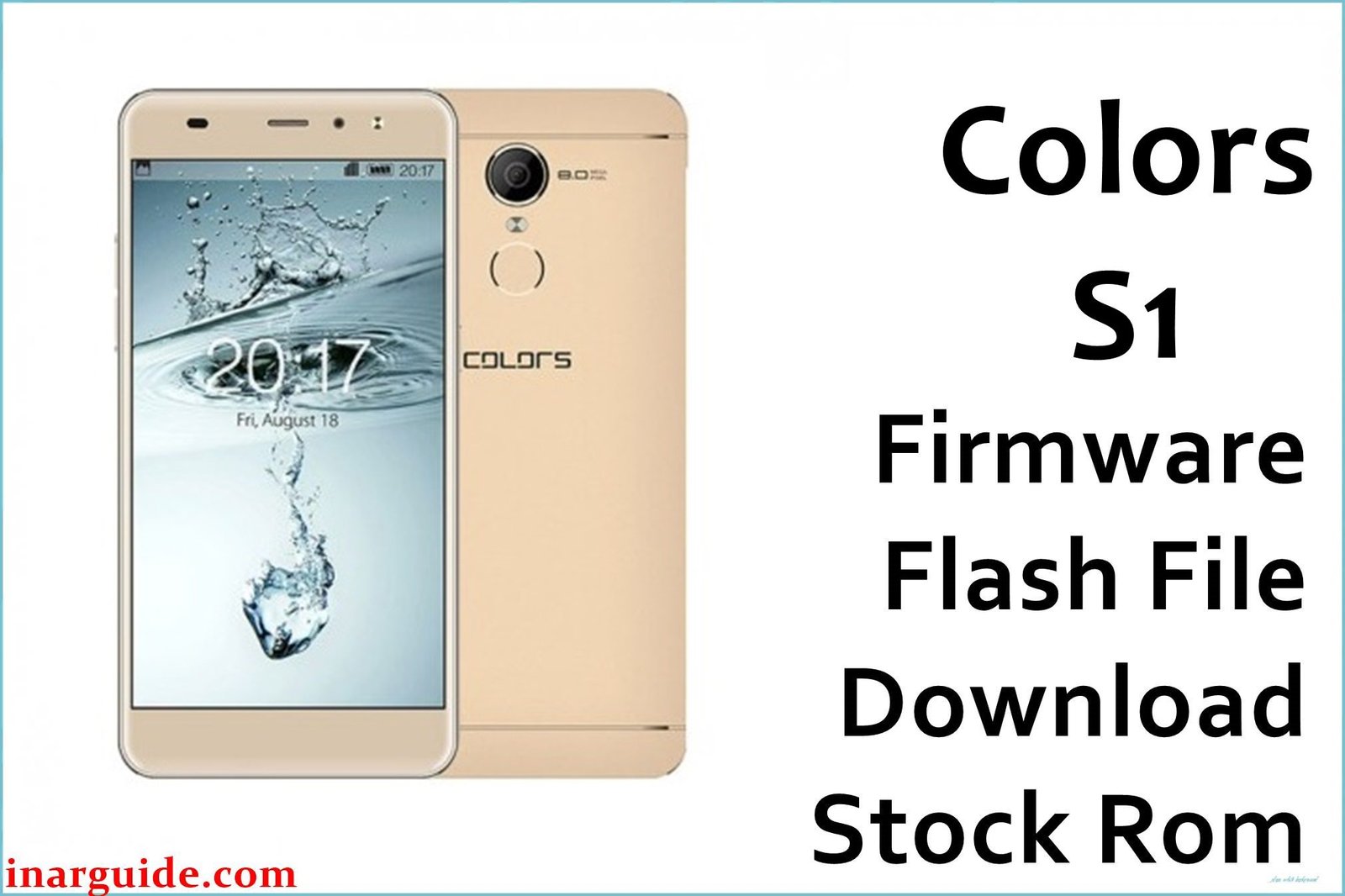
The Colors S1 is a popular entry-level smartphone released in Nepal in late 2017, designed for students and first-time Android users seeking a reliable daily driver. Powered by a MediaTek MT6580AW chipset (quad-core 1.3 GHz), the S1 features a durable full-metal design and a rear-mounted fingerprint scanner — rare for phones in its segment. Its 5.5-inch IPS LCD display (720×1280 px, 294ppi) delivers comfortable viewing, while 1 GB RAM and 8 GB storage (expandable via microSD) keep basic multitasking smooth. Launched with Android 7.0 Nougat, the phone includes an 8 MP rear and 5 MP front camera, both with LED flash, ideal for quick social sharing.
Real-world Colors S1 owners have faced challenges like bootloop, software corruption by viruses, update failures, and bricking after experimentation or rooting. Flashing the official Colors S1 firmware download offers a proven solution for restoring stability and unbricking, giving users a fresh Android experience.
Critical Notice: Before You Proceed
Flashing Colors S1 firmware will erase all data, including contacts, SMS, apps, and IMEI information. Backup everything important before you start. This process is for advanced users — errors can lead to network loss or permanent damage. Confirm chipset and model (MT6580 S1) before proceeding.
Quick Device Specs (Colors S1)
- Device Name / Model:
- Colors S1
- Release Year:
- 2017 (October–December)
- Chipset/Codename:
- MediaTek MT6580AW, quad-core 1.3 GHz
- Display:
- 5.5″ IPS LCD, 720×1280 px, 294ppi
- Battery:
- 2400 mAh, removable
- RAM / Storage:
- 1 GB RAM / 8 GB internal, microSD (up to 32 GB)
- Original OS:
- Android 7.0 Nougat (ColorOS 3.1 skin)
- Special Features:
- Fingerprint scanner (rear), dual LED flash (front & rear), full-metal body, gyro, proximity, FM Radio
Required Downloads
- SP Flash Tool
- MediaTek VCOM USB Drivers
- Colors S1 Firmware (Stock ROM, MT6580) (see table below)
| Filename / Version (Build Date) | Android Version | Size | Download Link |
|---|---|---|---|
| Colors_S1_MT6580_V06_20171017 (Oct 2017) | 7.0 Nougat | 783 MB | Download (Google Drive) |
How to Flash Colors S1 Firmware (SP Flash Tool)
- Extract Colors_S1_MT6580_V06_20171017_7.0.zip and locate the scatter file inside the firmware folder.
- Install MediaTek USB Drivers on your Windows PC for proper phone recognition.
- Launch SP Flash Tool, click “Choose”, and load the MT6580 scatter file.
- Switch off the Colors S1, connect to PC via USB (press Vol Down if not detected).
- Click “Download” and wait for the “Download OK” message. Disconnect and reboot.
- For full visuals and extra tips, see How to Flash Stock Firmware to MediaTek MTK Smartphones.
Troubleshooting: Real User Problems & Solutions
Bootloop or Logo Freeze
Most common: corrupted or incomplete partitions. Use “Firmware Upgrade” instead of “Download Only” in SP Flash Tool, as Nepali users report a full format resolves repeat bootloops for MT6580 S1.
IMEI Loss / Network Issue
IMEI loss occurs when NVRAM is ignored during flash. Always backup IMEI before starting. Restore IMEI with SN Writer or MTK Droid Tools; Nepali GSMHosting members confirm these tools work for S1.
Camera Crash or Sensor Bugs
Camera/flash errors may appear after ROM update. Fix with a clean factory data reset post-flash and update essential apps via Play Store. Real users found Google services updates solved sensor problems.
Internal Storage “Full” Warning
Old data not wiped? Format user partition during the flash, and factory reset again before restoring apps — community users confirm this stops persistent errors.
FRP Lock / Google Account Issue
Flashing via “Format All + Download” mode usually deletes FRP. In tough cases, use SP Flash Tool’s FRP partition erase (manual) as seen in XDA and Asian repair guides.
FAQs: Colors S1 Firmware
- Will flashing this firmware unbrick the Colors S1?
- Yes, official MT6580 scatter flashing restores bootlooped and bricked S1 devices as confirmed by Nepalese and South Asian forum users.
- Does flashing remove FRP lock?
- “Format All + Download” removes most FRP locks. Manual FRP erasure sometimes required for persistent cases.
- Can I downgrade OS or use other versions?
- No official downgrade available — use Nougat 7.0 only for MT6580 S1 to avoid hardware or network faults.
- IMEI lost after flash — fix?
- Restore IMEI via SN Writer, MTK Droid Tools or similar. Backup original IMEI before any flash.
- Are scatter files included in the download?
- Yes, the ROM zip contains MT6580 scatter and partition images for SP Flash Tool.
- Warranty and root — what happens?
- Stock ROM disables old root and restores warranty (unless hardware is damaged).
- Will all photos, apps, and data be lost?
- Yes—internal storage wiped, microSD untouched unless formatted.
- Is this the official Colors S1 ROM?
- Definitely. File verified by Nepalese retailers and global support forums
Closing & Call to Action
Flashing the Colors S1 firmware resolves system bugs, unbricks the phone, and restores Android Nougat performance. Bookmark this page for future updates, and comment below for link requests, help, or local fixes — user sharing keeps this resource safe for everyone.





