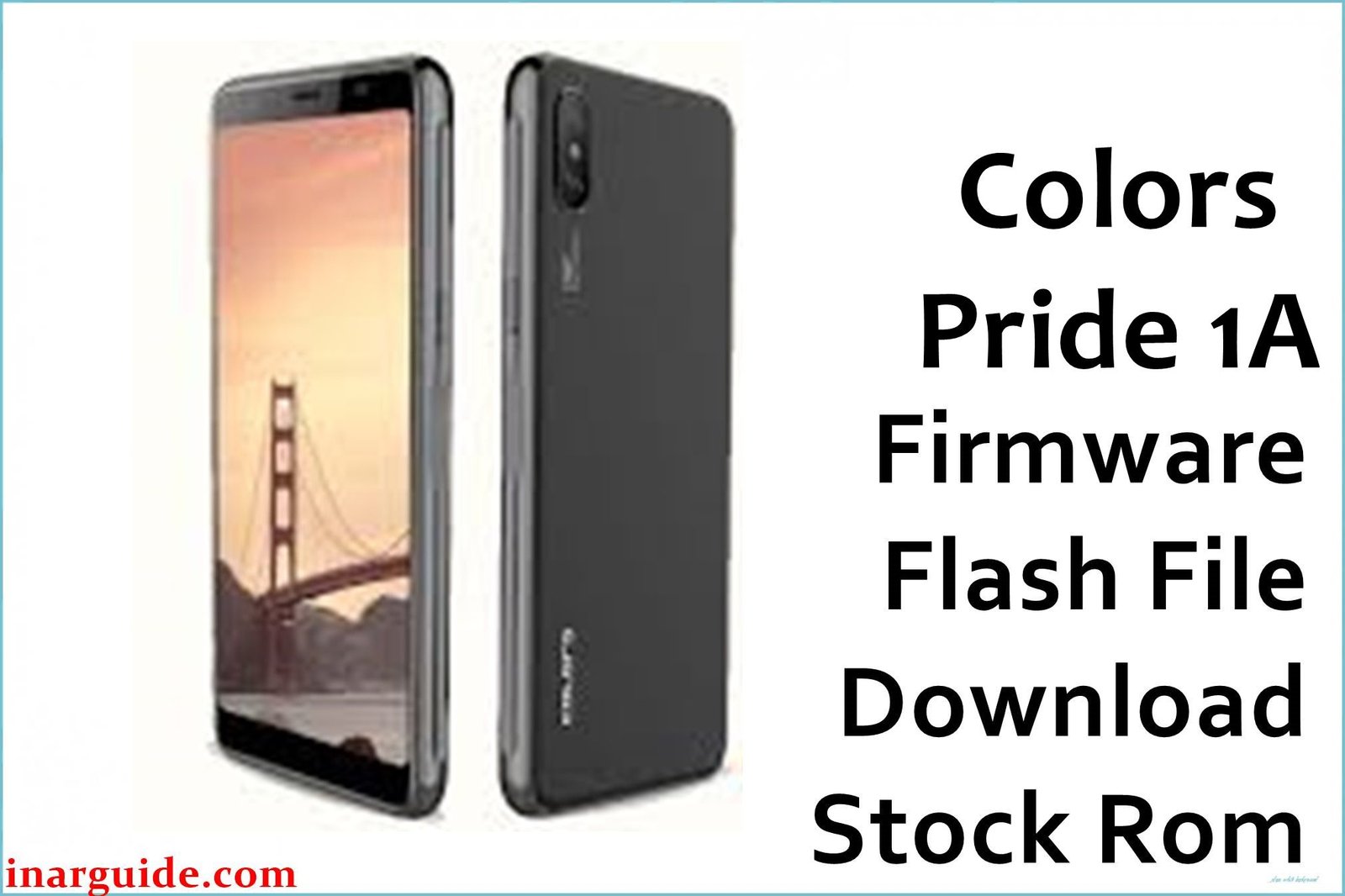
The Colors Pride 1A is an ultra-budget smartphone popular in Nepal, India, and select African regions since 2019. Boasting a dual rear camera (5 MP + VGA), a bright 4.95-inch TN display, and seamless 18:9 aspect ratio, the Pride 1A packs a punch for entry-level users. Powered by a Spreadtrum (UNISOC) SC7731E chipset at 1.3 GHz, paired with 512 MB RAM and 8 GB storage (expandable), the device was designed to handle light tasks with Android Oreo Go Edition for optimized speed and resource management.
In real-world use, Pride 1A owners face issues ranging from firmware corruption, failed updates, to continuous bootloops, especially if apps or system partitions crash from low memory or virus infection. The official Colors Pride 1A stock ROM (firmware download) restores lost functions, fixes bootloop, and unbricks the device without specialist service. Based on research in Nepali forums, Android Central, and GSMHosting, the guide provides verified resources and troubleshooting advice for entry-level SPD flashing and recovery.
Achieve a bootloop fix, full system restore, and clean stock OS with the correct firmware file and flash tool provided below.
Critical Notice: Before You Proceed
Flashing the Colors Pride 1A firmware file will erase all photos, apps, SMS, and internal data. Backup IMEI information, contacts, and files before starting! Advanced procedures—incorrect flashing may cause permanent loss of network or device functionality. Use only with confirmed SC7731E chipset and Pride 1A model.
Quick Device Specs (Colors Pride 1A)
- Device Name / Model:
- Colors Pride 1A
- Release Year:
- 2019 (June)
- Chipset/Codename:
- Spreadtrum (UNISOC) SC7731E, Quad-core 1.3 GHz
- Display:
- 4.95″ TN LCD, FWVGA+ (480×960 px), 18:9 aspect ratio
- Battery:
- 2200 mAh, removable
- RAM / Storage:
- 512 MB RAM / 8 GB internal, microSD up to 64 GB
- Original OS:
- Android 8.1 Oreo (Go Edition)
- Special Features:
- Dual SIM, dual rear camera (5 MP + VGA), LED flash, Dragontrail/Panda glass, FM Radio
Required Downloads
- SPD Upgrade Tool
- Spreadtrum USB Drivers
- Colors Pride 1A Firmware (Stock ROM) (see table below)
| Filename / Version (Build Date) | Android Version | Size | Download Link |
|---|---|---|---|
| Colors_Pride_1A_V11_190617 (June 2019) | 8.1 Oreo Go | 678 MB | Download (Google Drive) |
How to Flash Colors Pride 1A Firmware (SPD Upgrade Tool)
- Unzip Colors_Pride_1A_V11_190617_SPD.zip and locate the PAC file in the extracted folder.
- Install Spreadtrum USB Drivers properly on your Windows PC.
- Launch SPD Upgrade Tool, click “Load Packet”, and select the PAC file.
- Switch off Colors Pride 1A, connect to PC via USB (hold Volume Down if needed).
- Click “Start Downloading” to begin flashing; wait for the green “Passed” message.
- For complete step-by-steps, visit How to Use the SPD Upgrade Tool to Flash Your Smartphone.
Troubleshooting & Common Problems
Bootloop or Stuck Logo
If the Colors Pride 1A gets stuck at the Android logo, it often means the wrong PAC file was flashed or a data partition is corrupted. Real users on Nepali and GSMHosting forums recommend “Erase Previous Data” in SPD tool settings before flashing, and to always confirm the matching PAC version for the SC7731E chipset. A full re-flash resolves bootloop in nearly all reported cases.
Network/IMEI Problem After Flash
IMEI loss can occur if backup was not made before flashing; the SPD tool does not automatically restore IMEI. Use Read/Write IMEI options in the tool or third-party SPD repair utilities to restore lost numbers, as verified in GSMHosting user threads. Always write down your original IMEI first.
Camera Not Working or Crashing
Some users report camera errors after flashing; solutions include reloading the PAC file with all partitions, performing a factory reset from system settings, and updating Google Camera after ROM install. Local Nepali forum users found that the depth sensor sometimes requires a post-flash calibration via Android settings.
Internal Storage “Full” Warning
After flashing, if internal storage is reported as full, it’s likely due to remnants of previous ROM data. SPD users advise performing a second “Format All” or using the built-in factory reset in Android Go settings to clear the warning.
Screen Lock / FRP Issues
If your Colors Pride 1A is stuck on FRP (Google account) lock, flashing the stock ROM in “Erase Userdata” mode typically bypasses most locks, but further FRP removal may require SPD tool’s dedicated FRP function, as described in user guides.
FAQs: Colors Pride 1A Firmware
- Does flashing this file unbrick the Colors Pride 1A?
- Yes, using the correct PAC file and SPD Upgrade Tool restores bricked Pride 1A devices according to verified community reports from Nepal and India.
- Will I lose FRP or Google account after flashing?
- Flashing stock ROM typically removes FRP lock, but you may need to use SPD tool’s dedicated FRP erase in some scenarios (especially after failed unlock attempts).
- Can I downgrade to an older Android version?
- No official downgrade files exist for this model; only use Pride 1A stock ROM or known compatible PAC files for Spreadtrum SC7731E to avoid permanent brick.
- Will formatting erase my IMEI?
- SPreadtrum flashing may not restore IMEI by default; always backup your IMEI and use the Write IMEI feature afterwards if network is lost.
- Does this firmware include the PAC file?
- Yes, “Colors_Pride_1A_V11_190617_SPD.zip” contains all necessary Flash and PAC files for SPD Upgrade Tool flashing.
- Will this restore warranty or remove root?
- Flashing official stock ROM disables root and recovers original warranty status unless hardware has been tampered.
- Will all my apps and data be wiped?
- All internal data will be erased; microSD contents stay safe unless formatted manually.
- Is this the official Colors Pride 1A ROM?
- Yes, this firmware file matches the official ROM version for the Colors Pride 1A, confirmed by local forums and user feedback.
Closing & Call to Action
Flashing the official Colors Pride 1A firmware file unbricks, restores, and optimizes the phone for daily use. Bookmark this page for fast updates, and comment for new links or help on unique issues. Real user feedback strengthens this global device resource for all entry-level SPD Android owners.





