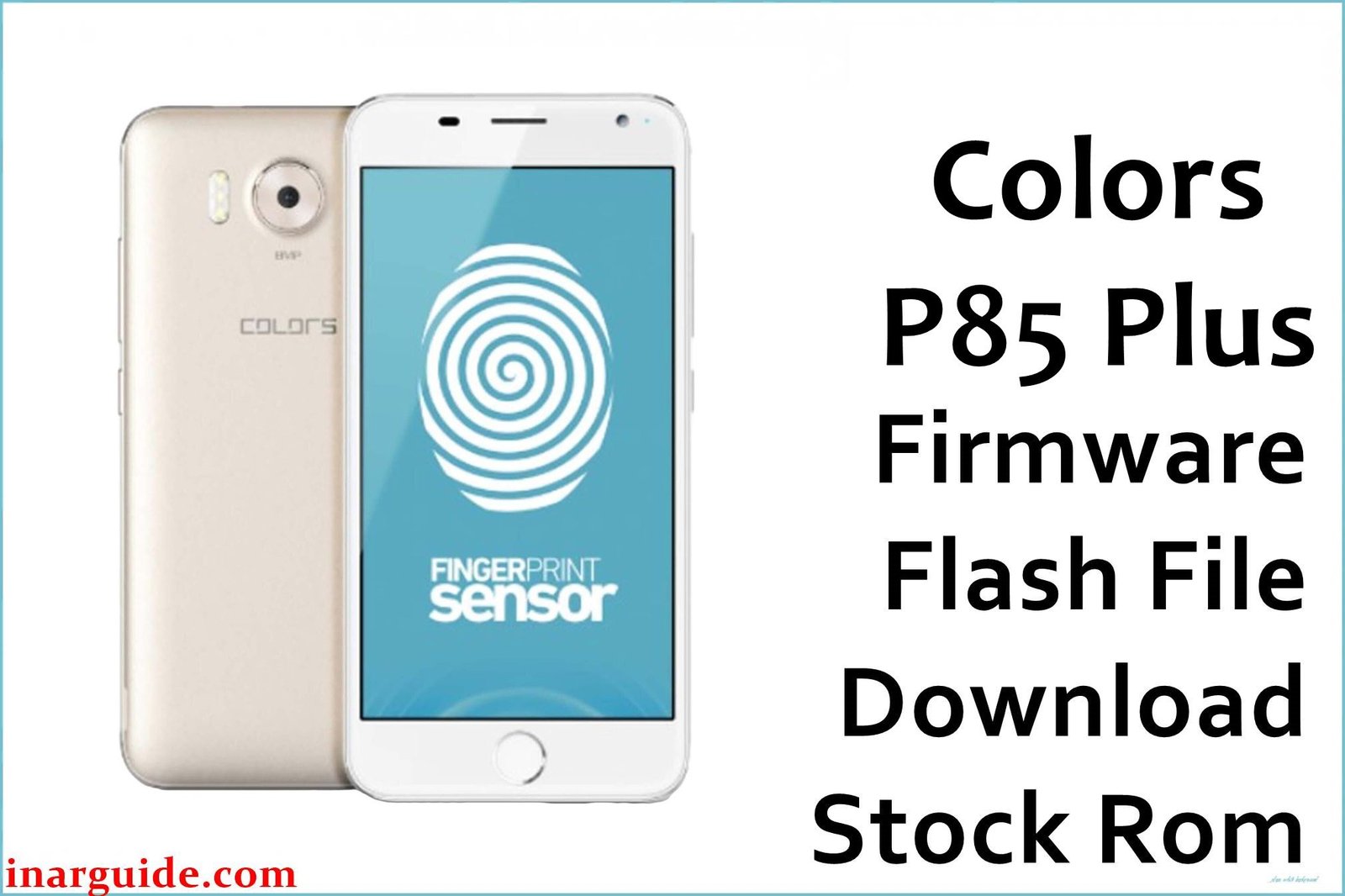
The Colors P85 Plus is an affordable 2016 Android smartphone from Colors Mobile, targeting first-time users and selfie lovers in Nepal. Built on the MediaTek MT6580 quad-core 1.3 GHz processor, with 2GB RAM and 16GB storage (expandable to 128GB), it features a 5.3-inch HD IPS display and a 13MP rear camera backed by triple LED flash. The main draw is its 8MP selfie camera, heavily marketed as a “picture perfect” solution for social media. With dual SIM slots, Android 6.0 Marshmallow, basic gestures, theme store, and a 2600mAh battery, the P85 Plus delivers a lot for under Rs. 13,000.
Owners report the device is easy to use and durable, but also face distinct issues: greater app instability, especially with multitasking; inconsistent camera quality; slow charging and faster-than-expected battery drain; network problems; and frustration over official updates being unlikely. Flashing the official Colors P85 Plus firmware file (MT6580, scatter-based ROM) reliably revives bootloops and fixes most software bugs.
Critical Notice: Before You Proceed
Flashing Colors P85 Plus firmware will erase all internal storage and IMEI info. Backup contacts, apps, and all accounts beforehand! This process suits advanced users only—errors can cause permanent data or network loss. Confirm the MT6580 model before beginning.
Quick Device Specs (Colors P85 Plus)
- Device Name / Model:
- Colors Pride P85 Plus
- Release Year:
- 2016 (November)
- Chipset/Codename:
- MediaTek MT6580 quad-core 1.3 GHz
- Display:
- 5.3” HD IPS, 1280×720 px
- Battery:
- 2600 mAh, removable
- RAM / Storage:
- 2 GB RAM / 16 GB internal, microSD up to 128 GB
- Original OS:
- Android 6.0 Marshmallow
- Special Features:
- 13 MP rear (triple LED flash), 8 MP front “Selfie Pro”, dual SIM, gesture controls, theme engine
Required Downloads
- SP Flash Tool
- MediaTek VCOM USB Drivers
- Colors P85 Plus Firmware (MT6580, Stock ROM) (see table below)
| Filename / Version (Build Date) | Android Version | Size | Download Link |
|---|---|---|---|
| Colors_P85_Plus_MT6580_L102 (2016) | 6.0 Marshmallow | 1019 MB | Download (MediaFire) |
How to Flash Colors P85 Plus Firmware (SP Flash Tool)
- Unzip Colors_P85_Plus_MT6580_L102.zip and locate the scatter file.
- Install MediaTek USB Drivers for your PC.
- Open SP Flash Tool, load the exact MT6580 scatter.
- Switch off device, connect via USB (hold Vol Down if undetected).
- Click “Download”, wait for prompt, disconnect and reboot when done.
- For detailed steps, see How to Flash Stock Firmware to MediaTek MTK Smartphones.
Troubleshooting: Real Colors P85 Plus Problems
1. Apps Crash or Freeze, Especially During Multitasking
Users report frequent “App has stopped” popups, especially when switching quickly between Facebook, Instagram, and camera. This is most common with multiple heavy apps open. Flashing official firmware usually resolves persistent app crashes; regular RAM clean-up and limiting background apps further improves stability.
2. Selfie Camera Grainy/Blurry, Slow Shutter
Despite the “Selfie Pro” claim, the 8MP front cam can be disappointing in low light; images often come out grainy and washed out Using beauty mode sparingly, switching to ‘manual’ mode, and maximizing ambient light helps. Firmware flashing corrects some image processing bugs but hardware limits remain.
3. Battery Drains Fast & Charging Is Slow
The 2600mAh battery should last a day with light use, but users find runtime drops quickly with screen/video use and charging is slow (2+ hours). Flashing stock ROM restores battery calibration; disabling GPS, auto-sync, and background apps gives longer life.
4. Camera Shutter Lag (Rear & Front)
Both cameras show slow shutter speed—motion blur occurs unless held very still. This cannot always be fixed by flash; clean lens, update camera app, and use default app settings for best results
5. Weak Outdoor Display Visibility & Color
Display color vibrancy and sunlight legibility are only average; increasing brightness, disabling auto-brightness, and choosing “Outdoor mode” in the settings help, but full fix may be hardware-limited.
6. Network Issues: SIM Not Detected After Flash
Some owners face “No SIM” or dropped network post-flashing. Reseat SIM, reset APN/network, and re-flash modem partition if the problem persists. Backup IMEI before any firmware flash.
FAQs: Colors P85 Plus – Community Answers
- Persistent app crashes – is this a hardware fault?
- Usually not; instability is common with heavy apps. Flashing official firmware and cleaning up background processes helps.
- How can I improve selfie camera results?
- For best selfies, use plenty of light and avoid “beauty mode” unless absolutely needed. Custom camera apps can also help
- Why is battery drain so fast even after flashing?
- Battery life strongly depends on display brightness and app sync: keep settings low and use battery saver for best results.
- Camera shutter still slow after firmware update?
- Hold phone steady and avoid motion—app updates may help but hardware is often the main limiter
- Display hard to see outside, colors dull?
- Increase brightness manually and disable auto-brightness; use Outdoor mode for best visibility, though hardware limits apply.
- SIM/network not detected—try modem re-flash and APN reset; backup IMEI before firmware update.
- Can I upgrade to Android 7.0 or above?
- No official upgrades available; only custom ROMs exist, which may not be stable for this device.
Closing & Call to Action
Flashing the official Colors P85 Plus firmware brings back full Marshmallow performance, fixes app and camera bugs, and helps battery life. Bookmark for future firmware and add comments with unique problems—active owner feedback strengthens real-world solutions.





