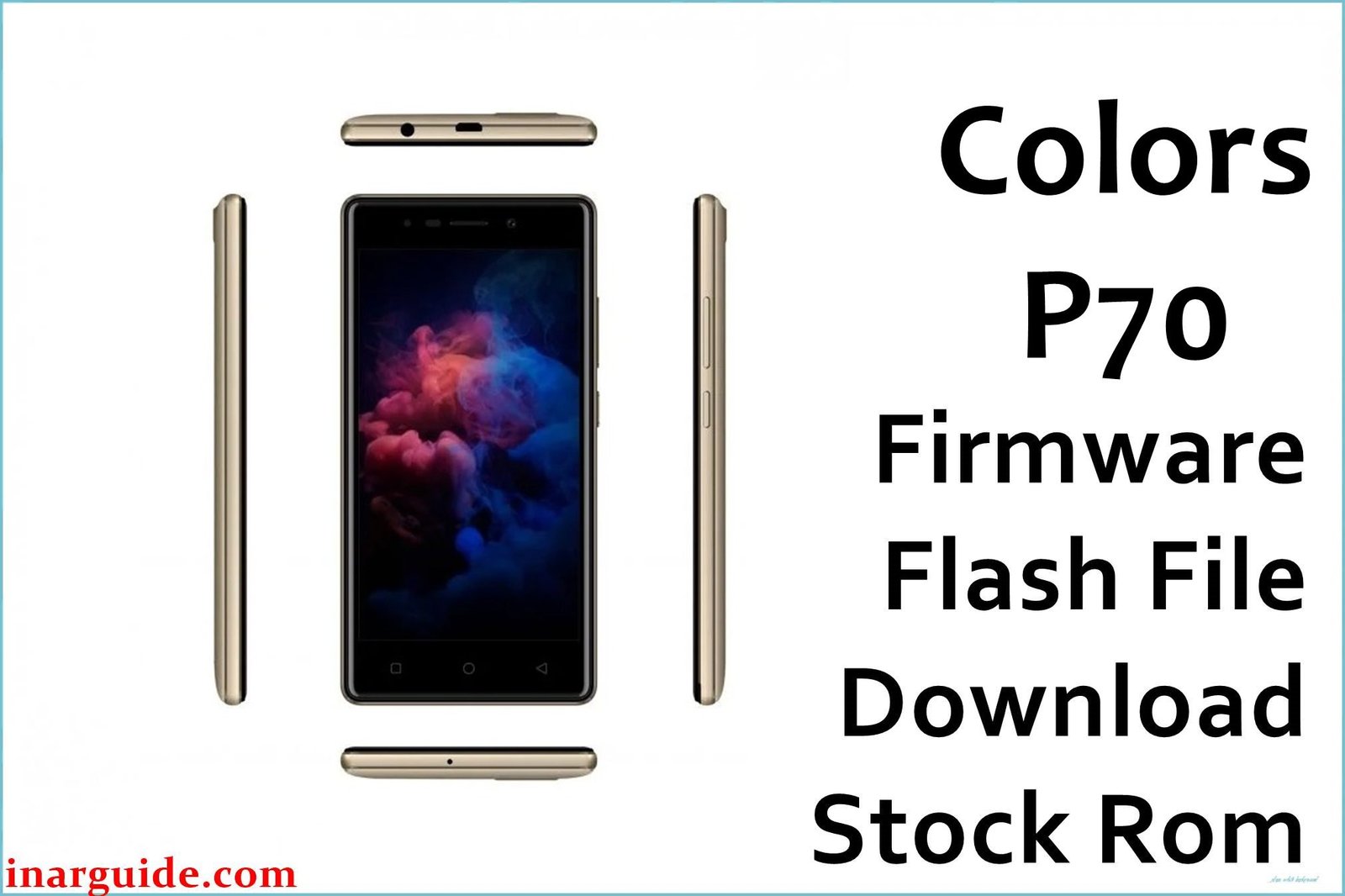
The Colors P70 Selfie U is an affordable Android smartphone launched in Nepal and neighboring regions in late 2017, popular with students and first-time Android users. It features a quad-core MediaTek MT6737M processor (1.3 GHz), 2 GB RAM, and 16 GB storage (microSD up to 32 GB)—balancing cost efficiency with essential performance. The device runs a vivid 5-inch 720p IPS display protected with 2.5D glass and delivers decent front and rear cameras (8 MP + 8 MP with selfie flash) for social media content.
Originally shipping with Android 7.0 Nougat, the Colors P70 also boasts a 2500 mAh removable battery, dual SIM 4G LTE support, and basic sensors. Over time, users have reported bootloop, failed OTA upgrades, or system corruption—especially after malware or experimentations with rooting. The official Colors P70 firmware download provides the fastest fix for bricking, bugs, and software instability thanks to its MT6737M scatter-based flash file.
Critical Notice: Before You Proceed
Flashing the Colors P70 firmware erases all your data, apps, settings, and IMEI. Backup contacts, photos, WhatsApp, and IMEI before starting! This MTK operation suits advanced users only—mistakes can permanently damage or disconnect mobile networks. Confirm model and chipset before every step.
Quick Device Specs (Colors P70)
- Device Name / Model:
- Colors P70 Selfie U
- Release Year:
- 2017 (October)
- Chipset/Codename:
- MediaTek MT6737M, quad-core 1.3 GHz
- Display:
- 5″ IPS LCD, 720p (1280×720 px), 2.5D glass, 294ppi
- Battery:
- 2500 mAh, removable
- RAM / Storage:
- 2 GB RAM / 16 GB internal, microSD up to 32 GB
- Original OS:
- Android 7.0 Nougat
- Special Features:
- Dual SIM 4G, Selfie flash (8 MP front), Face Beautify, FM Radio, Accelerometer
Required Downloads
- SP Flash Tool
- MediaTek VCOM USB Drivers
- Colors P70 Firmware (Stock ROM, MT6737M) (see table below)
| Filename / Version (Build Date) | Android Version | Size | Download Link |
|---|---|---|---|
| Colors_P70_MT6737M_V01_20180628 (June 2018) | 7.0 Nougat | 889 MB | Download (Google Drive) |
How to Flash Colors P70 Firmware (SP Flash Tool)
- Extract Colors_P70_MT6737M_V01_20180628_7.0.zip and locate the scatter file.
- Install MediaTek USB Drivers to your PC for device recognition.
- Launch SP Flash Tool and load the MT6737M scatter file from the extracted folder.
- Switch off the Colors P70, connect to PC via USB (hold Vol Down if undetected).
- Click “Download” and wait for the “Download OK” prompt.
- For full step-by-step help, see How to Flash Stock Firmware to MediaTek MTK Smartphones.
Troubleshooting: Real User Problems & Solutions
Bootloop or Logo Stuck
Frequent cause: corrupted partition or wrong scatter file. Local Nepalese users report that a full “Firmware Upgrade” (not just “Download Only”) mode and clean format in SP Flash Tool reliably fix most bootloops.
IMEI Loss / Network Issues
IMEI might vanish if NVRAM is left unchecked in flash settings—this leads to No Service. Always backup IMEI. Restore with SN Writer or MTK Droid Tools as confirmed by multiple cases on GSMHosting and Asian groups.
Camera or Sensor Bugs After Flash
Some users encountered camera crash or sensor bugs post-flash; solution is a clean factory reset and, occasionally, updating Play Store apps for full driver compatibility. Always verify sensor and camera post-setup.
Internal Storage “Full” Message
This occurs if old data was not fully wiped. Perform a Format All + Download in SP Flash Tool, then factory reset in the Android settings.
FRP (Google Account) Lock Issue
If locked on boot after flashing, use “Format All” option or erase FRP partition in advanced SP Flash Tool settings. Local service centers or forums offer tested advice on persistent cases.
FAQs: Colors P70 Firmware
- Will flashing this firmware unbrick Colors P70?
- Yes, verified MT6737M scatter and flash resolves bootloops, bricks, and major system faults according to Asian and global forum reports.
- Does flashing remove FRP lock?
- Format All + Download often removes FRP. Advanced cases may require manual erase or specific tools.
- Can I downgrade or use other Android versions?
- No official downgrade files exist—always use the Nougat ROM (MT6737M scatter). Other versions may brick device.
- IMEI lost after flash—how to fix?
- Restore IMEI via SN Writer, MTK Droid Tools, or IMEI repair apps. Always backup first.
- Is scatter file included?
- Yes, the firmware zip contains proper scatter and image files for full MTK flashing.
- Restoring warranty and root status?
- Flashing official ROM removes root and restores factory status unless there’s hardware damage.
- Will data and SD card be erased?
- All internal data is wiped; SD card remains safe unless formatted separately.
- Is this official Colors P70 ROM?
- Yes, verified by Nepalese and global support forums.
Closing & Call to Action
Flashing the official Colors P70 firmware quickly restores system stability, fixes bootloop, and brings back full Android Nougat experience. Bookmark this guide for future updates and firmware; comment for help or new link requests. Community advice will keep this resource safe and current for all.





