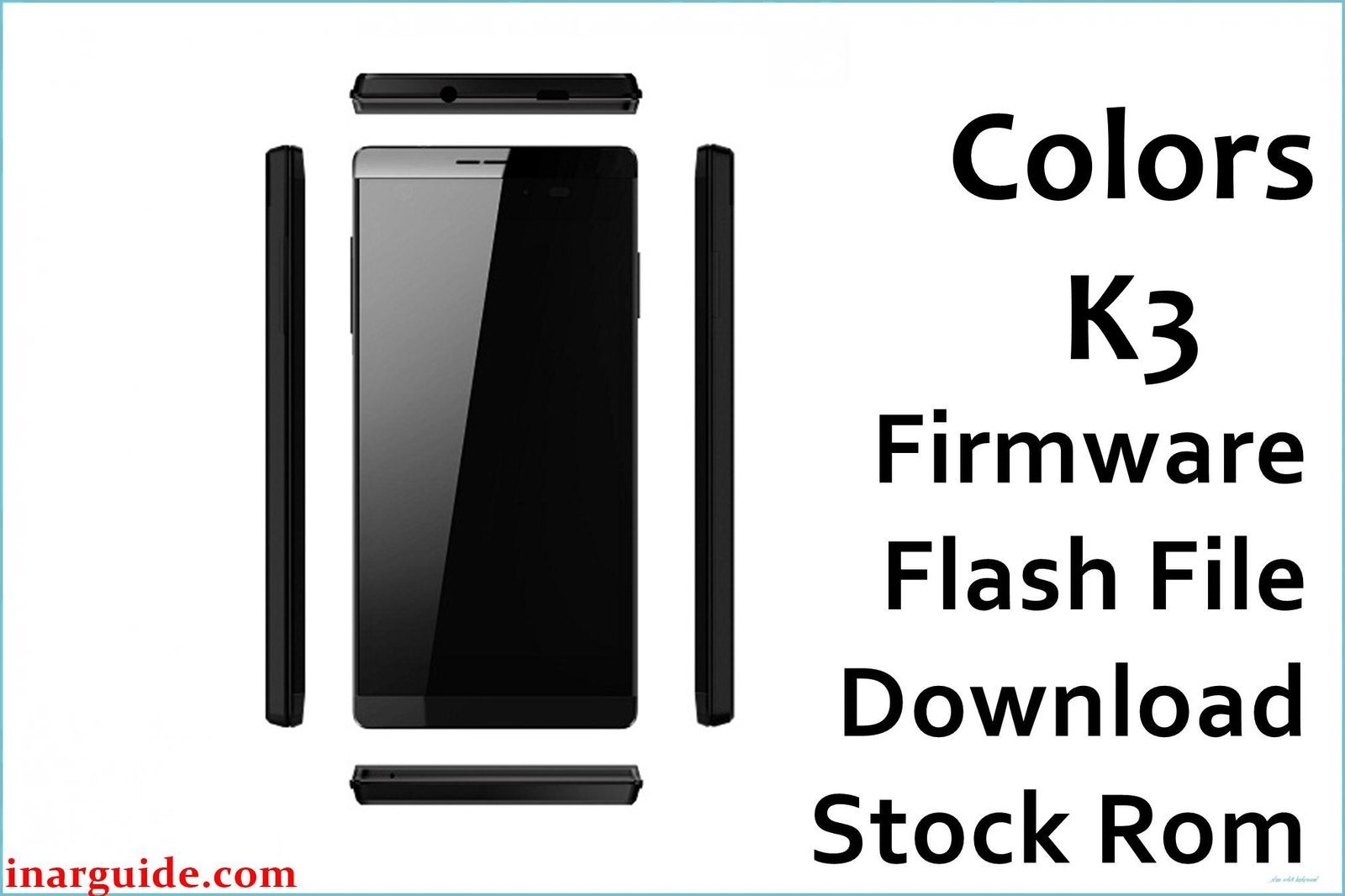
The Colors K3 Pearl Black is a premium mid-budget Android launched in late 2015 for Nepal and South Asia. Its MediaTek MT6735 quad-core 64-bit processor (1.3 GHz) supports smooth multitasking with 3 GB RAM and 32 GB internal storage, expandable up to 64 GB via hybrid SIM slot. Sporting a bright 5-inch HD IPS display (720×1280 px, 294 PPI), the K3 includes a 13 MP rear camera with LED flash, 8 MP front camera, and a non-removable 2350 mAh battery. Features like dual SIM LTE, USB OTG, and a fingerprint scanner offer extra convenience, while Android 5.1 Lollipop provides stable support for essential apps.
While praised for smooth UI and build quality, users have faced unique issues: camera focus errors, fingerprint unlock failures after updates, battery drops with 4G/WiFi, laggy gaming, and problems after third-party ROM installs. Flashing the genuine Colors K3 firmware file (MT6735 scatter ROM) restores system stability, unbricks stuck units, and corrects most software faults.
Critical Notice: Before You Proceed
Flashing the Colors K3 firmware will erase all internal data, settings, IMEI, and apps. Back up contacts, images, Google accounts, and IMEI first! This is for technical users—errors can cause loss of SIM/network or sensor drivers. Confirm MT6735 Pearl Black model before flash.
Quick Device Specs (Colors K3 Pearl Black)
- Device Name / Model:
- Colors K3 Pearl Black
- Release Year:
- 2015 (December)
- Chipset/Codename:
- MediaTek MT6735 quad-core 1.3 GHz (64-bit, Mali-T720MP2)
- Display:
- 5″ HD IPS, 720×1280 px, 294 PPI
- Battery:
- 2350 mAh, non-removable
- RAM / Storage:
- 3 GB RAM / 32 GB internal, microSD up to 64 GB (hybrid slot)
- Original OS:
- Android 5.1 Lollipop
- Special Features:
- 13 MP rear (AF LED), 8 MP selfie cam, fingerprint unlock, dual SIM LTE, USB OTG
Required Downloads
- SP Flash Tool
- MediaTek VCOM USB Drivers
- Colors K3 Pearl Black Firmware (MT6735, Stock ROM) (see table below)
| Filename / Version (Build Date) | Android Version | Size | Download Link |
|---|---|---|---|
| Colors_K3_L100_MT6735 (L100) | 5.1 Lollipop | 1.12 GB | Download (MediaFire) |
How to Flash Colors K3 Firmware (SP Flash Tool)
- Unzip Colors_K3_L100_MT6735.zip and find the scatter file.
- Install MediaTek USB Drivers for Windows PC detection.
- Open SP Flash Tool, load MT6735 scatter, and select “Download Only”.
- Switch off device, connect via USB (hold Vol Down if undetected).
- Click “Download”, wait for finish dialog, then disconnect and boot.
- For complete guide, see How to Flash Stock Firmware to MediaTek MTK Smartphones.
Troubleshooting: Colors K3 Real Issues & Solutions
1. Camera Focus Errors & Blurry Shots
Owners have sometimes reported autofocus fails or slow focus in low light. Flashing stock ROM resets image drivers; updating the camera app and cleaning lens helps. Avoid heavy third-party camera apps for best results.
2. Fingerprint Unlock Stops Working After Updates
Fingerprint sensor bugs may emerge after system or app updates. Flashing official ROM restores sensor drivers. Re-register fingerprints after update and clean scanner.
3. Battery Drop and Overheating on 4G/WiFi
The 2350 mAh battery drains quickly if 4G and WiFi are left active; some users report heats during gaming. Restart post-flash, calibrate battery, and avoid gaming during charging.
4. Lag and Frame Drops with Heavy Games
Despite good RAM, Mali-T720 GPU struggles in some modern games. For smoother play, set lower graphics and limit other app usage. Stock ROM flash helps rollback experimental lags.
5. System Instability After Custom ROMs/Rooting
Some users experienced random reboots or bootloops after root/custom ROM attempts. Revert to official firmware for stability; factory reset after flash removes root apps.
6. SIM/Network Issues or IMEI Loss
Occasionally, network/SIM isn’t detected after flash. Backup and restore IMEI, then re-flash modem partition for mobile signal.
FAQs: Colors K3 Owner Questions
- Does flashing fix fingerprint failure?
- Yes, official ROM restores sensor drivers and requires fresh registration for full unlock reliability.
- Battery still draining or overheating after flash?
- Restart, calibrate battery, and reduce background sync; heavy 4G and gaming will still heat device.
- Can I fix camera lag/blurry shots?
- Flash stock ROM, clean lens, and avoid custom camera apps—hardware limits apply for low light.
- How to recover SIM/network if IMEI is lost?
- Backup IMEI before flashing; use MTK IMEI tools if lost, and re-flash modem in SP Flash Tool.
- Lag with heavy apps and games after update?
- Revert to stock ROM, reduce graphics settings, and clear background apps before gaming.
- Is official upgrade to Android 6/7 available?
- No, K3 supports official 5.1 only; custom ROMs rarely recommended for this chipset.
- Will flashing remove root and restore warranty?
- Yes, flashing official ROM reverts root and stock status unless device is physically damaged.
Closing & Call to Action
Flashing Colors K3 firmware fixes bootloop, camera, battery, and fingerprint issues, bringing back smooth performance. Bookmark for updates and comment with new problems—owner tips and fixes help future users.





