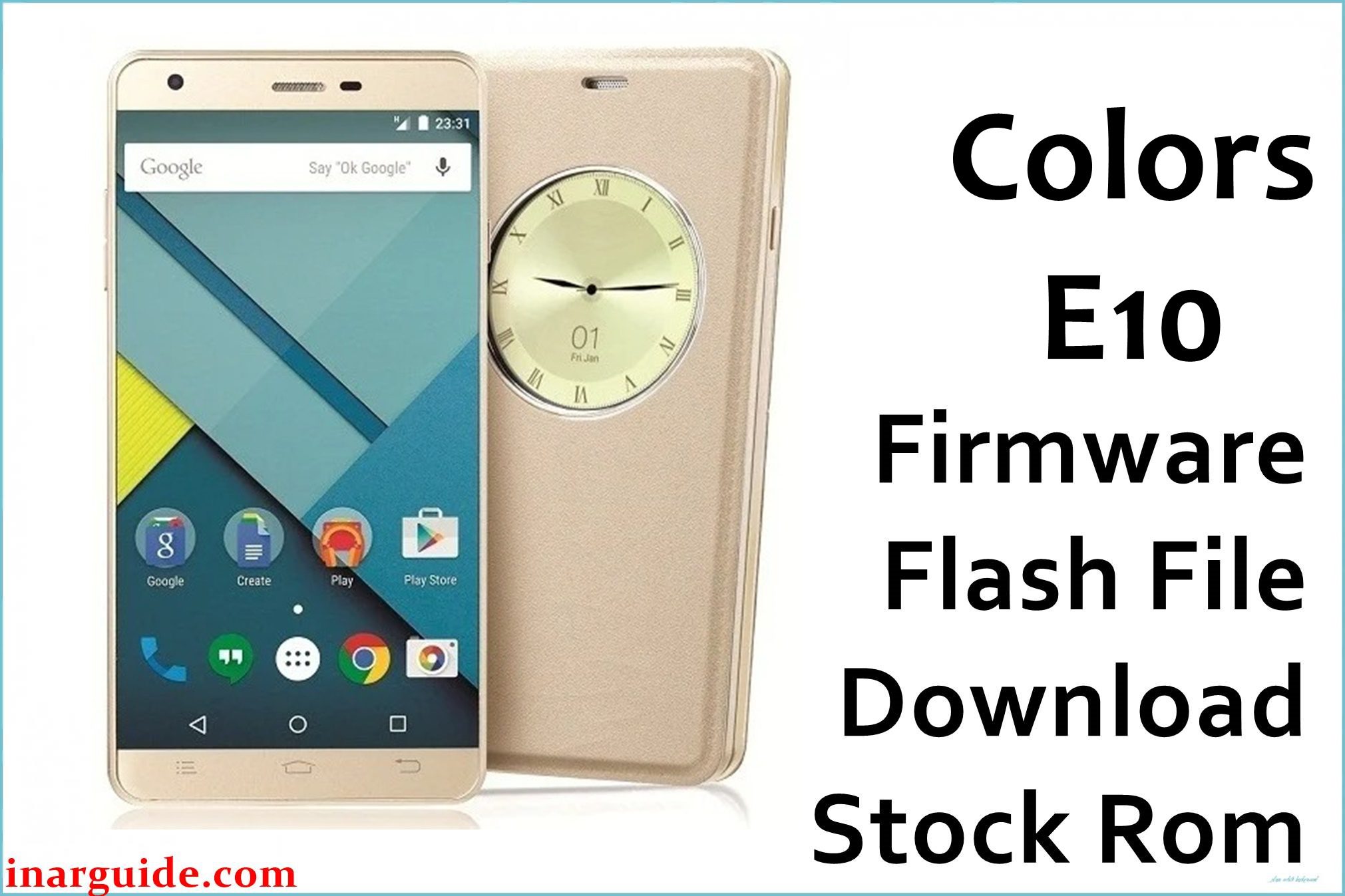
The Colors Elite E10 (Xfactor Elite E10) is a well-known 2015–16 Android for Nepal and Bangladesh, built for buyers needing big memory and an HD display at a modest price. Its Spreadtrum SC7731G quad-core 1.3 GHz processor and 2 GB DDR3 RAM enable smooth multitasking, while 16 GB internal storage and microSD support (up to 32 GB) provide ample file space. The 5-inch IPS HD display (720×1280 px, 294 ppi) offers sharp visuals and lively color. The dual SIM phone runs Android 5.1 Lollipop, ships with an 8 MP rear camera (dual LED, AF, 1080p video) and 2 MP selfie camera, and features a removable 2100 mAh battery.
Users praise its stock UI speed and feel but describe recurring problems: battery never matches specs, camera struggles in indoor photos (grainy, slow focus), frequent storage fills, touch lags with several apps, SIM/network drops, and no Marshmallow update. Flashing either official Colors E10 firmware PAC file cures bricking, bootloops, and major bugs.
Critical Notice: Before You Proceed
Flashing Colors E10 firmware will erase all files, apps, settings, and IMEI. Backup contacts, photos, and personal files before flash! This should be done only by owners who understand firmware safety—wrong steps may break network or require IMEI recovery. Confirm Elite E10 (SC7731G) before using either PAC file.
Quick Device Specs (Colors Elite E10)
- Device/Model:
- Colors Elite E10 / Xfactor Elite E10
- Release Year:
- 2015–16
- Chipset/Codename:
- Spreadtrum SC7731G quad-core, 1.3 GHz, Mali-400MP2
- Display:
- 5″ HD IPS, 720×1280 pixels (294 ppi)
- Battery:
- 2100 mAh, removable Li-ion
- RAM / Storage:
- 2 GB DDR3 RAM / 16 GB internal, microSD up to 32 GB
- Original OS:
- Android 5.1 Lollipop (Stock UI)
- Special Features:
- 8 MP rear AF (dual LED, HDR), 2 MP front cam, dual SIM 3G, FM radio, flip cover support
Required Downloads
- SPD Upgrade Tool
- Spreadtrum USB Drivers
- Colors_E10_L50992_20151126.zip (PAC firmware – most common version)
- Colors_E10_L50992_20151126_DDR3_HD_SPD.zip (alternate PAC for HD/DDR3 variant)
| Filename / Version | Android Version | Size | Download Link |
|---|---|---|---|
| Colors_E10_L50992_20151126 | 5.1 Lollipop | 797 MB | Download (MediaFire) |
| Colors_E10_L50992_20151126_DDR3_HD_SPD | 5.1 Lollipop | 800 MB | Download (Google Drive) |
How to Flash Colors Elite E10 Firmware (SPD Upgrade Tool)
- Unzip the PAC file and locate the main .PAC image (choose correct variant for device).
- Install Spreadtrum USB Drivers for Windows.
- Open SPD Upgrade Tool, click “Load Packet”, and select the PAC file.
- Switch off device, connect via USB (hold Vol Down if needed).
- Click “Start Downloading” and wait for success. Reboot device when done.
- See How to use the SPD Upgrade Tool to Flash Your Smartphone for a full guide.
Troubleshooting: Colors E10 Real Problems & Solutions
1. Battery Life Drops Quickly; Can’t Last Full Day
Typical users report needing two charges per day after 6 months. Flashing stock ROM improves battery calibration, but disable auto-sync, location, and background mobile data for best stamina.
2. Camera Struggles Indoors (Blurry, Grainy Images)
8 MP rear cam is fine outside, but suffers in low light. Use HDR and avoid zoom. Official firmware fixes bugs but can’t overcome hardware limits. Third-party camera apps rarely improve quality.
3. “Insufficient Storage” Errors Despite Free Space
Apps fill up cache quickly, especially with pre-installed ones. After flash, disable bloatware, clear cache often, and move photos/media to SD card.
4. Lag and Freezes with Too Many Apps
2 GB RAM is ample but loading 5+ heavy apps at once causes system lag. Flashing fresh ROM removes app junk. Don’t run Facebook/Instagram/YouTube all together; use ‘Lite’ versions if possible.
5. SIM/Network Drop or “No Service” after Flash
If SIM/network isn’t detected, re-seat SIMs, reset APN. In rare cases, modem partition may need re-flash. Always backup IMEI before upgrading firmware.
6. Touchscreen Less Responsive
Screen works up to 5 fingers at once but glass is scratch-prone. Clean screen regularly; some lags are hardware-related and can’t be fixed by software.
7. No Marshmallow or Android Update in Future
Colors Elite E10 is stuck on 5.1 Lollipop. No official upgrade exists; custom ROMs are risky and unproven for SC7731 devices.
FAQs: Colors E10 Real Buyer Solutions
- Does flashing PAC fix battery and lag?
- ROM restores proper calibration and system cache, but daily heavy use will still challenge battery/runtime.
- Why is my camera blurry after flashing firmware?
- Camera bugs may improve, but hardware limits persist indoors—use stock app, avoid third-party ones.
- Storage fills too fast; can I fix?
- Clear app cache and disable bloatware after flash. Use SD card for photos and media.
- Touchscreen still lags or misses touches?
- Clean screen and test with few apps loaded—old scratches and hardware wear may also cause lag.
- No network/SIM detected after flashing?
- Reset APN, re-seat SIM, or re-flash modem partition. Backup IMEI before flashing ROM.
- Is Android upgrade to 6.0 or newer possible?
- No official upgrade—Lollipop only. Third-party custom ROMs are risky for this model.
- Will my data and IMEI be wiped?
- Yes, fully—back up everything and use IMEI repair tools if needed.
Closing & Call to Action
Flashing Colors Elite E10 firmware fixes battery, camera, storage, and bootloop for owners. Bookmark for updates; add comments with unique problems so the user community can share new solutions.





