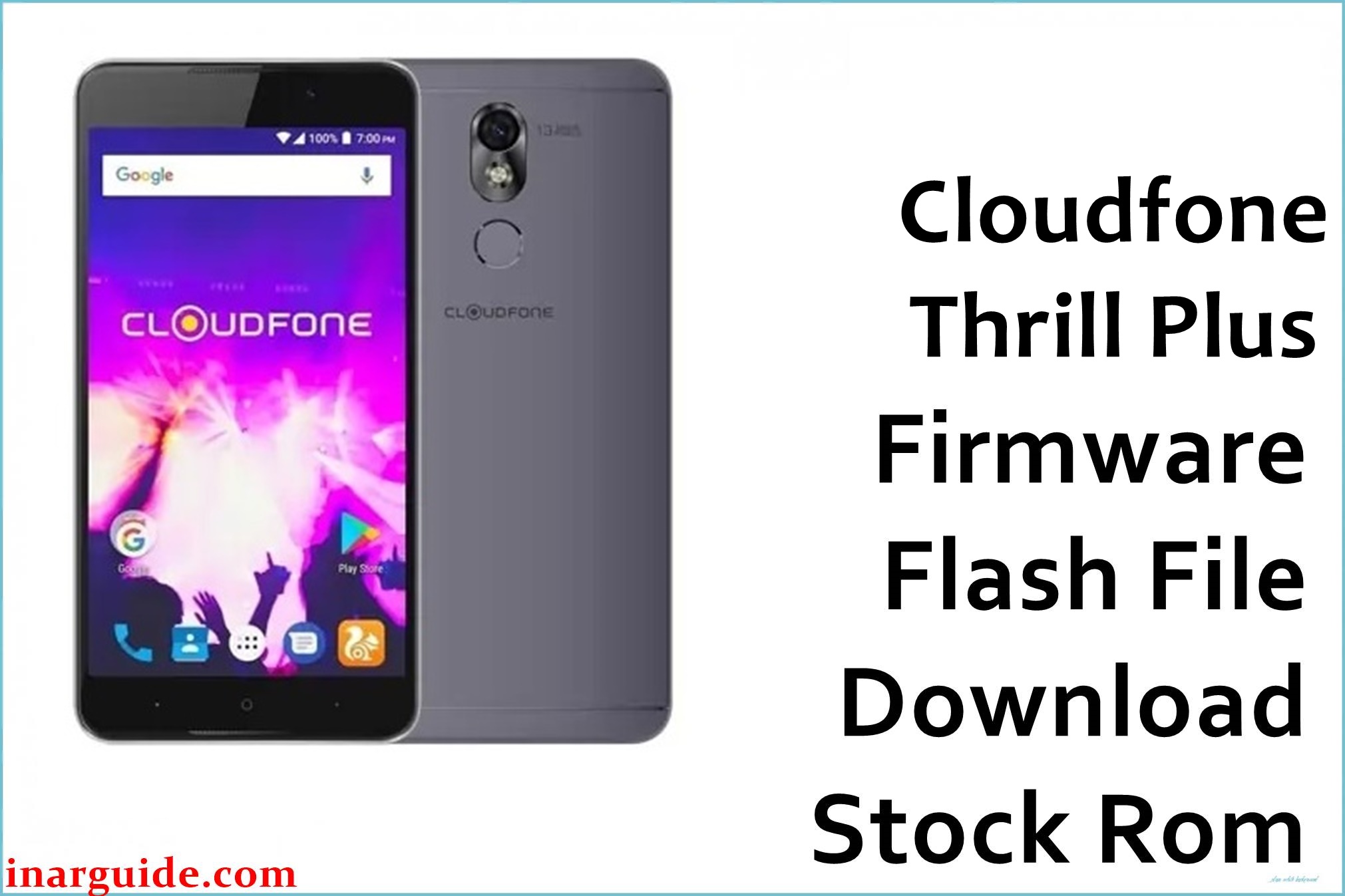
The Cloudfone Thrill Plus features a 5.5-inch HD IPS display (1280×720), MediaTek MT6580 quad-core 1.3GHz processor, 2GB RAM, 16GB storage, dual cameras (8MP rear/5MP front), and Android 6.0 Marshmallow with dual front speakers. Users report frequent bootloops, stuck logos, severe lag during multitasking, battery drain, app crashes, network drops, and bricking after failed updates.
This official 1.23GB stock firmware from July 19, 2016 restores factory stability, patches software glitches, optimizes performance, and revives dead devices using SP Flash Tool.
Cloudfone Thrill Plus Firmware Details
| Specification | Details |
|---|---|
| Device Name | Cloudfone Thrill Plus |
| Model Identifier | MT6580_16GB |
| Chipset | MediaTek MT6580 (28nm) |
| CPU | Quad-core 1.3 GHz Cortex-A7 |
| GPU | Mali-400MP2 |
| Android Version | Android 6.0 Marshmallow |
| Firmware Version | 07192016_6.0 |
| Build Date | July 19, 2016 |
| File Size | 1.23 GB |
| File Type | MTK Scatter ZIP |
| Flashing Tool | SP Flash Tool |
| Bootloader Status | Locked (Flash bypasses) |
| RAM/Storage | 2GB/16GB (expandable) |
| Region | Philippines/Global |
Download Official Firmware for Cloudfone Thrill Plus
| Filename | Region | File Size | Build Date | Build Version | Android | Flashing Type | Notes | Download |
|---|---|---|---|---|---|---|---|---|
| Cloudfone_Thrill_Plus_MT6580_16GB_07192016_6.0.zip | PH/Global | 1.23 GB | 07/19/2016 | Stock 6.0 | 6.0 | SP Flash | Fixes bootloop, lag, network; Restore IMEI post-flash | Download MT6580 Firmware (MediaFire) |
Flashing Requirements
- Windows PC with MTK USB VCOM drivers & SP Flash Tool
- 80%+ charged Cloudfone Thrill Plus
- Full backup (photos, contacts, IMEI via MTK tool)
- Original USB cable; test phone detection
- SP Flash Tool v5.1924+ & Python for auth bypass if needed
- Extracted scatter file from ZIP
How to Flash the Firmware
- Install MTK drivers, extract firmware, load scatter in SP Flash Tool.
- Deselect Preloader if prompted; select Download Only mode.
- Power off phone, Vol- + connect USB; wait for purple COM detection.
- Click Download; green tick completes (5-10 mins).
- Disconnect, long-press Power to boot (initial may take 5+ mins).
For detailed visuals: Follow Cloudfone Thrill Plus MT6580 SP Flash Tool Guide.
Frequently Asked Questions (FAQs)
Does this fix Cloudfone Thrill Plus bootloop?
Yes, stock MT6580 ROM resolves stuck logos and hard bricks common on aging units.
Will flashing erase my IMEI?
Often yes; use MTK IMEI tool post-flash with original numbers from box/settings.
How to fix lag after flashing?
Factory reset via Recovery; clear Dalvik cache. Firmware optimizes Marshmallow bloat.
SP Flash Tool not detecting phone?
Reinstall VCOM drivers, disable Driver Signature, try BROM mode (Vol Up/Down test points).
Is bootloader unlock required?
No for SP Flash; scatter method bypasses on MT6580. Avoid Fastboot flashes.





