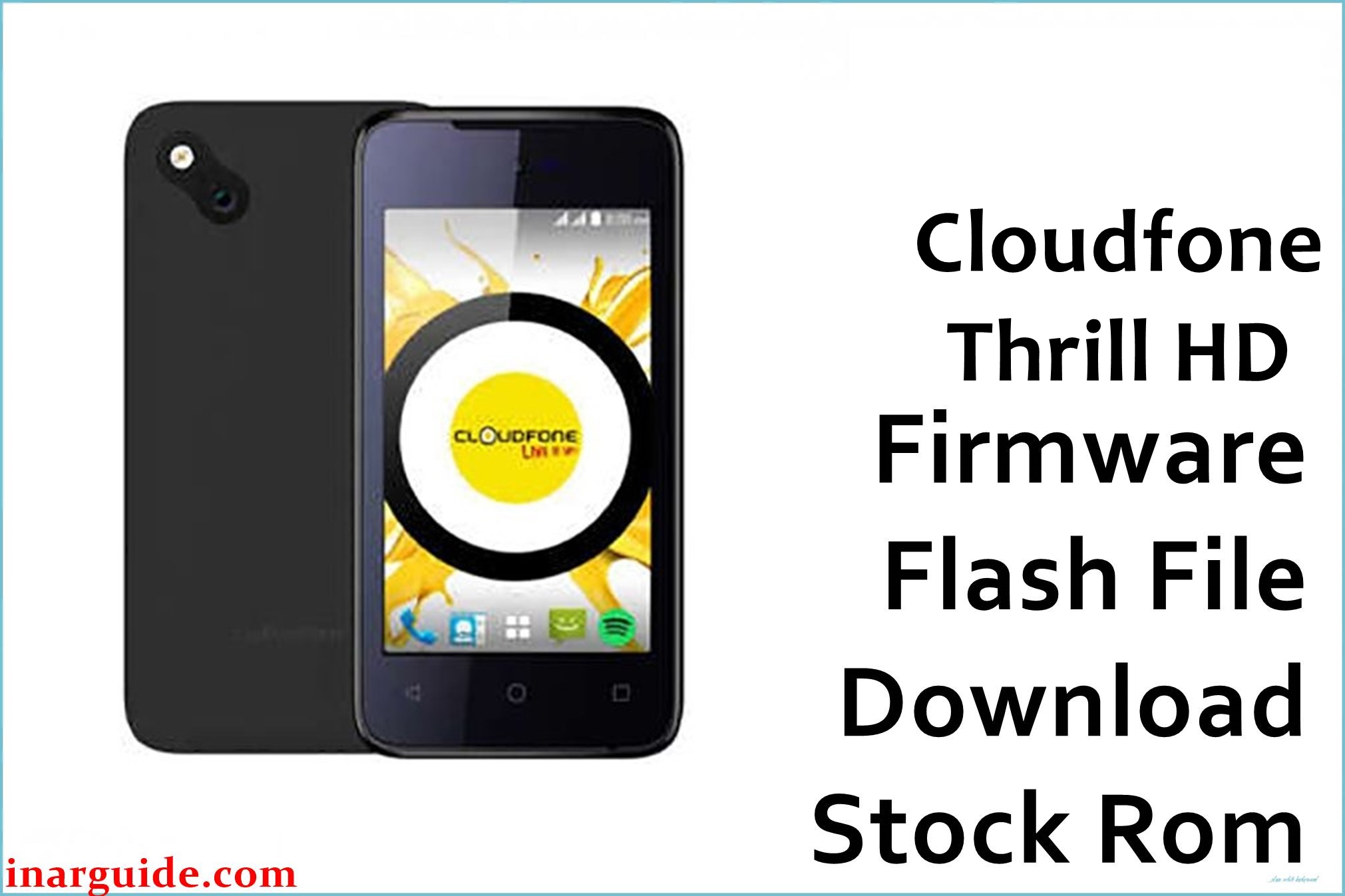
Cloudfone Thrill HD is a budget Marshmallow smartphone launched for Filipino users who wanted an HD screen and clean Android 6.0 experience at a very low price, built around a 5‑inch HD IPS display and MediaTek MT6580 quad‑core chipset.
Over time, many owners report the phone getting stuck on the Cloudfone logo after restarts, entering endless bootloops after failed updates or app installs, suffering heavy lag because of 1GB RAM, and random crashes when internal storage is nearly full.
The official Cloudfone_Thrill_HD_MT6580_21012016_6.0.zip firmware rebuilds the complete stock system, fixes bootloop and stuck‑logo issues, restores original performance, and can also repair IMEI/software corruption typical on this model.
Cloudfone Thrill HD Firmware Details
| Detail | Information |
|---|---|
| Device Name | Cloudfone Thrill HD |
| Model | Thrill HD (MT6580) |
| Chipset | MediaTek MT6580 |
| CPU | Quad‑core 1.3GHz |
| GPU | Mali‑400 |
| Android Version | 6.0 Marshmallow (stock) |
| Firmware Version | 21012016 |
| Build Date | January 21, 2016 |
| File Size | ≈898.98MB (reported as 900MB) |
| File Type | ZIP package (scatter‑based ROM) |
| Flashing Tool | SP Flash Tool |
| RAM | 1GB |
| Internal Storage | 8GB (expandable via microSD up to 64GB) |
| Display | 5‑inch HD IPS, 1280×720, ~294ppi |
| Rear Camera | 8MP autofocus + LED flash |
| Front Camera | 2MP |
| SIM | Dual SIM (1 micro, 1 regular) |
| Battery | 2000mAh removable |
This firmware is ONLY for Cloudfone Thrill HD with MT6580 and Android 6.0. Flashing on any other Cloudfone model (Thrill Lite, Access, Plus, etc.) can cause PERMANENT HARD BRICK and IMEI loss.
Download Official Firmware for Cloudfone Thrill HD
| Filename | Size | Build Date | Version | Android | Flash Type | Region / Notes | Download |
|---|---|---|---|---|---|---|---|
| Cloudfone_Thrill_HD_MT6580_21012016_6.0.zip | ≈898.98MB | January 21, 2016 | 21012016 | 6.0 Marshmallow | Scatter ROM (SP Flash Tool) | Official stock firmware for Cloudfone Thrill HD; suited for fixing bootloop, stuck logo, software errors, and IMEI issues. | Download (MediaFire) |
This build is ideal if the phone is stuck at logo, keeps rebooting, fails to enter recovery, or shows system/UI errors caused by modified or corrupted system files.
Flashing Requirements
- Windows PC (Windows 7/8/10/11) with administrator privileges.
- Installed MediaTek USB VCOM & Preloader drivers for MT6580 devices.
- SP Flash Tool (latest v5.x recommended) extracted on the PC.
- Cloudfone_Thrill_HD_MT6580_21012016_6.0.zip fully downloaded and extracted.
- Good quality micro USB data cable (not just a charging cable).
- Phone battery charged to around 40–60% to avoid sudden shutdown during flash.
- Complete backup of user data where possible, because flashing can erase all data on the phone.
How to Flash the Firmware
- Extract the firmware ZIP and SP Flash Tool, then install MTK VCOM/Preloader drivers on your PC.
- Open SP Flash Tool as Administrator and load the MT6580 scatter file from the Thrill HD firmware folder.
- Select “Download Only”, optionally uncheck preloader if you want a safer flash and your device still powers on.
- Turn OFF the phone completely, click “Download” in SP Flash Tool, then connect the phone via USB (often with Volume Down held).
- Wait for the progress bars to finish and confirm a green “Download OK” checkmark, then disconnect and power on the phone.
For a complete, picture‑rich walkthrough for MTK scatter firmware, follow this full MediaTek (MTK) SP Flash Tool flashing guide.
The firmware and links above are provided “as is”. No responsibility is accepted for bricked devices, lost data, IMEI/DRM corruption, warranty loss, or hardware damage during flashing. If anything goes wrong or you see BROM errors, share the exact error message in the comments so the community can help troubleshoot drivers, scatter selection, or DA settings.
Frequently Asked Questions (FAQs)
What problems can this Thrill HD firmware fix?
It can repair bootloop and stuck‑on‑logo issues, fix software corruption after failed updates, and restore the device to clean stock Marshmallow, including system apps and partitions.
Will flashing this ROM delete all my data?
Yes, a full scatter flash usually formats user data and internal storage, so all apps, messages, and settings are removed; always back up important files first.
How do I confirm my phone is really Cloudfone Thrill HD MT6580?
Check the box/label or About Phone for “Thrill HD” and an MT6580‑based board; if your device is Thrill Lite, Thrill Access, Thrill Plus, or any non‑HD variant, do NOT flash this file.
Can this firmware fix invalid IMEI or “No service” issues?
The ROM can repair NVRAM/software damage that caused network errors, but if IMEI was wiped, it may still need legal IMEI repair using appropriate tools after flashing.
SP Flash Tool shows BROM or DA errors when flashing – what should I do?
Reinstall MTK drivers, try another USB port/cable, re‑extract the ZIP, confirm you loaded the correct MT6580 scatter, and keep the phone powered off with buttons held as required; many generic bootloop/flash errors follow the same pattern on MTK devices.





