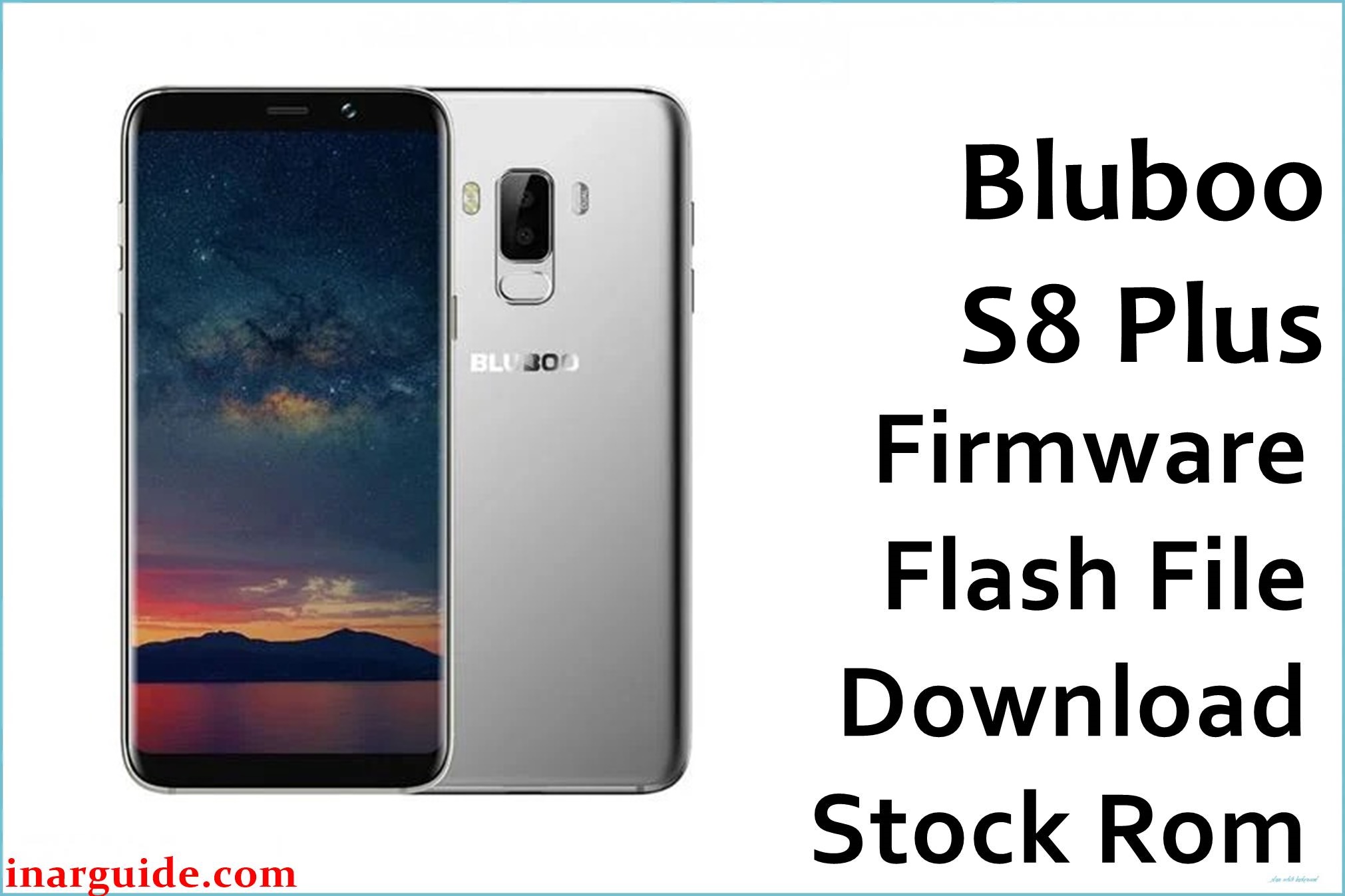
The Bluboo S8 Plus is one of Bluboo’s large-display smartphones built with a Spreadtrum/UNISOC processor and Android 7.0 Nougat OS. Although stylish and affordable, many users have reported bootloop issues, FRP lock problems, fingerprint malfunction, and poor system performance after installing unverified apps or performing a factory reset. These issues are mostly caused by a corrupted system partition or a failed OTA update.
Flashing the official Bluboo S8 Plus stock firmware restores the phone to its original factory state and fixes common issues such as stuck on logo, forgotten pattern lock, baseband loss, or missing IMEI. This tested firmware also improves the device’s stability and charging calibration.
Bluboo S8 Plus Firmware Details
| Device Name | Bluboo S8 Plus |
|---|---|
| Model | S8 Plus |
| Chipset | Spreadtrum / UNISOC |
| Android Version | 7.0 (Nougat) |
| Firmware Version | 7.0.026_171225 |
| Build Date | 25 December 2017 |
| File Size | 1.44 GB |
| File Type | CPB firmware package |
| Flashing Tool | QGDP Tool (Spreadtrum) |
⚠️ Warning: This firmware is strictly for the Bluboo S8 Plus model only. Flashing it on other Spreadtrum-powered Bluboo devices can cause display or boot errors. Ensure your battery is above 60% and your USB drivers are correctly installed before flashing.
Download Official Firmware for Bluboo S8 Plus
Below is the verified firmware file for the Bluboo S8 Plus smartphone. This CPB file can be flashed using the QGDP Tool. It is a complete firmware package that reinstalls the system, userdata, and recovery partitions.
📄 Filename: Bluboo_S8_Plus_7.0.026_171225_7.0_QGDP.zip
📦 Size: 1.44 GB
🗓️ Build Date: 25 December 2017
🔢 Build Version: 7.0.026_171225
🤖 Android Version: 7.0 Nougat
⬇️ Download Link: Download from Google Drive
How to Flash the Firmware
Follow these five quick steps to flash the firmware onto your Bluboo S8 Plus device using the official Spreadtrum flashing tool. This procedure is suitable for .CPB firmware files.
- Download and extract the firmware ZIP file on your computer.
- Install the official SPD USB drivers to ensure your phone is recognized by the tool.
- Launch the QGDP Tool on your PC and load the downloaded firmware CPB file.
- Connect your powered-off Bluboo S8 Plus to the PC via USB cable and start the flashing process.
- Wait until the tool displays a success message, then disconnect and reboot the phone.
For a complete step-by-step guide with driver installation and screenshots, visit the official flashing tutorial below:
Disclaimer: Firmware flashing is intended for advanced users or technicians. We are not responsible for any hardware or software damage that may occur during or after flashing. Please back up your personal data before proceeding. If you face issues during the flashing process, leave a comment on this post for assistance.





