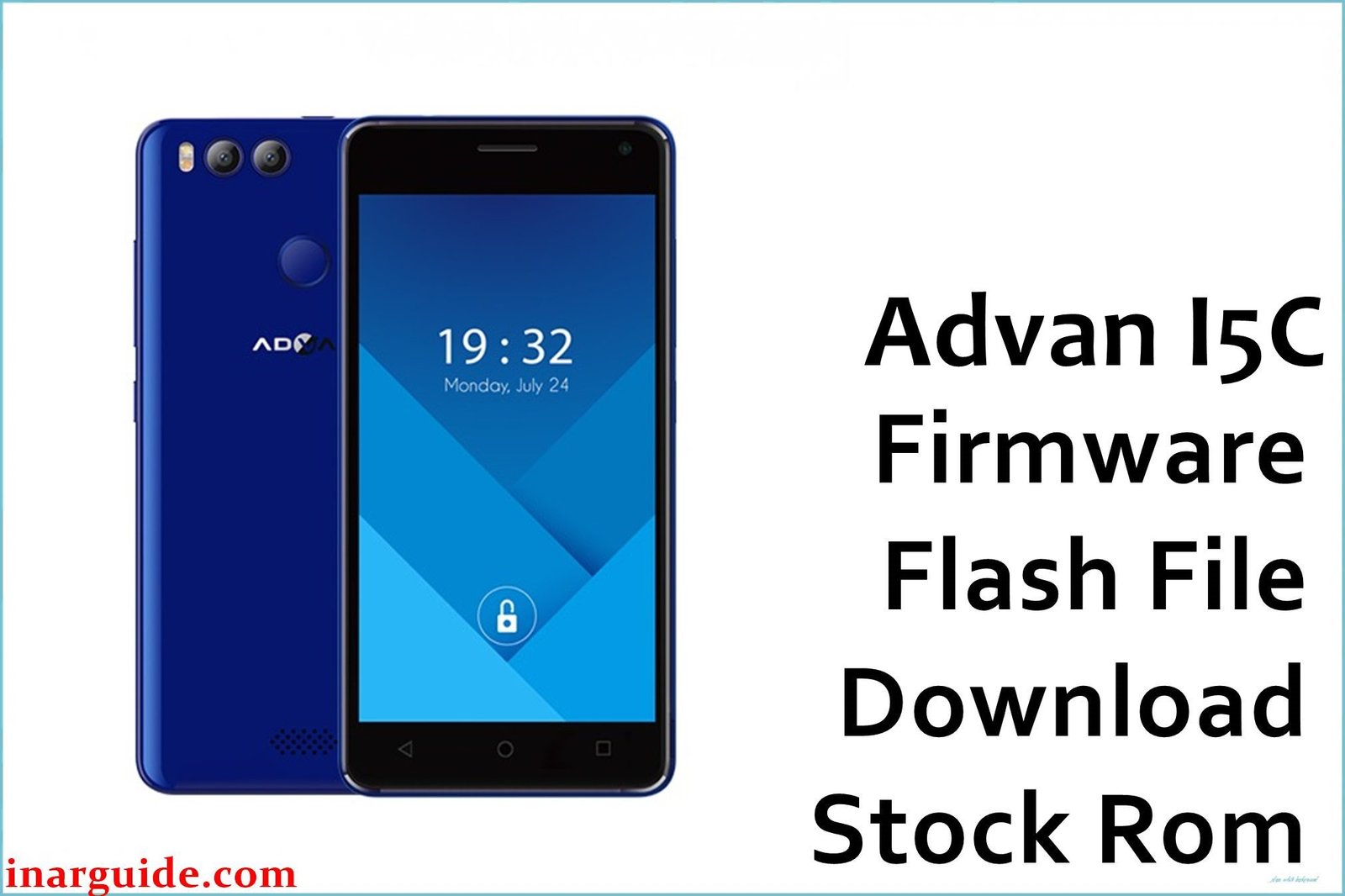
The Advan i5C is a 5-inch, 4G LTE smartphone from late 2016. It is crucial to know that the “i5C” name was used for several different phones with different hardware. This guide provides the official stock firmware specifically for the Advan i5C variant powered by a MediaTek MT6737M processor (model LF5029).
This is a complete firmware package designed to be installed using the SP Flash Tool. It is the definitive solution for a range of critical software problems, including a bricked or dead phone (mati total), a device stuck on the Advan boot logo, or network-related issues like a lost 4G signal.
⚠️ Data Deletion Warning
The flashing process will completely erase all data from your phone’s internal storage, including:
- Contacts and call logs
- Messages and chat history
- Photos, videos, and files
- Installed apps and settings
Please back up your data before proceeding. This action is irreversible and your information cannot be recovered once erased.
Quick Device Specs (MediaTek Variant)
- Device: Advan i5C (LF5029)
- Release year: 2016
- Chipset: MediaTek MT6737M
- Display: 5.0″ IPS LCD, 720 x 1280 pixels
- RAM/Storage: 1GB/8GB
- Battery: 2200 mAh
- Original OS: Android 6.0 (Marshmallow)
Required Downloads
To flash this firmware, you will need the SP Flash Tool software and the correct MediaTek VCOM USB drivers for your Windows PC. You can find secure links to download these essential utilities in our main guide, which is linked in the how-to section below.
- The firmware package from the table below
- SP Flash Tool
- MediaTek VCOM USB Drivers
Official Stock Firmware (ROM)
| Build Version | Android Version | Type | Download |
|---|---|---|---|
| 2016-12-09 | 6.0 Marshmallow | Stock ROM (SP Flash Tool) | Download |
How to Flash Stock Firmware
To restore the software on your Advan i5C, you will use the SP Flash Tool on a PC. First, ensure the MediaTek VCOM drivers are properly installed. Launch the tool, load the MT6737M_Android_scatter.txt file from the extracted firmware folder, and select the “Download Only” mode. Click the “Download” button. Power off your phone completely, then connect it to your PC with a USB cable to start the flashing process.
For a complete, step-by-step walkthrough, driver downloads, and troubleshooting, please refer to our detailed pillar guide: How to Flash Stock Firmware with SP Flash Tool.
Device-Specific Troubleshooting for Advan i5C
- CRITICAL – For MediaTek i5C (LF5029) ONLY: This firmware is exclusively for the Advan i5C with a MediaTek MT6737M chipset. It is NOT compatible with the Advan i5C Duo or i5C Lite, which use Spreadtrum chipsets and different firmware files. Flashing this ROM on the wrong model will brick the device.
- Restoring Lost 4G Signal / Invalid IMEI: A common issue on MediaTek devices after a bad flash is the corruption of the NVRAM, leading to a lost IMEI number and no network signal. Flashing this full stock ROM is the essential first step to fix this by restoring the original modem files. If the IMEI is still null after flashing, a separate tool may be needed to repair it.
- PC Not Detecting the Phone: This is the most common problem and is always caused by a driver issue. Uninstall any other mobile phone drivers, restart your PC, and do a fresh install of the MediaTek VCOM drivers. The phone should only be connected after clicking “Download” in the tool.
- SP Flash Tool “PMT changed” Error: If you see this error, the partition layout on your phone is different from the firmware’s. To solve this, change the dropdown option in SP Flash Tool from “Download Only” to “Firmware Upgrade” and try flashing again.
FAQs
- Q1. My Advan i5C phone is dead. How do I know if this is the right firmware?
- This firmware is only for the Advan i5C model LF5029 with a MediaTek chipset. If you have an i5C Duo or i5C Lite, you need a different firmware and likely a different flashing tool (like YGDP or SPD Tool).
- Q2. Can I use this on the Advan i5C Duo or i5C Lite?
- No, absolutely not. The i5C Duo and i5C Lite use Spreadtrum chipsets and different firmware. This file will brick your phone if it’s not the correct MediaTek model.
- Q3. Will I lose my data by flashing this firmware?
- Yes, the SP Flash Tool process will completely erase the phone’s internal storage, deleting all your personal data and restoring it to factory settings.
- Q4. What version of Android is this?
- This is the official stock firmware for Android 6.0 Marshmallow for the MediaTek version of the Advan i5C.





